How to Make Professional Videos with AI Video Generators
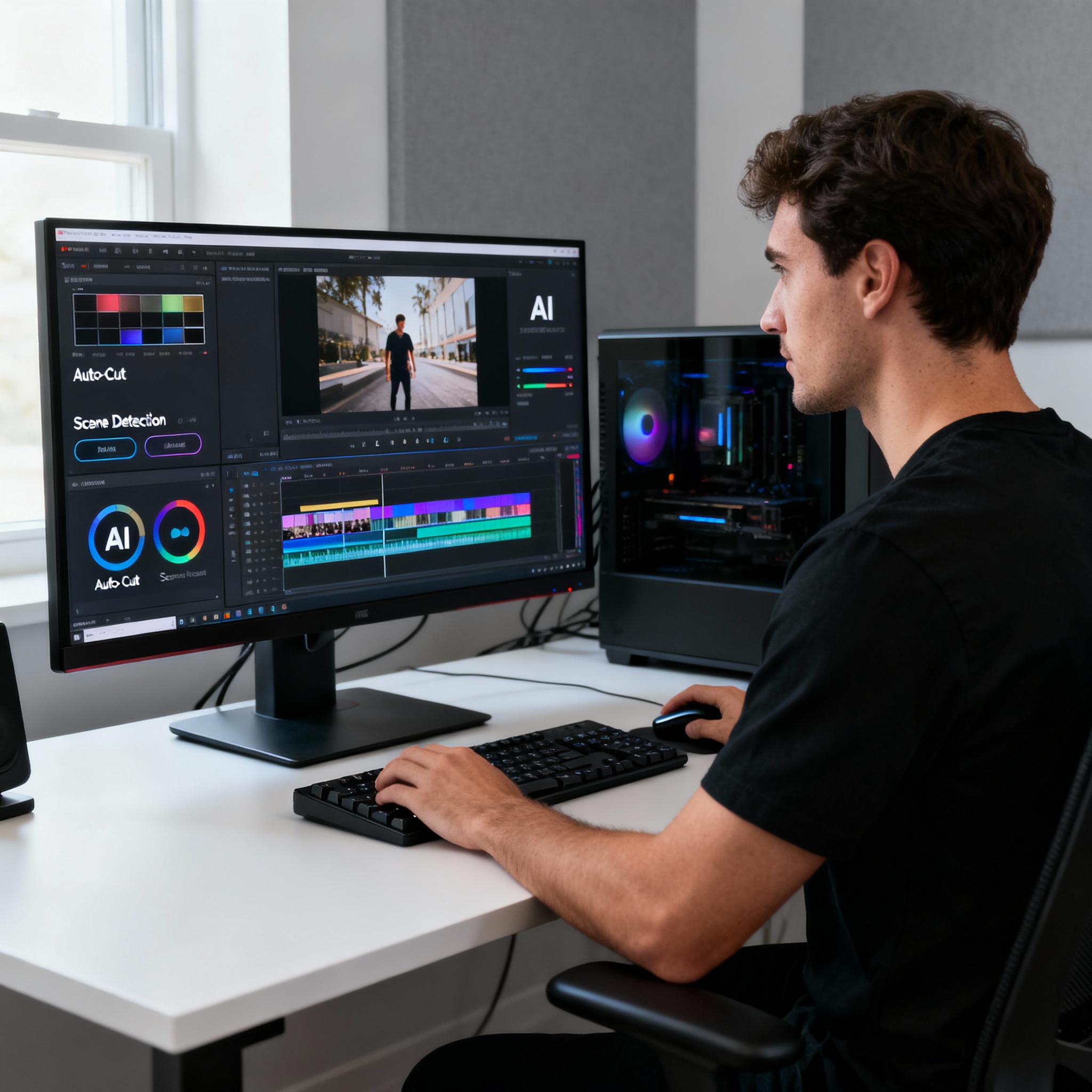
Digital content creation has moved at a remarkable pace over the past few years. Video sits at the center of that shift; for brands, the right 60-second clip can do more than pages of text ever could. But do you really need to rent a studio or hire a video editor to produce professional-quality footage? Not anymore. Artificial intelligence (AI) video generators have made the process accessible to everyday users, too.
AI video generators can automatically turn text into videos. That means you can paste in a blog post, product description, or even a quick idea, and the tool will transform it into a scene-by-scene video. Built-in templates, royalty-free music, and visual libraries make the whole process even faster. If you’re just getting started, check out our guide to What is an AI Video Generator?.
Features like automatic subtitle generation, voiceovers, and video analysis are now standard in many of these tools. For example, if you want to reach viewers with hearing loss, you don’t need to create subtitles separately; the system generates them for you. That instantly helps expand your video’s reach.
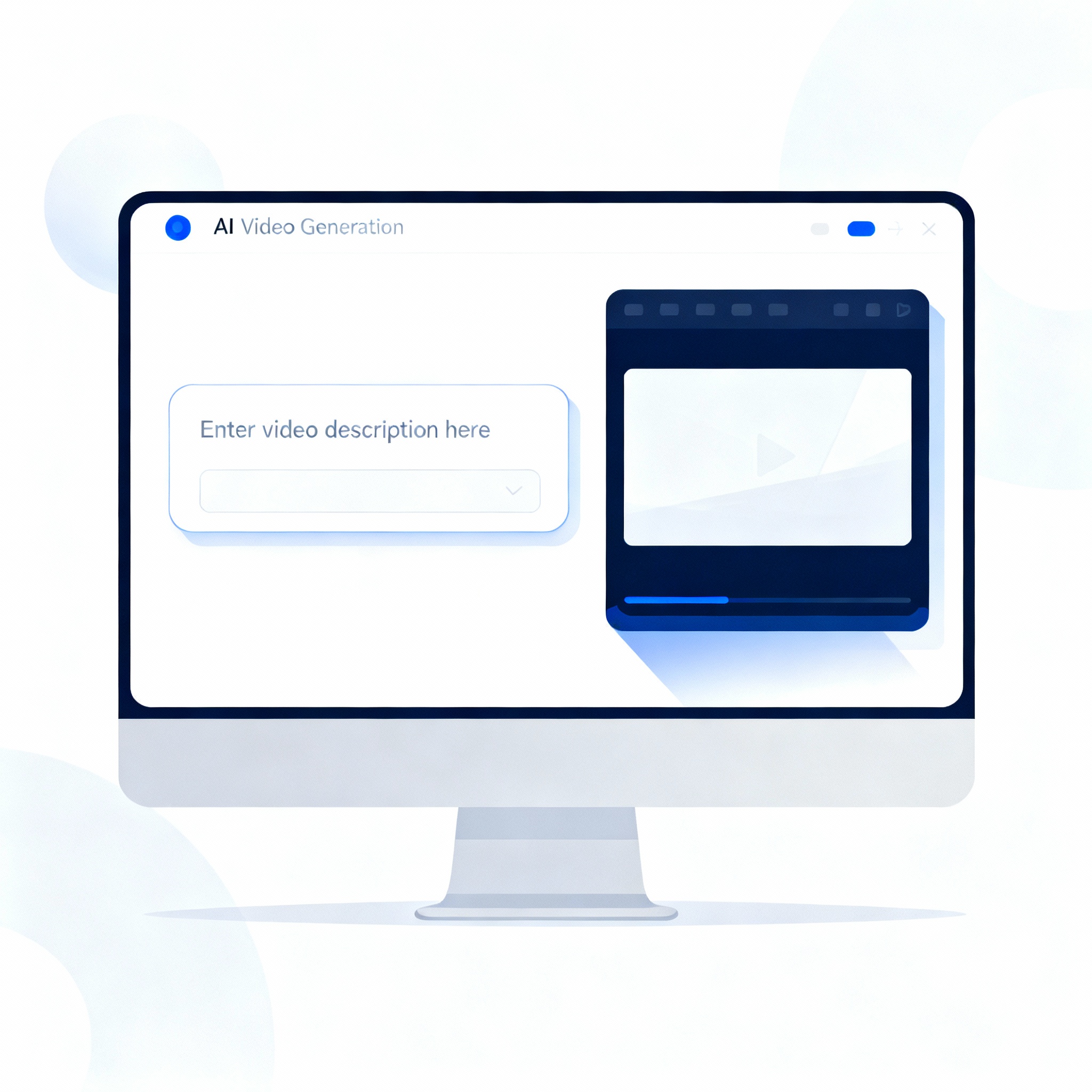
The first step in creating a professional video doesn’t actually start with the tool, but with you: Who is your target audience, and what do you want this video to make them do? If you’re promoting an e-commerce product, a short and punchy format works best. If you’re creating educational content, a step-by-step structure makes more sense. Once you’ve answered those questions, choose the AI template that best fits your goal.
After adding your text and visuals, choose your music and voiceover preferences. Keeping the video visually clean but still informative helps deliver the message without distracting the viewer. Most AI video tools also let you export finished videos in sizes optimized for platforms like YouTube, Instagram, and Facebook—one video, multiple channels. For even better results, take a look at the tips in our article AI Video Editing: 7 Tips for Professional Results.

Creating video content regularly and consistently helps your brand or personal profile stand out in your industry. A professional-looking video builds trust with viewers and creates a clear difference that sets you apart from competitors. AI tools offer real convenience here, saving both time and budget.