How to Identify AI-Generated Photos?
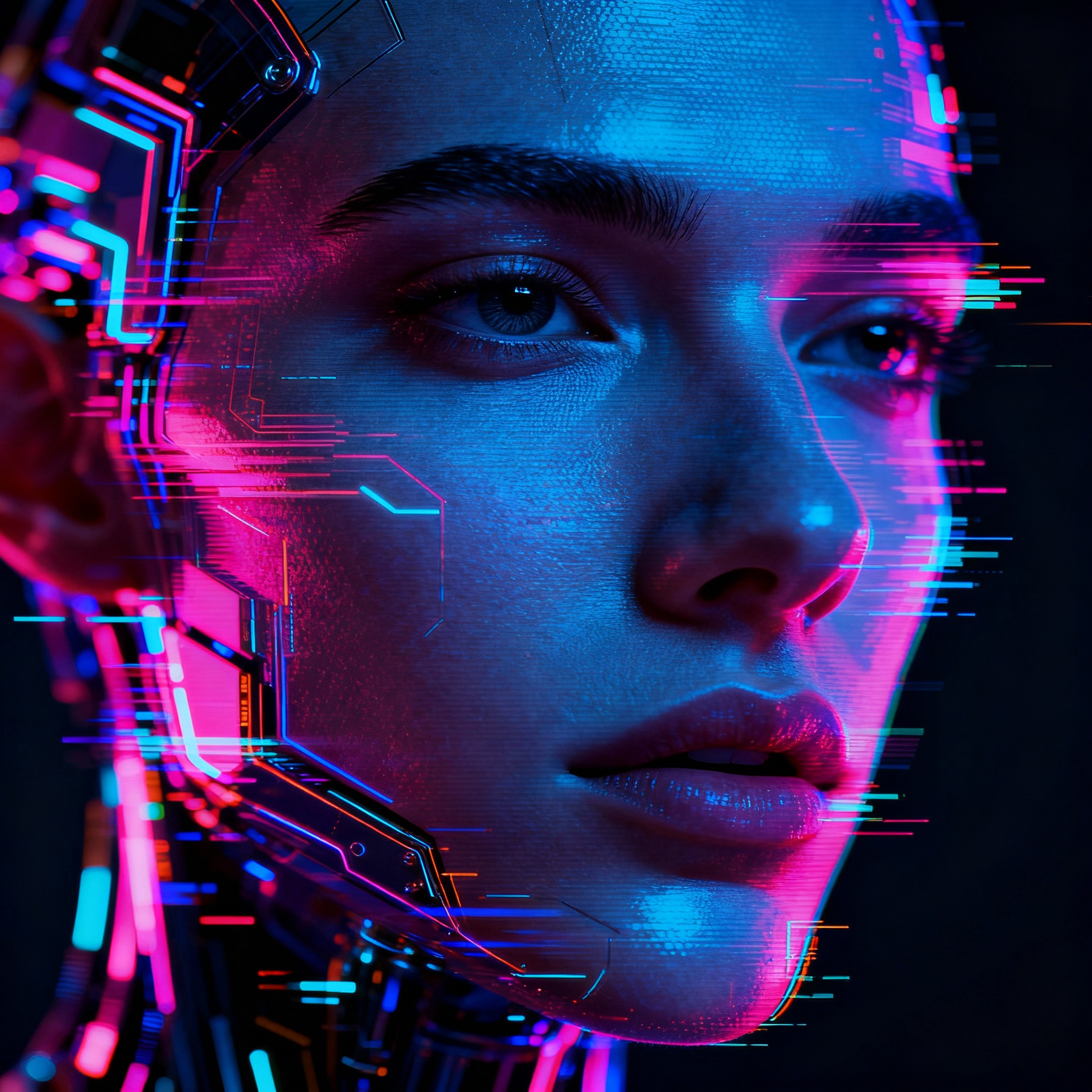
In today's world, artificial intelligence (AI) is revolutionizing the photography landscape. AI-generated photos now appear so realistic that spotting their artificiality can be an overwhelming challenge. However, a discerning eye will always pick up on subtle clues. In this article, we share practical tips and techniques to help you identify images created by artificial intelligence.
Inconsistencies often stand out in AI-generated images. Look for asymmetries in human faces, hands with an extra finger, peculiar clothing details, or shadows that fail to match the light source—these are common red flags. Additionally, you might notice jumbled letters in the background, nonsensical signs, or oddly proportioned objects.
These mistakes aren't random; they highlight AI's struggle to fully understand the physical laws that govern our reality. When evaluating an image, ask yourself, "Could this scene realistically exist?" This question will guide you in the right direction.
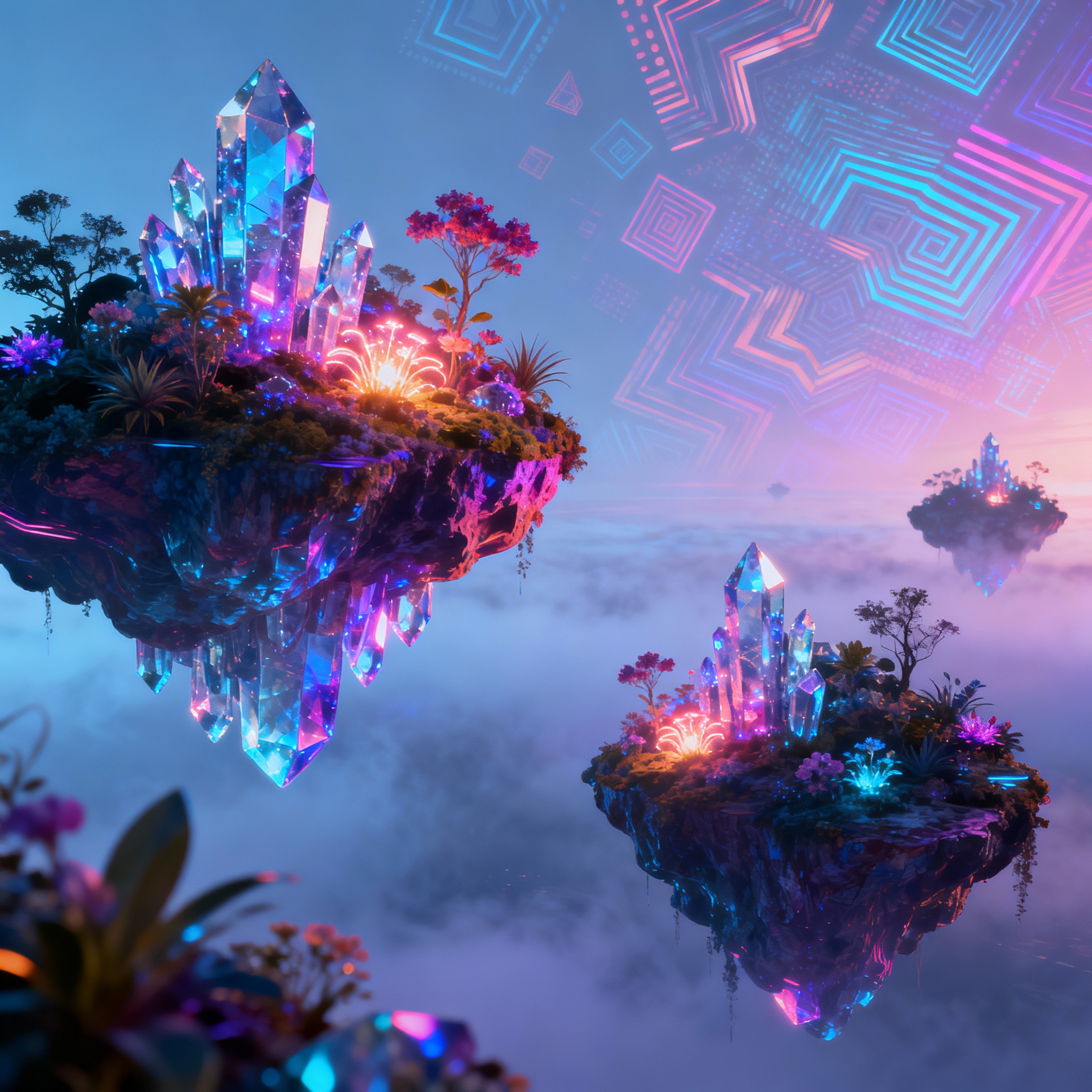
Next, assess the quality of textures and surfaces in the image.
AI still struggles to replicate certain textures accurately. Details like small pores on human skin, skin folds, the intricate knit of a sweater, or the rough surface of sand often expose AI images. If an image appears overly smooth, almost plastic-like, that’s a significant warning sign.
In genuine photos, light bounces off textures from various angles, creating a rich sense of depth. This natural depth is often lacking in AI images, which tend to feel flat and sterile. For more insights on this topic, check out our piece on Image Editing: Creative Ideas and Applications with AI.
Finally, investigate the source and context of the photo.
The platform where the photo appears, who shared it, and the intended use all offer vital clues. An image sourced from an obscure or dubious account raises the likelihood of it being AI-generated. Furthermore, if you encounter a scene that defies reality, displays illogical composition, or captures an angle that seems impossible for a photographer, it’s time to pause and reflect.
So, what if you're still uncertain? Using reverse image search tools like Google Images or TinEye is the quickest way to trace its origin. You can also explore free AI tools at aibudur.com and receive 50 free credits. For those keen to delve deeper into AI image generation, our article AI Image Generation: A Step-by-Step Guide will be immensely helpful.