How to Connect ChatGPT to WhatsApp
WhatsApp is one of the most widely used messaging apps today. So how can you make better use of this powerful platform for your business?
Integrating ChatGPT with WhatsApp to unlock automated messaging is a smart way to strengthen your customer relationships and save time. In this post, we’ll walk you through how to set up automated messaging on WhatsApp by harnessing the power of ChatGPT. Ready? Let’s get started!
The first step is to get access to a platform where you can use ChatGPT. OpenAI’s website or various API providers can meet your needs. Next, you’ll need to sign up for the WhatsApp Business API; this API helps businesses create more structured communication with customers through WhatsApp.
Keep in mind that the WhatsApp Business API is a paid service, and you may need to meet certain requirements. Once registration is complete, you’ll receive a unique API key. Keep it safe—you’ll need it when connecting ChatGPT and WhatsApp.
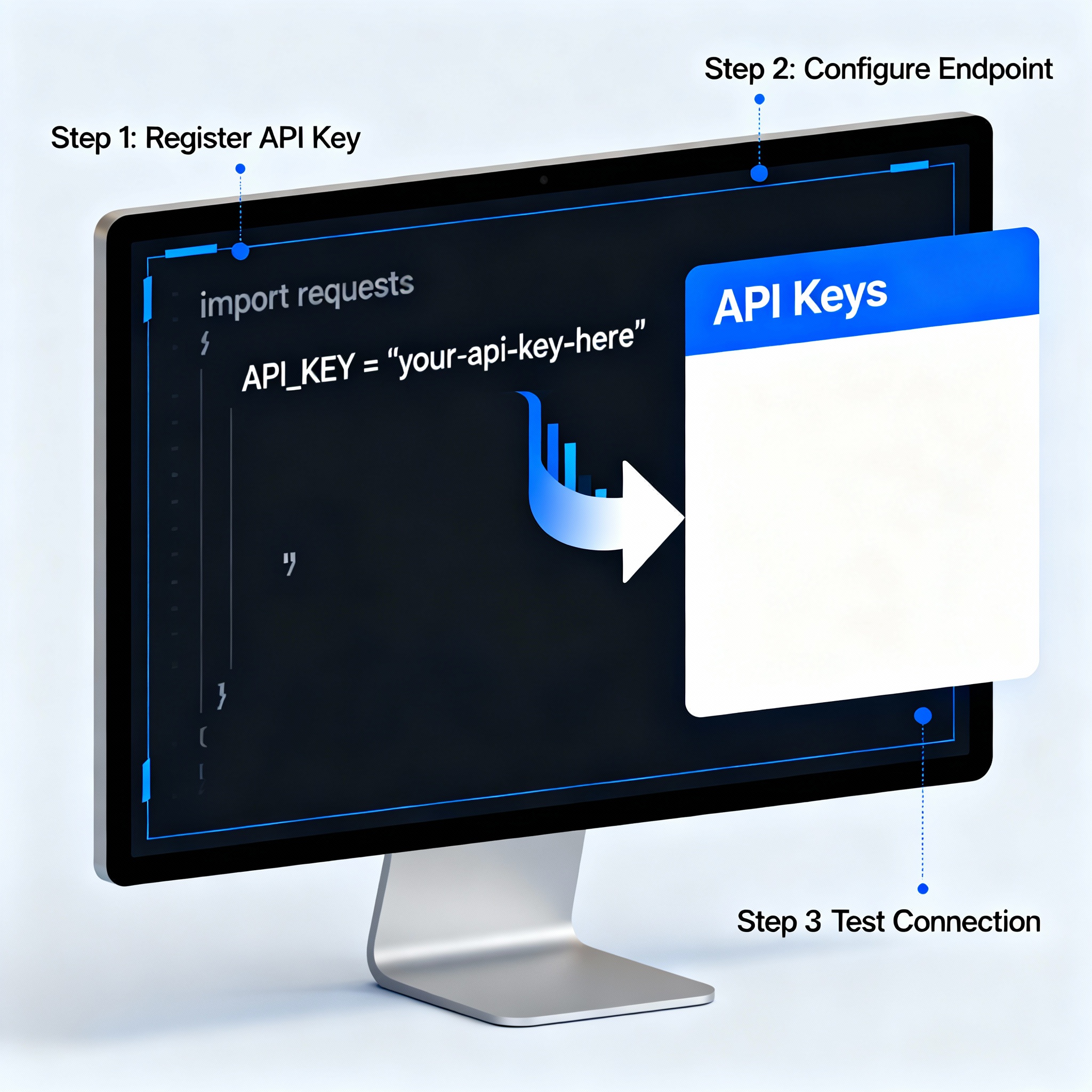
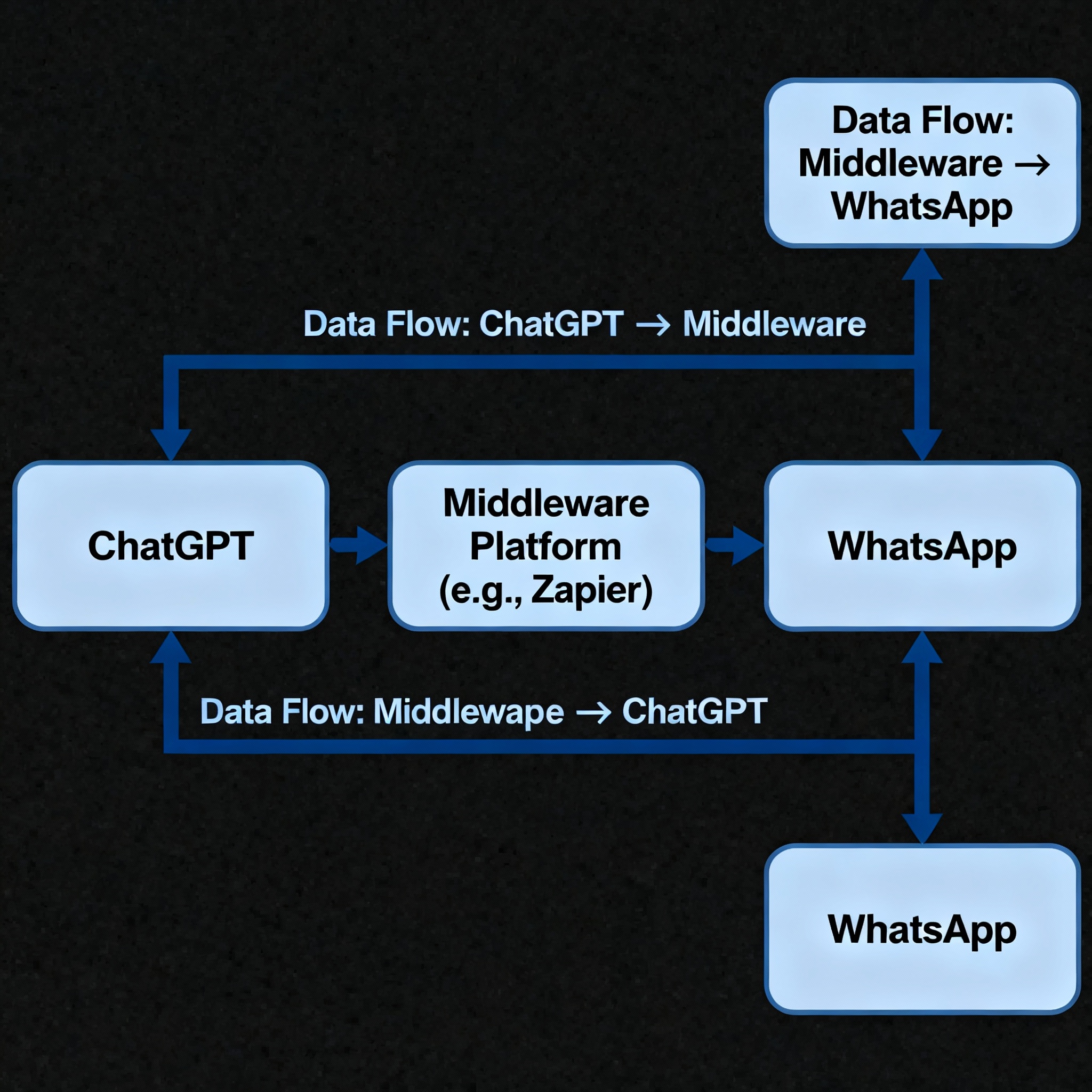
Now it’s time to connect ChatGPT to WhatsApp! There are several ways to do this. Platforms like Zapier or Integromat let you connect different apps without writing a single line of code; with these tools, you can create a workflow that sends text from ChatGPT to WhatsApp.
For those who want more control, you can also build your own integration with Python. In that case, you’ll need to write a script that automatically sends messages using both the WhatsApp Business API and the ChatGPT API. If you’d like a broader look at the setup process on the WhatsApp side, the article How to Perform WhatsApp Chatbot Integration? will also be useful.
Tip:
If you’re just getting started, simpler platforms like Zapier are a great place to begin.
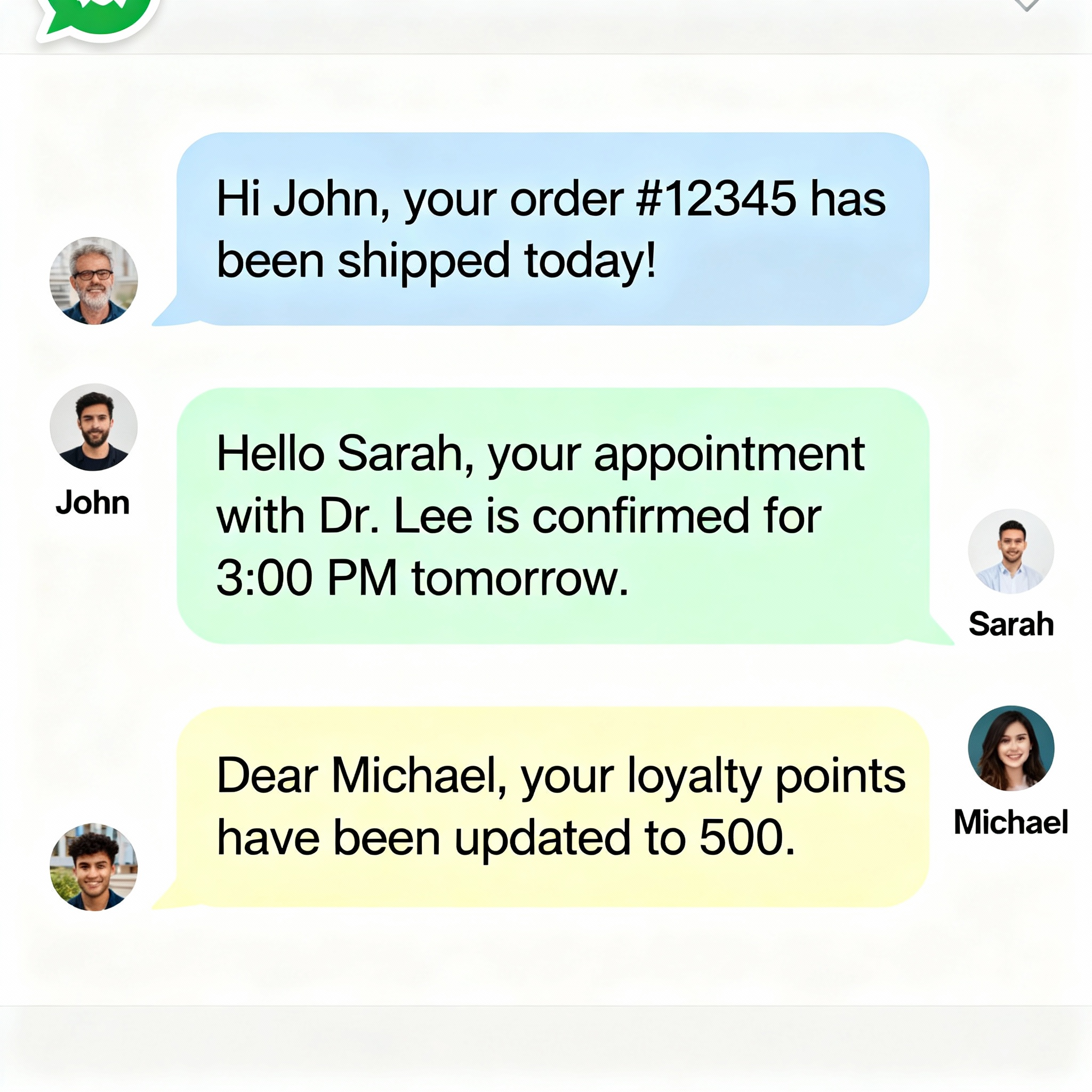
Once your automated messaging is set up, it’s time to make it personal. With ChatGPT, you can create ready-to-use messages for different scenarios: welcoming new customers, answering frequently asked questions instantly, or sharing order status updates are some of the most common examples. Including the customer’s name or past transaction details helps create a natural conversation instead of a robotic exchange.
That small touch can make a big difference in customer satisfaction and build stronger loyalty to your brand. If you’d like to dive deeper into automation scenarios in customer service, the article Automation in Customer Service with WhatsApp AI Bots may also be helpful.
Finally, setting up the system is only the beginning. Regularly review which messages perform best, which questions come up again and again, and where users tend to get stuck. By taking advantage of ChatGPT’s flexibility, you can update your messages based on real data and continuously improve the customer experience.
Automated messaging doesn’t just save time; for example, instead of manually answering 50 repetitive questions a day, your system can handle them in seconds. That frees up your team to focus on more valuable work while cutting customer wait times to zero. If you haven’t tried ChatGPT and WhatsApp integration yet, the real question is: what are you waiting for while your competitors are already using it?