How to Create Your Own Custom GPTs with ChatGPT
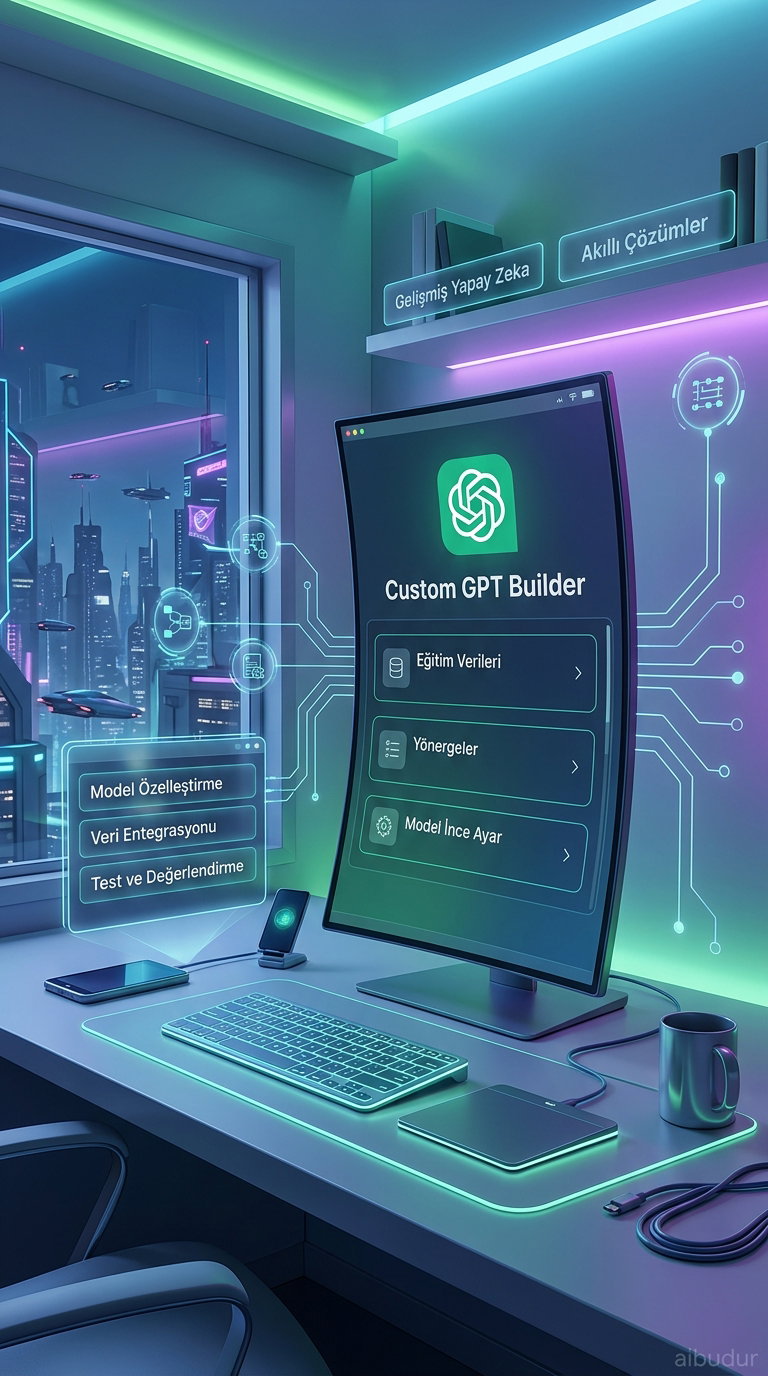
ChatGPT now lets users build their own custom versions. These personalized models, known as Custom GPTs, work entirely from the instructions, data, and capabilities you define—unlike the general-purpose ChatGPT. Whether you want a customer support assistant, a legal glossary, or a social media content generator, the choice is completely yours. This feature is currently available to ChatGPT Plus and Enterprise subscribers.
How to Build a Custom GPT
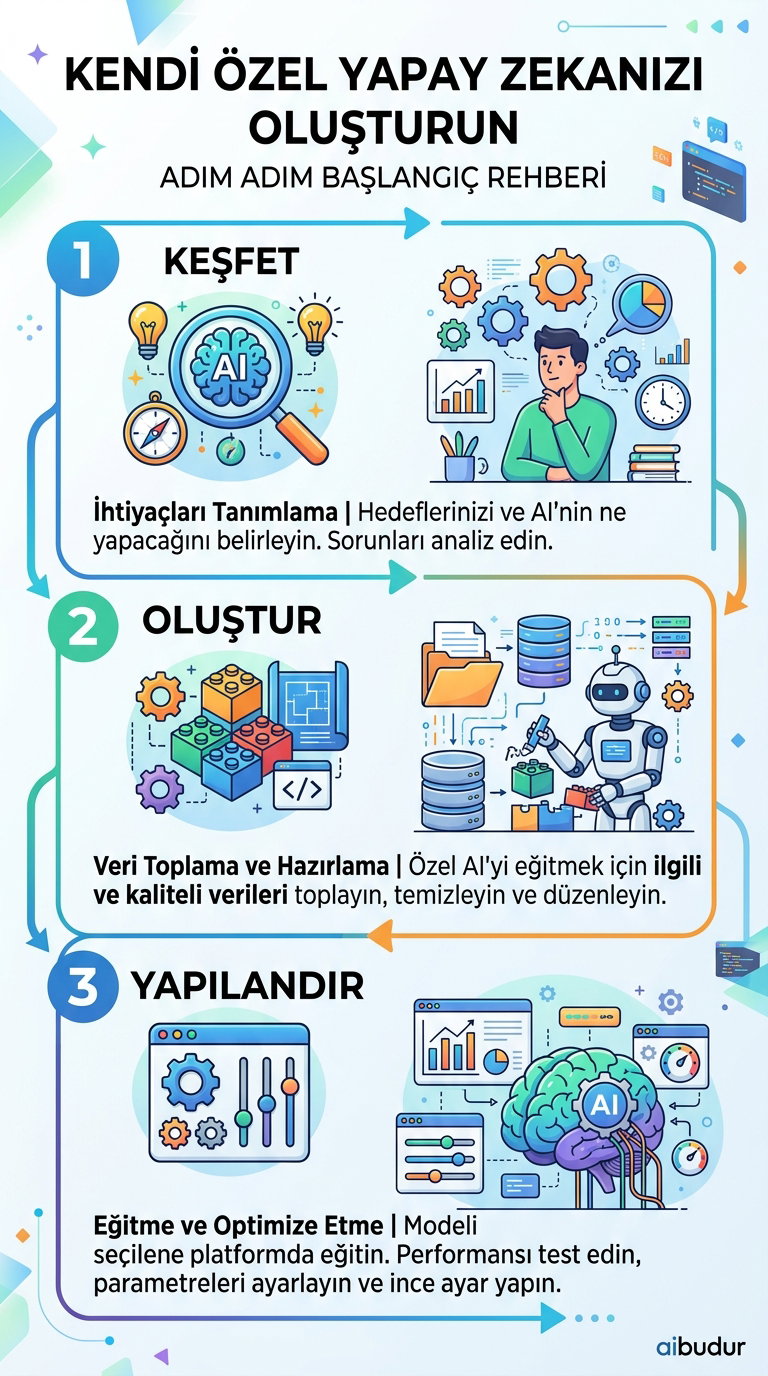
The process is much easier than you might think; you don’t need to write a single line of code. Just go to the "Explore GPTs" section in the ChatGPT interface and click "Create a GPT." This opens the GPT Builder.
This interface walks you through the setup step by step in a chat. You define the AI’s purpose, what topics it should help with, and the tone it should use. For example, you can say, "An assistant that writes short and energetic product descriptions for Instagram," and the system will automatically suggest an initial structure for you.
Instructions and Knowledge Base
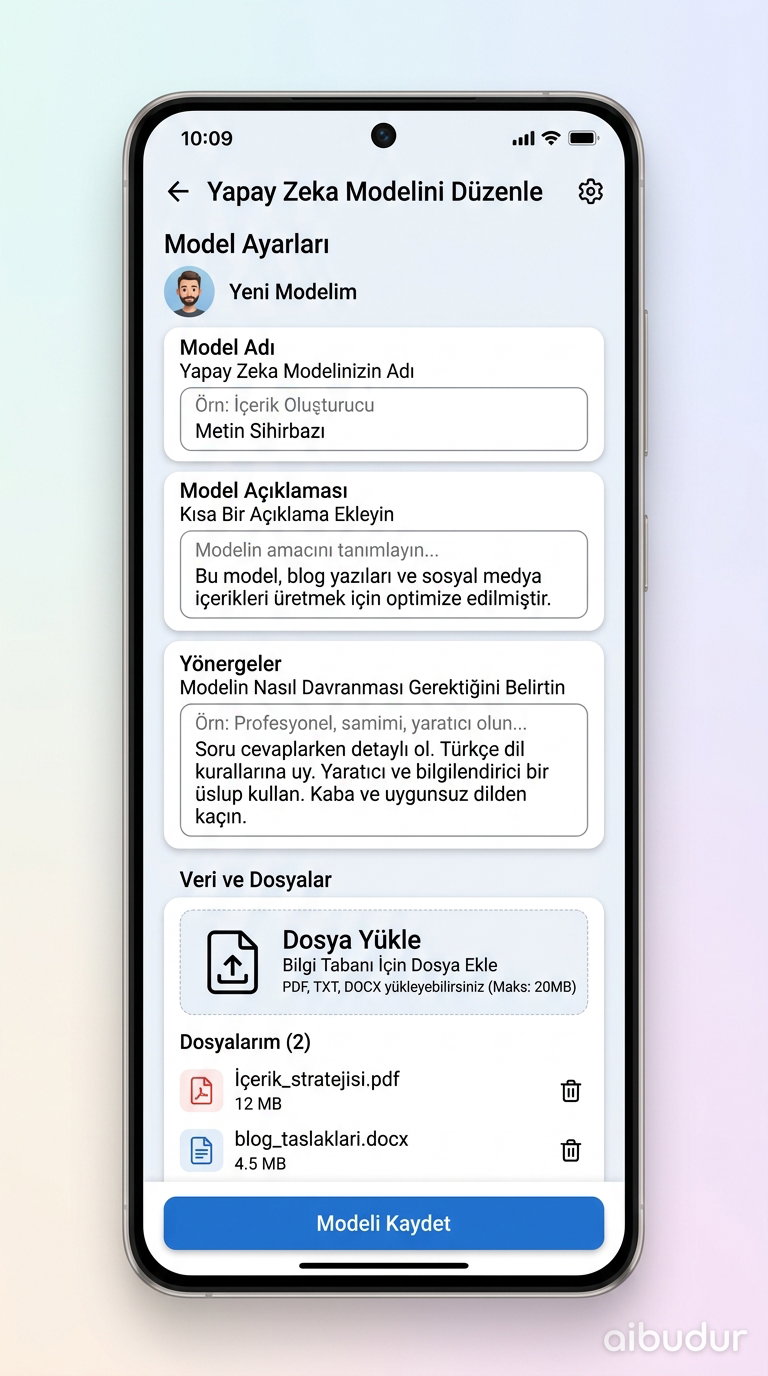
During setup, you give your GPT a name and a description. But the real game-changer is the "Instructions" section. This is where you define the model’s tone, which questions it should avoid, and when it should sound more formal or more casual.
Want your GPT to really understand a specific area? You can upload your own files—PDFs, Word documents, or plain text files—to help shape its responses. The model uses these documents as a reference when generating answers. If you upload a company handbook, for example, the GPT will base its responses on that exact manual.
Once you’ve finished all the settings, you can test your GPT and keep refining it until it works exactly the way you want. When it’s time to save, you have three options: keep it private, share it with specific people, or publish it publicly. If you’re exploring how to improve customer experience with conversational AI, custom GPTs can give you a major advantage.
What Do You Gain with a Custom GPT?
Building your own Custom GPT is a practical way to automate repetitive tasks. Do you write the same kind of email every morning? Need to format reports the same way every time? Those are exactly the kinds of tasks a GPT can handle for you.
These models can also improve over time. As you update your instructions, their behavior changes accordingly. In business scenarios like conversion rate optimization strategies with AI chatbots, custom GPTs can deliver far more consistent results than general-purpose models.
If you want to explore hundreds of AI tools like this in one place, aibudur.com is a great starting point. When you sign up, you can start using the tools right away with 50 free credits added to your account for testing.