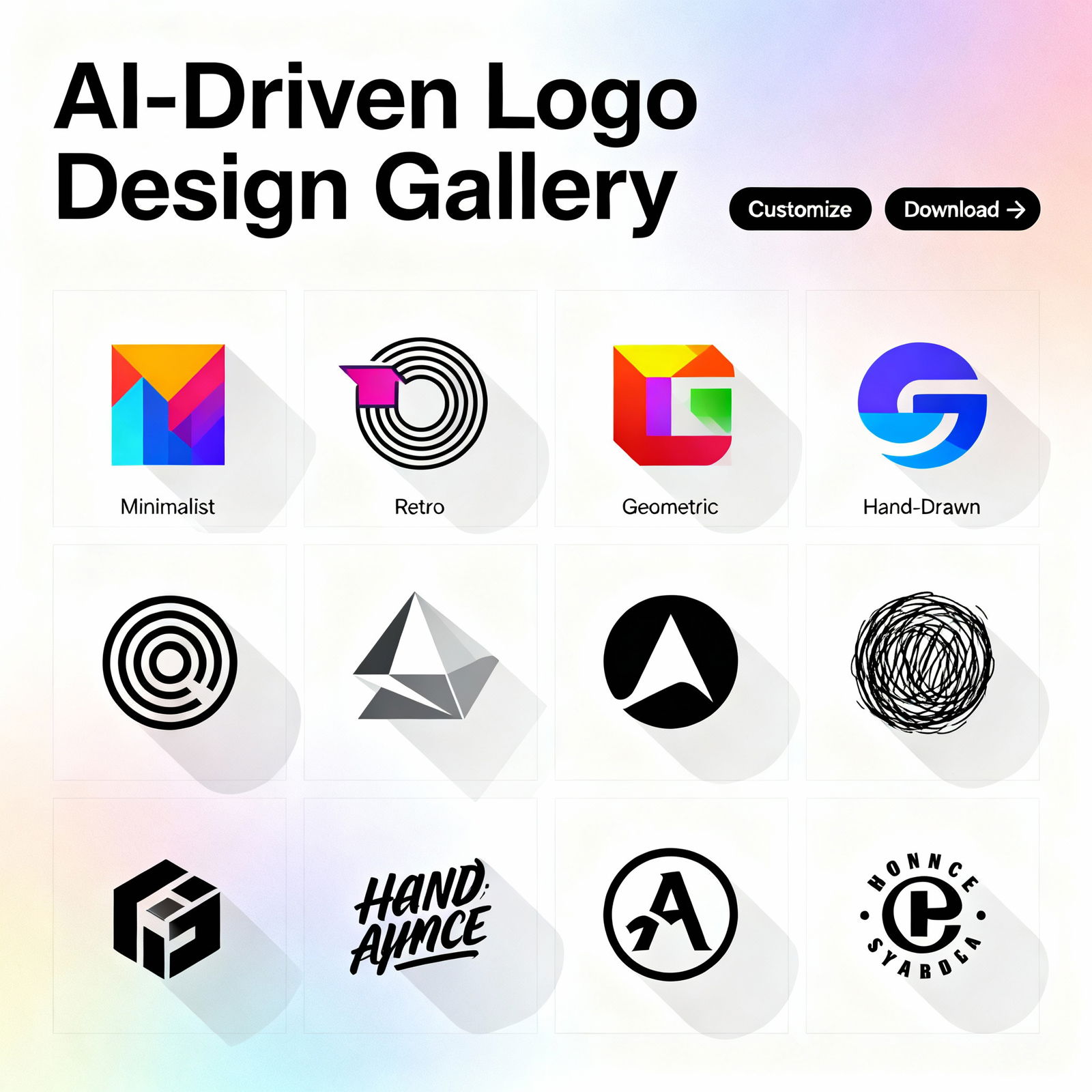
Designing a Logo with AI: A Step-by-Step Guide
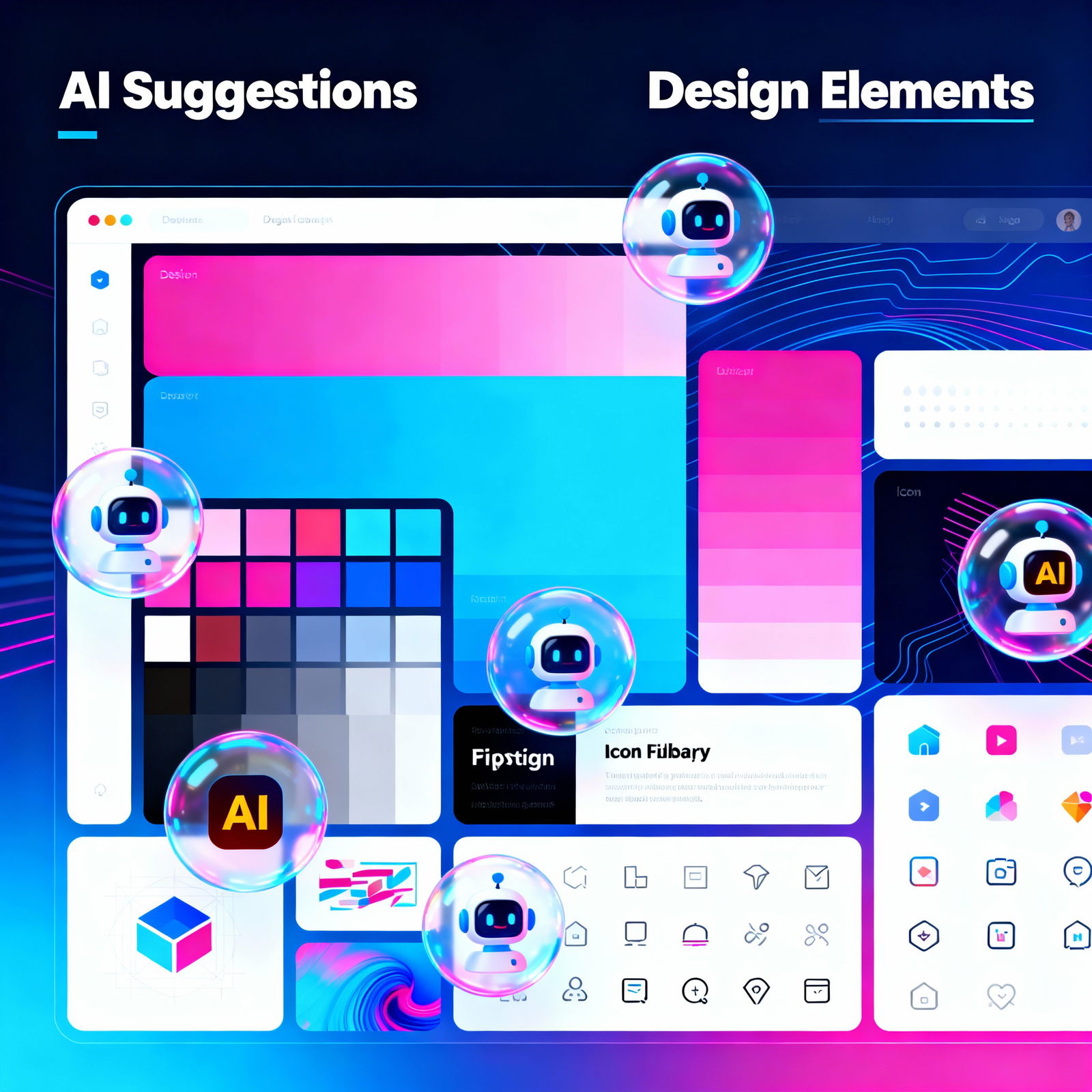
Building a strong brand identity is one of the most important steps to standing out in business. At the center of that identity is your logo. AI-powered logo design tools make the process faster, more accessible, and far more affordable. With traditional design methods, you could spend weeks going through revisions, endless email threads with designers, and invoices that run into the thousands.
AI logo platforms cut through most of that friction. By analyzing the details you share and the nuances of your industry, their algorithms generate original design ideas in seconds. So how do you get started, step by step?
Step 1: Choose an AI Logo Design Tool
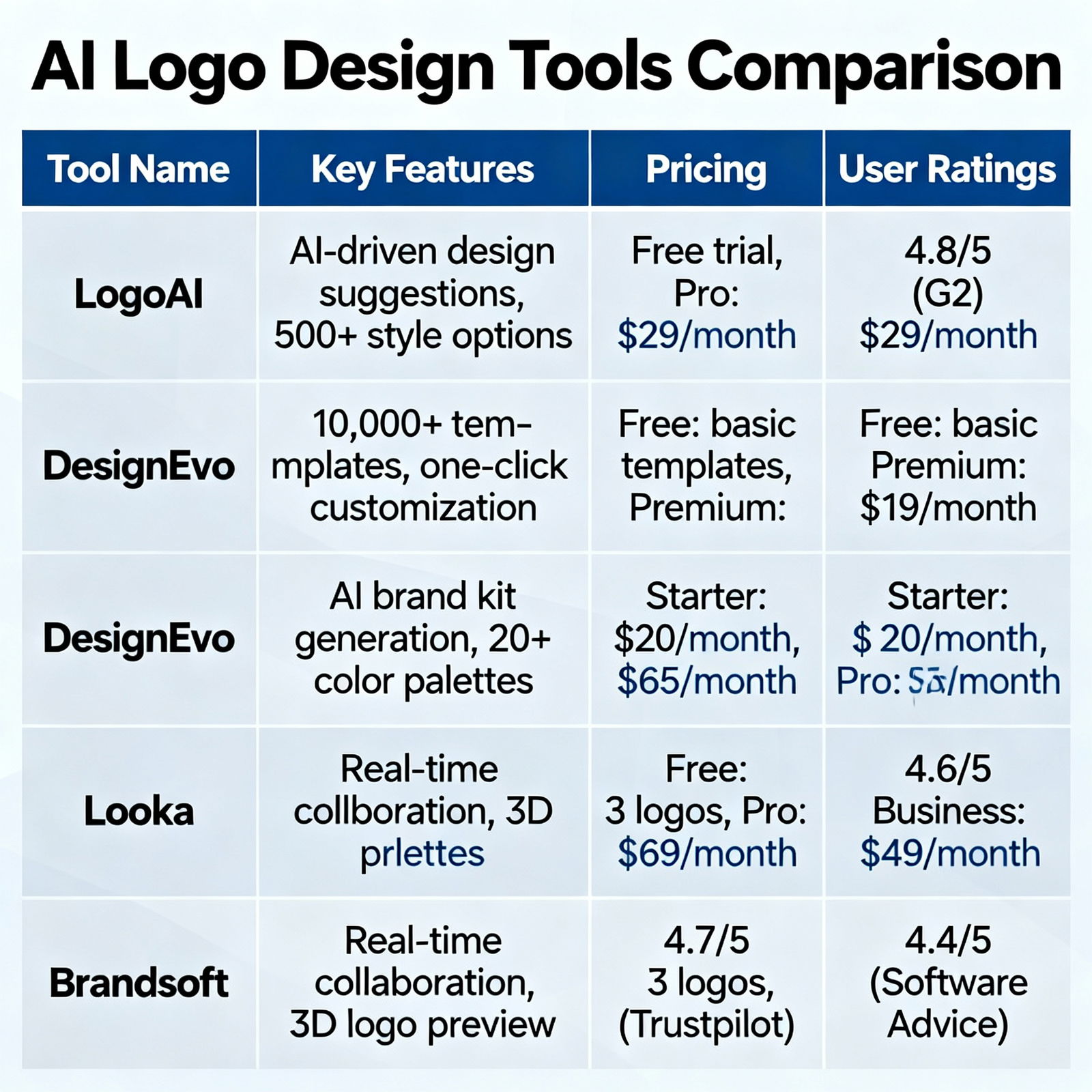
The first step is finding the AI logo design tool that fits your needs and budget. There are plenty of options out there. Some offer deep customization, while others can generate a logo in just five minutes. When choosing a tool, look at ease of use, design variety, pricing, and customer support. If possible, start with a platform that offers a free trial so you can avoid spending money on the wrong fit.
Reading user reviews is also a smart move. If you want to compare different tools, check out our post on DALL-E vs. Midjourney: Which AI Image Generator Is Better?.
Step 2: Enter Your Business Information and Preferences
Next, enter your business name, industry, slogan, and preferred colors, fonts, and design style into the tool. The more detail you provide, the better the AI’s suggestions will be. For example, if you run a tech startup, a clean, minimalist look usually sends the right message. If you’re building a boutique consultancy, classic and trustworthy design elements may work better.
Don’t underestimate the power of color. Blue signals trust and professionalism, while orange is often linked to energy and creativity. Your choice shapes the message your logo sends everywhere, from office walls to business cards.
Step 3: Review and Customize the Logo Suggestions
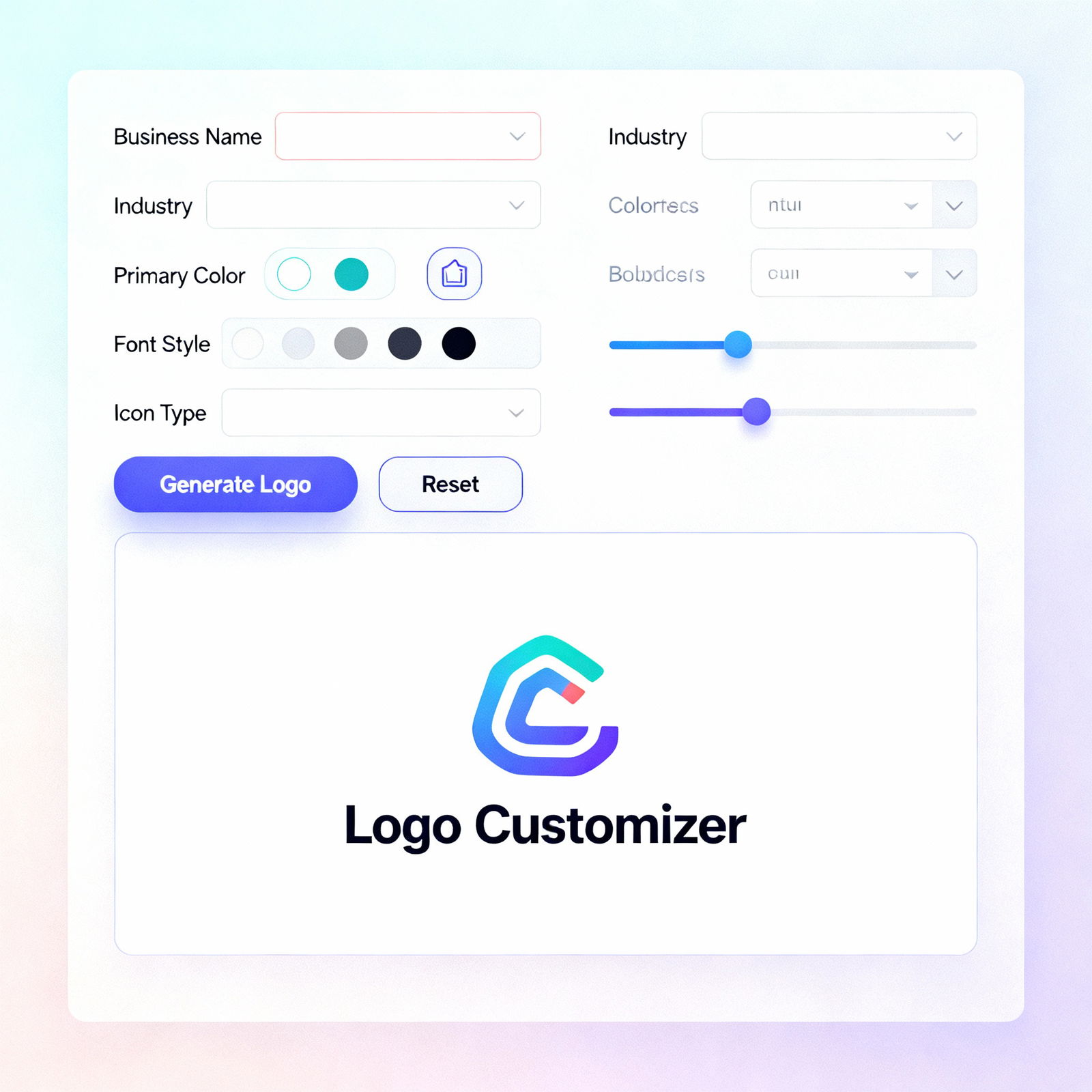
Based on the information you provide, the tool will generate a set of logo options. Take a close look and decide which design best captures your brand. You can usually tweak colors, fonts, icons, and layouts on any version you like. Most platforms also let you preview your logo in different sizes and settings, so be sure to use that feature.
Once you’re happy with the result, download it in a high-resolution format like PNG, JPG, or SVG and start using it right away. You can access free AI tools at aibudur.com and design the perfect logo for your brand by earning 50 free credits. If you want a more detailed walkthrough, the article Creating a Logo with AI: A Step-by-Step Guide is a great place to start.