Mastering Excel Formulas: A Comprehensive Step-by-Step Guide
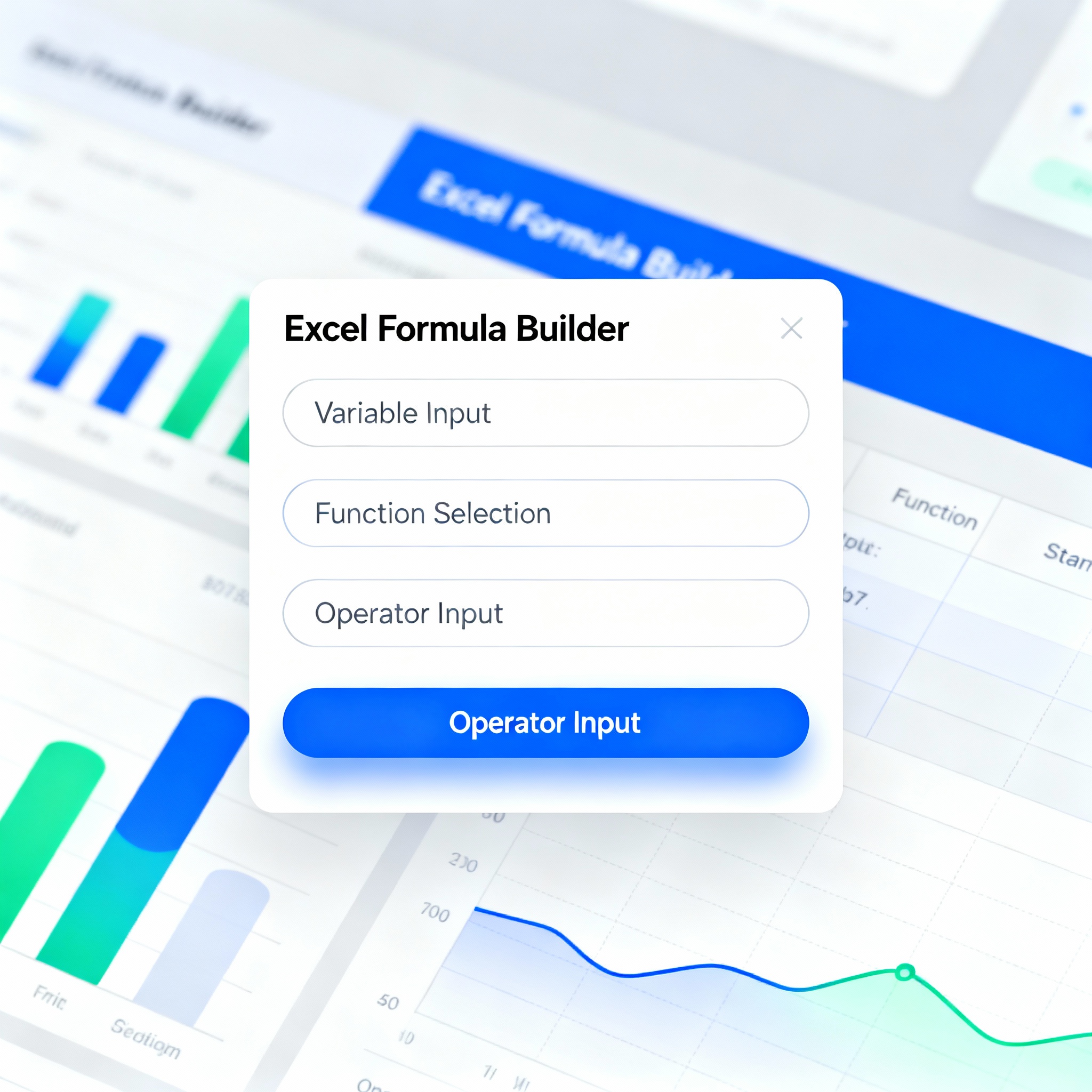
Tackling complex formulas can be incredibly frustrating, especially during a hectic workday. Fortunately, with the advent of Excel formula generators, this task has become much simpler and faster. In this guide, we’ll dive deep into how to effectively use Excel formula generators with a clear step-by-step approach, highlighting the benefits they bring.
Becoming proficient in formula creation within Excel can significantly enhance your professional landscape. Formulas empower you to analyze your data more efficiently, enabling you to make precise decisions.
Excel formula generators help you craft customized formulas tailored to your specific needs. These tools typically feature drag-and-drop functionality and a plethora of pre-designed formula templates. For instance, a single formula can effectively calculate total revenue in your monthly sales report, or you can effortlessly create IF formulas with multiple conditions in just a few clicks, rather than struggling to write them from scratch.
So, where does the real power of these tools lie? A mere typo in a formula can lead to hundreds of rows of data being calculated incorrectly. Formula generators drastically minimize this risk and allow you to save time.
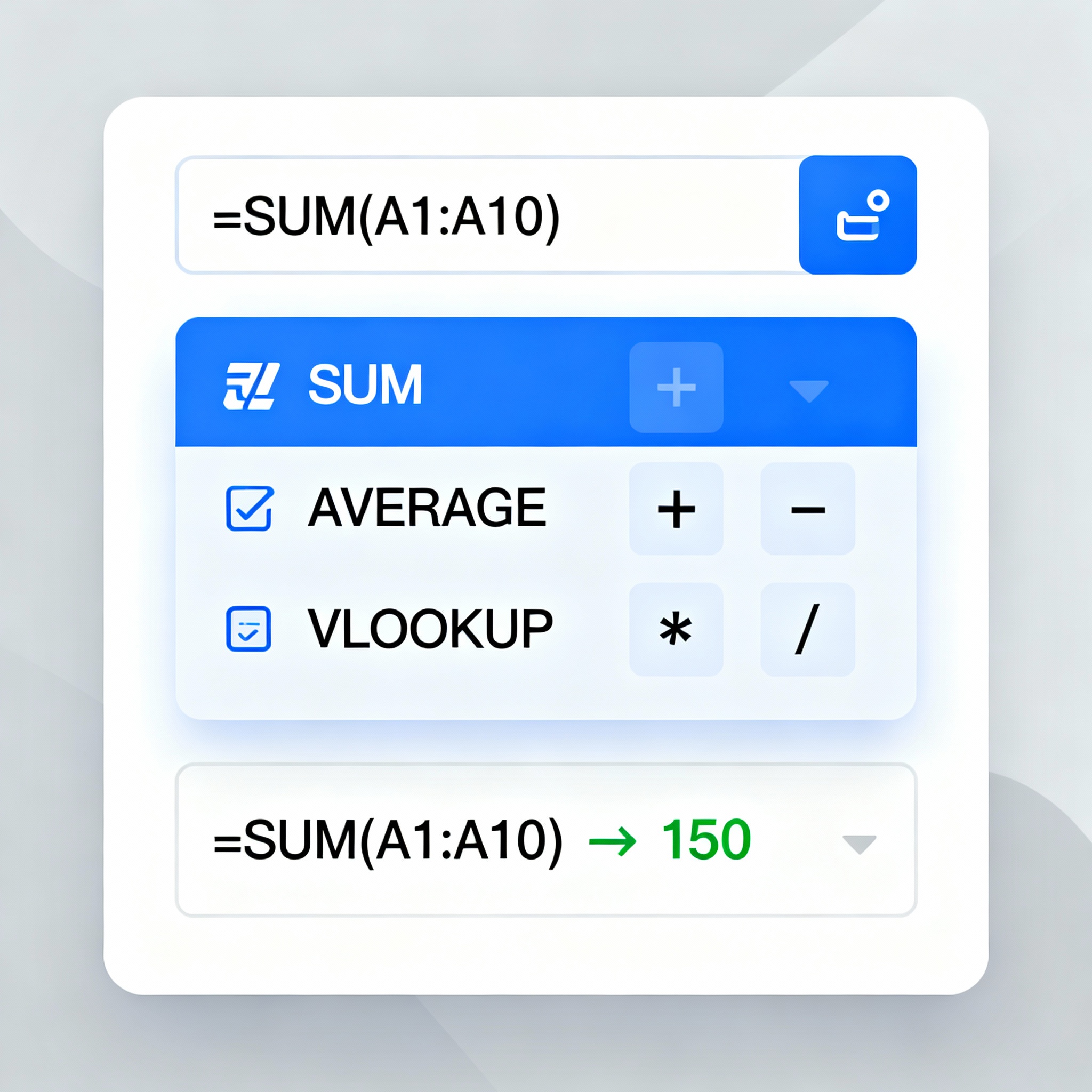
You typically won’t need to download additional software to start working with Excel formula generators. Most online tools and Excel add-ins provide this functionality right away. You can create everything from simple addition formulas to complex financial analyses effortlessly using these tools.
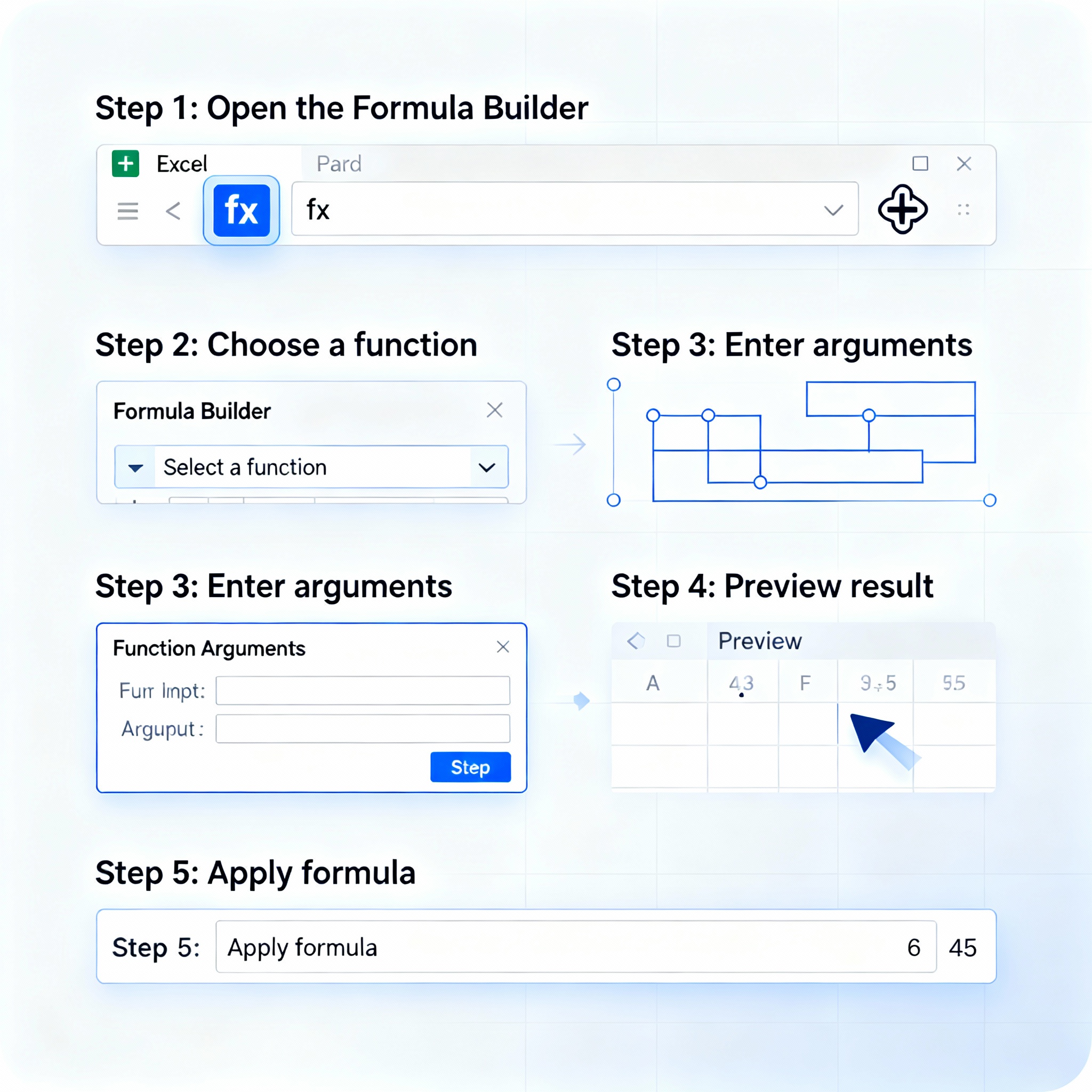
Another fantastic feature of these tools is that they guide you through the formula-building process step-by-step. This ensures you understand not only how the formula operates but also the logic behind it. For more on enhancing automation and efficiency in accounting processes, check out our content on Increasing Efficiency in Accounting Processes with Artificial Intelligence. As you practice, your speed and confidence in writing formulas will undoubtedly grow.
Excel formula generators are potent tools that accelerate data analysis processes while reducing errors. They make it much easier to navigate formula complexities and manage your data with ease. By visiting aibudur.com, you can explore free AI tools and elevate your data analysis skills with 50 complimentary credits.
If you aim to enhance your efficiency in Excel, don’t miss out on trying these tools. Similarly, the article The Advantages of Automation in Accounting Processes with Invoice Reading AI will also serve as a great resource for streamlining your workflows.