Excel Formula Builder for Accountants: Faster Calculations with AI

In today’s fast-moving business world, complex calculations can be one of the biggest time drains for accountants. Excel is still at the center of it all, but finding the right formula—especially when you’re working with huge datasets—can take hours of trial and error. That’s where AI-powered Excel formula builders come in. Instead of manually piecing together dozens of VLOOKUP and IF formulas for a monthly turnover report, an accountant can simply type what they need in plain language and get a ready-to-use formula in seconds.
Benefits of AI-Powered Excel Formula Builders
Building formulas the traditional way can eat up a large part of an accountant’s day. And it’s not just time-consuming—it can also be mentally exhausting. AI tools automate these repetitive steps, helping teams get far more done in the same amount of time.
Another major advantage is fewer errors. In complex financial models, even a small typo in a manually written formula can throw off an entire report. AI algorithms help reduce that risk by generating more consistent and reliable results. They also make it much easier to merge and analyze data from different sources. Tasks like connecting sales, expense, and budget tables from separate departments into a single formula become much simpler, giving accountants the insights they need to support smarter decisions. For a broader look at the topic, our article on Boosting Efficiency in Accounting Processes with AI is a great place to start.

How Does the Excel Formula Builder AI Work?
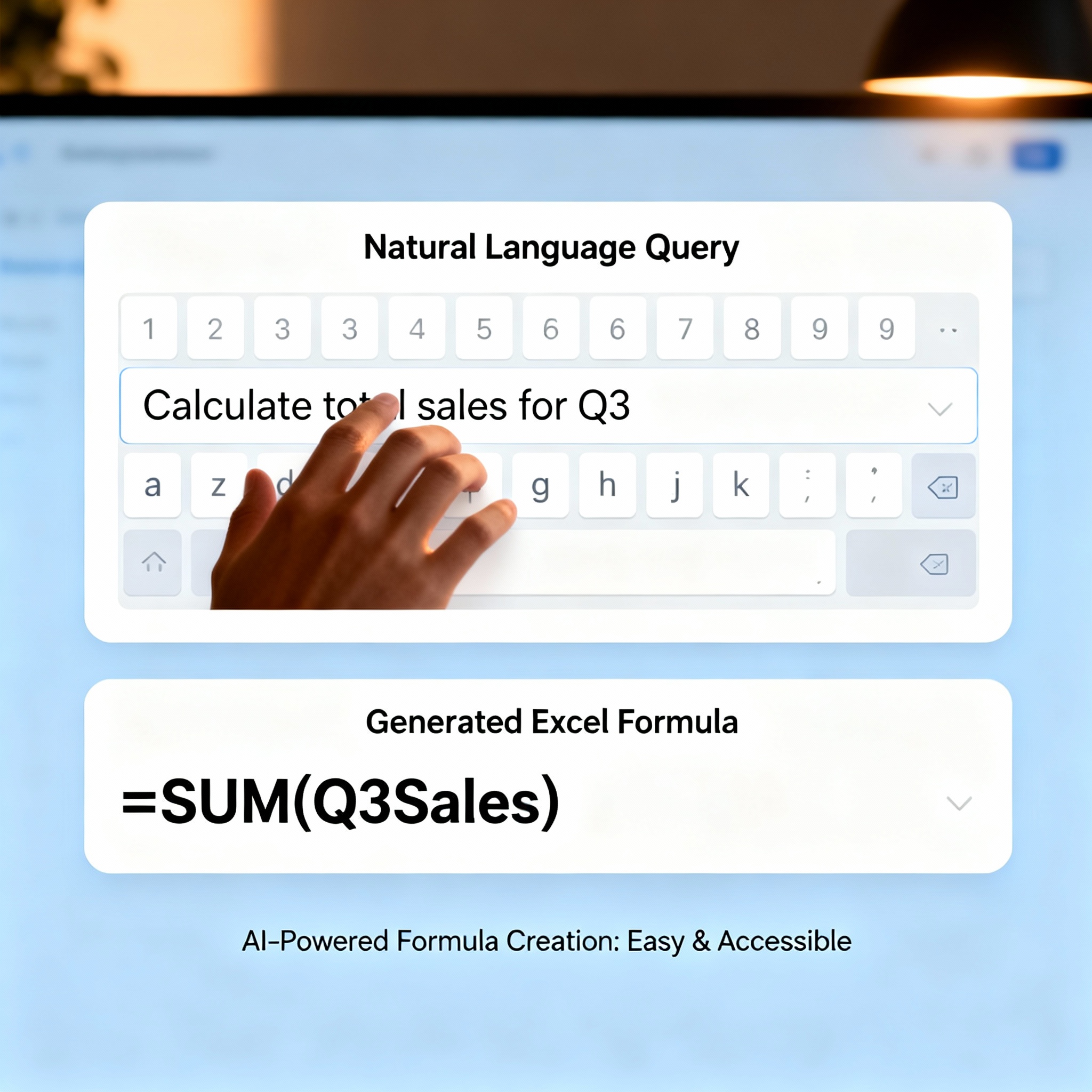
Behind the scenes, these tools use Natural Language Processing (NLP) and Machine Learning (ML). The user describes what they need in plain English, and the AI analyzes the request to generate the exact Excel formula automatically. But is it really that simple?
For the most part, yes. For example, if an accountant types “Calculate sales revenue between January and March,” the tool can instantly generate a formula that pulls data from the specified date range and returns the total sum. These tools recognize a wide range of Excel functions, can read existing data tables, and suggest the most efficient formulas. Even better, they learn from use and become more accurate over time. If you’re looking for a practical, step-by-step guide, check out our Excel Formula Builder: A Step-by-Step Quick Guide page.
Discover Free AI Tools with aibudur.com
aibudur.com offers a range of free tools designed to support your accounting workflows with artificial intelligence and simplify your Excel formula tasks. When you sign up, you can get 50 free credits to try out different AI features. With its intuitive interface and extensive resource library, aibudur.com is a practical starting point for anyone ready to explore what AI can do. Visit aibudur.com today and manage your accounting operations faster, easier, and with greater confidence.