Transform Your Photos into Stunning Videos: 5 Practical Methods You Need to Try

Capturing memories through photos is amazing, but when you add motion and sound, you create an entirely new experience. Whether you're blending the best shots from a wedding with your favorite song or stringing together photos of your child's first steps, the emotional resonance that video provides is unmatched by standalone images. The options for converting photos to video are abundant and diverse.
From birthday celebrations and holiday photo collections to graduation moments and family reunions, this transformation can enhance any occasion. But how do you decide which method to use? It largely depends on your time availability and the quality you desire.
Method 1: Online Video Creators
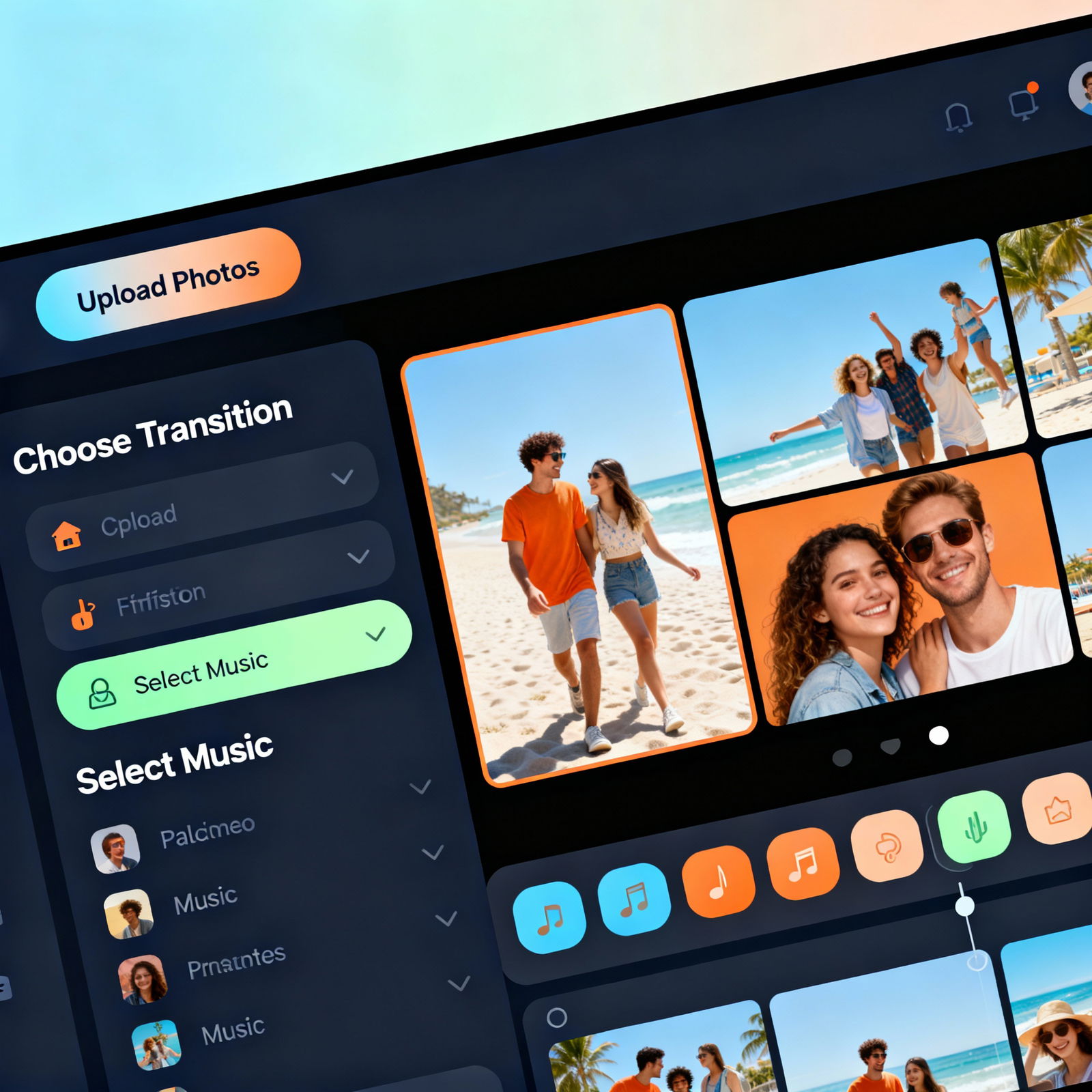
There are countless online video creator platforms available that operate directly in your browser, meaning no software installation is required. Popular choices include Kapwing, Adobe Express, and Canva. Simply drag and drop your photos, select a transition effect, add music, and your video will be ready in just a few minutes.
Free plans typically include essential editing features. For higher resolution or watermark-free videos, a subscription, usually priced around $10-15 per month, is necessary. This method is incredibly fast and practical. If you want a broader perspective on the topic, be sure to check out our AI Video Creation: A Step-by-Step Easy Guide.
Method 2: Mobile Apps
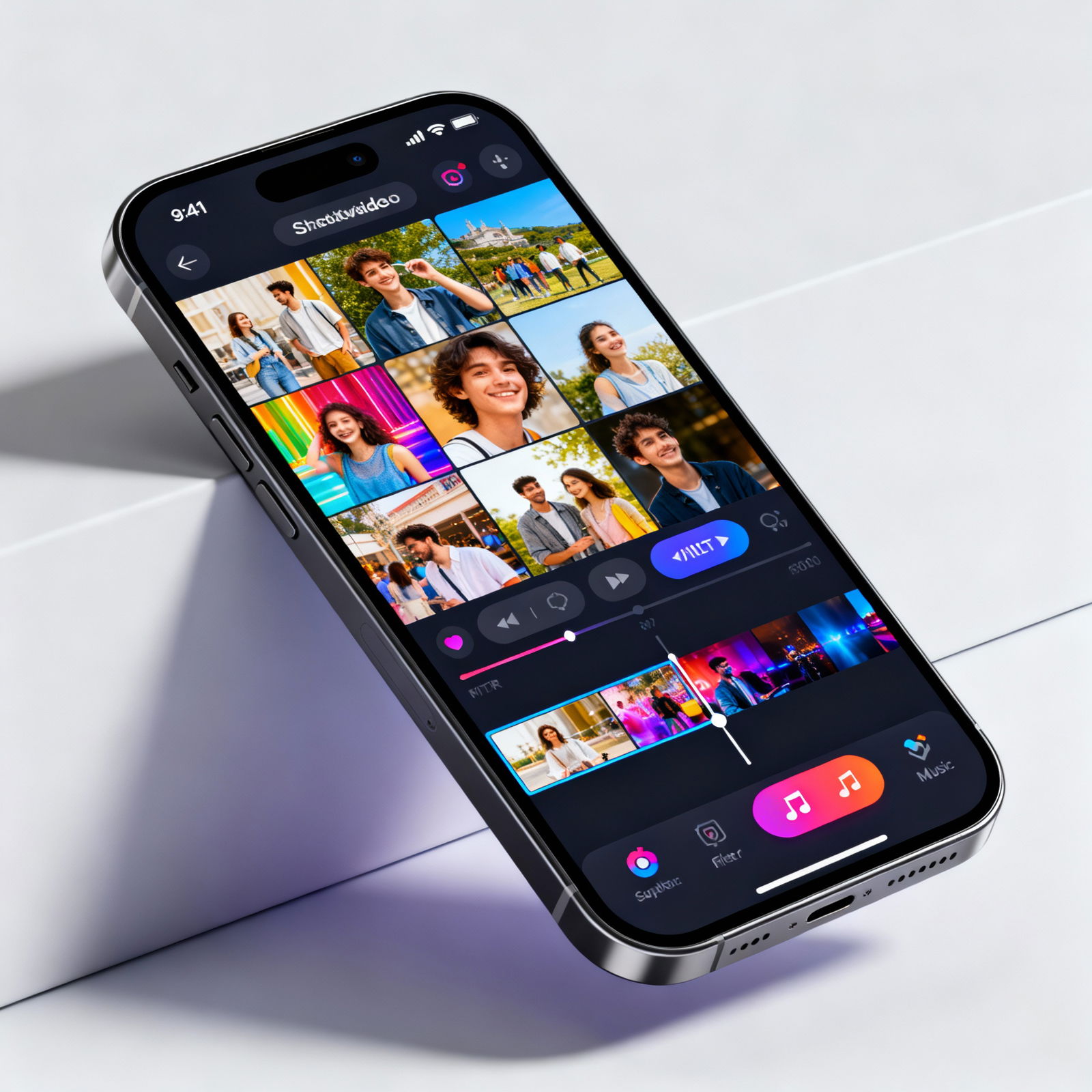
Your smartphone is always by your side, and that's where your photos reside. So why transfer them to a computer? Mobile apps perfectly bridge this gap. Quik, InShot, and FilmoraGo are available on both iOS and Android platforms, with user-friendly interfaces that you can master in just a few swipes.
Whether you’re on a plane returning from a vacation or relaxing in a cafe, you can easily compile your photos and share them on Instagram or WhatsApp in one go! Most of these apps feature direct social media export options, saving you the hassle of downloading and re-uploading.
Method 3: Desktop Video Editing Software
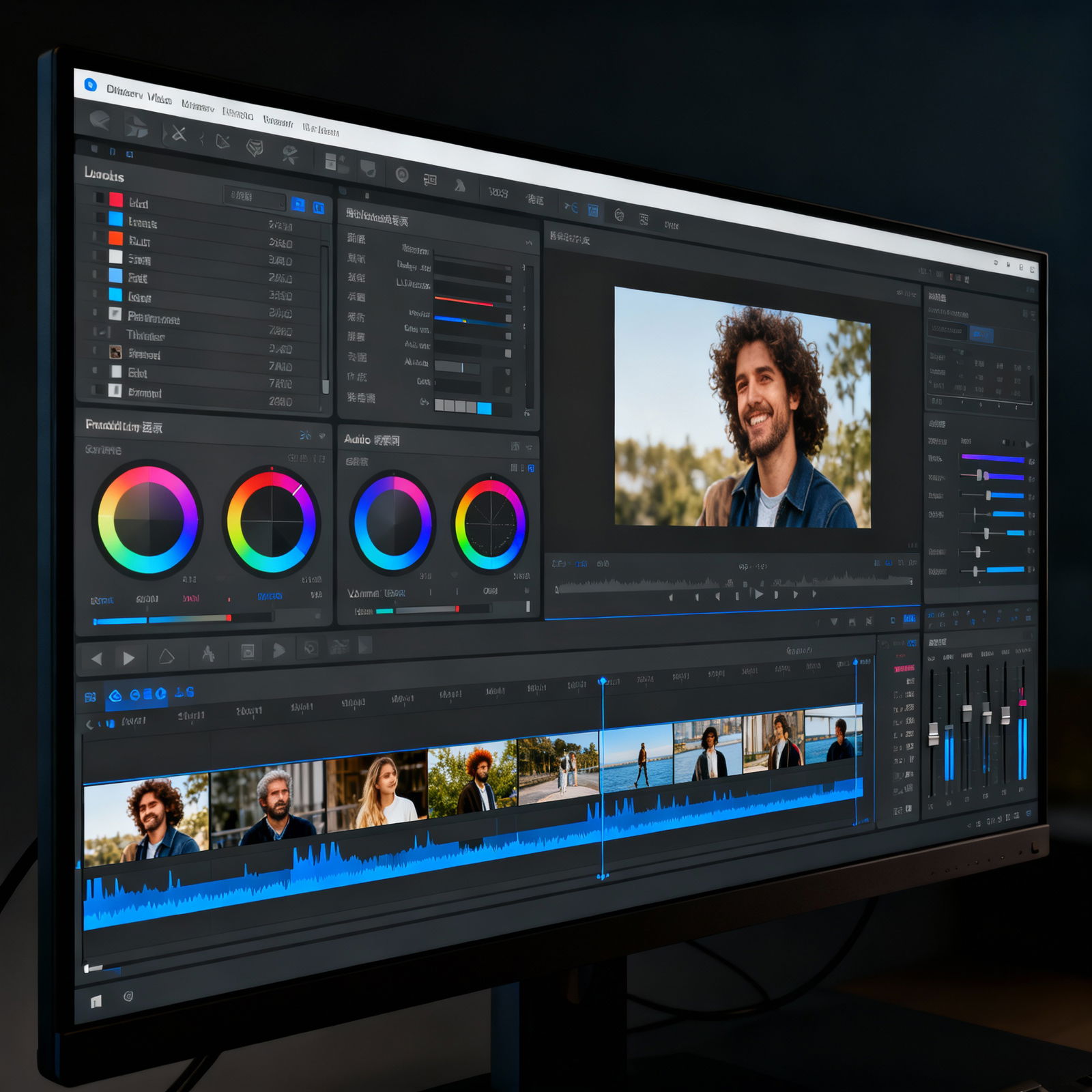
If you're aiming for a polished, professional look, consider upgrading to desktop video editing software. Adobe Premiere Pro, Final Cut Pro, and Filmora are industry leaders. These tools offer powerful features such as color correction, layer-based audio mixing, and precise frame-by-frame transition control.
These programs do come with a learning curve, so you may spend some time working on your first project in Premiere Pro. However, once you gain proficiency, the quality of your videos will soar. You can also access many free AI tools and earn 50 credits at aibudur.com; their platform features tools designed to simplify your photo and video editing tasks. If you’re interested in creating visual marketing content, check out our Success Methods in Marketing with Image-to-Video Creation article for a great starting point.