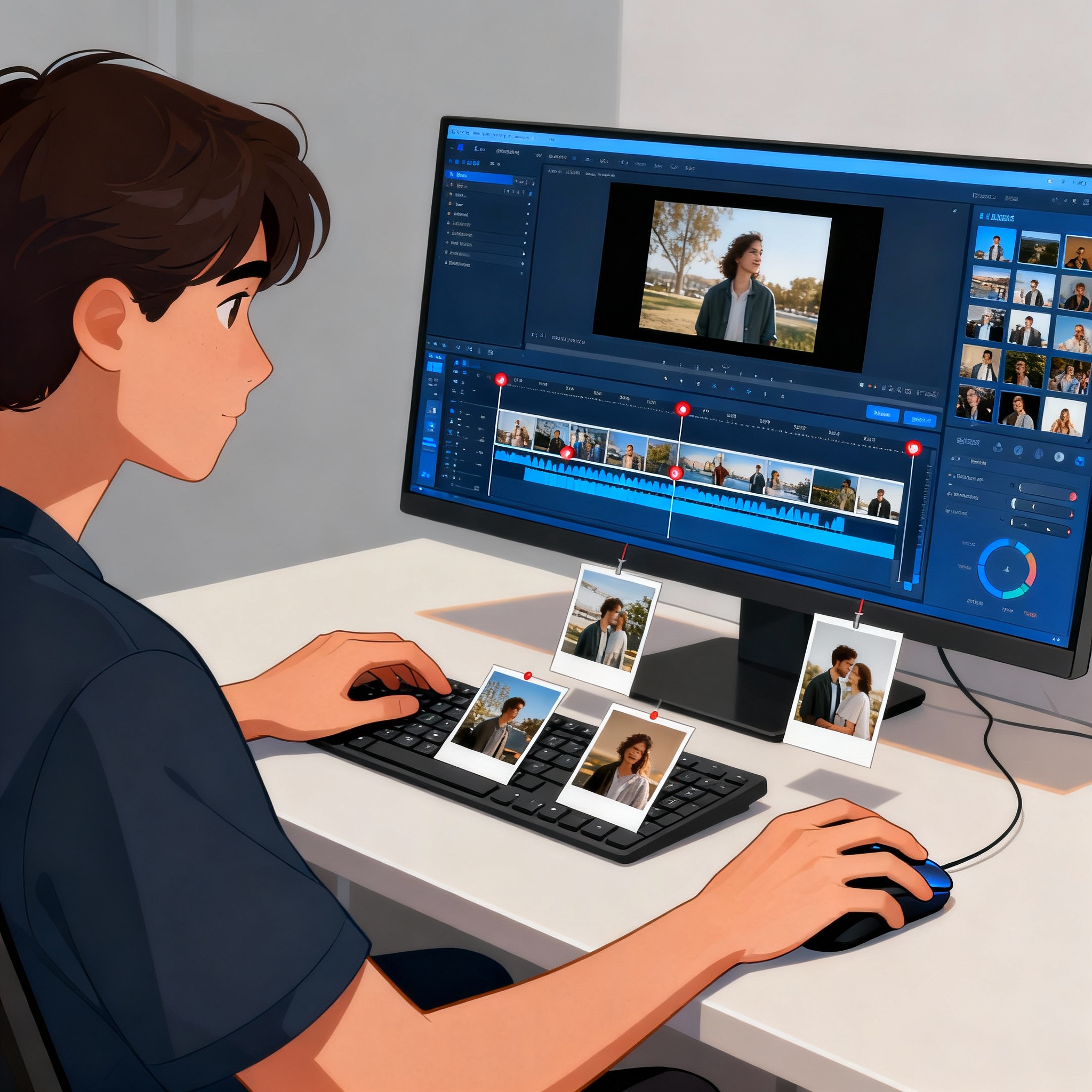
Easy Ways to Turn Photos Into Videos
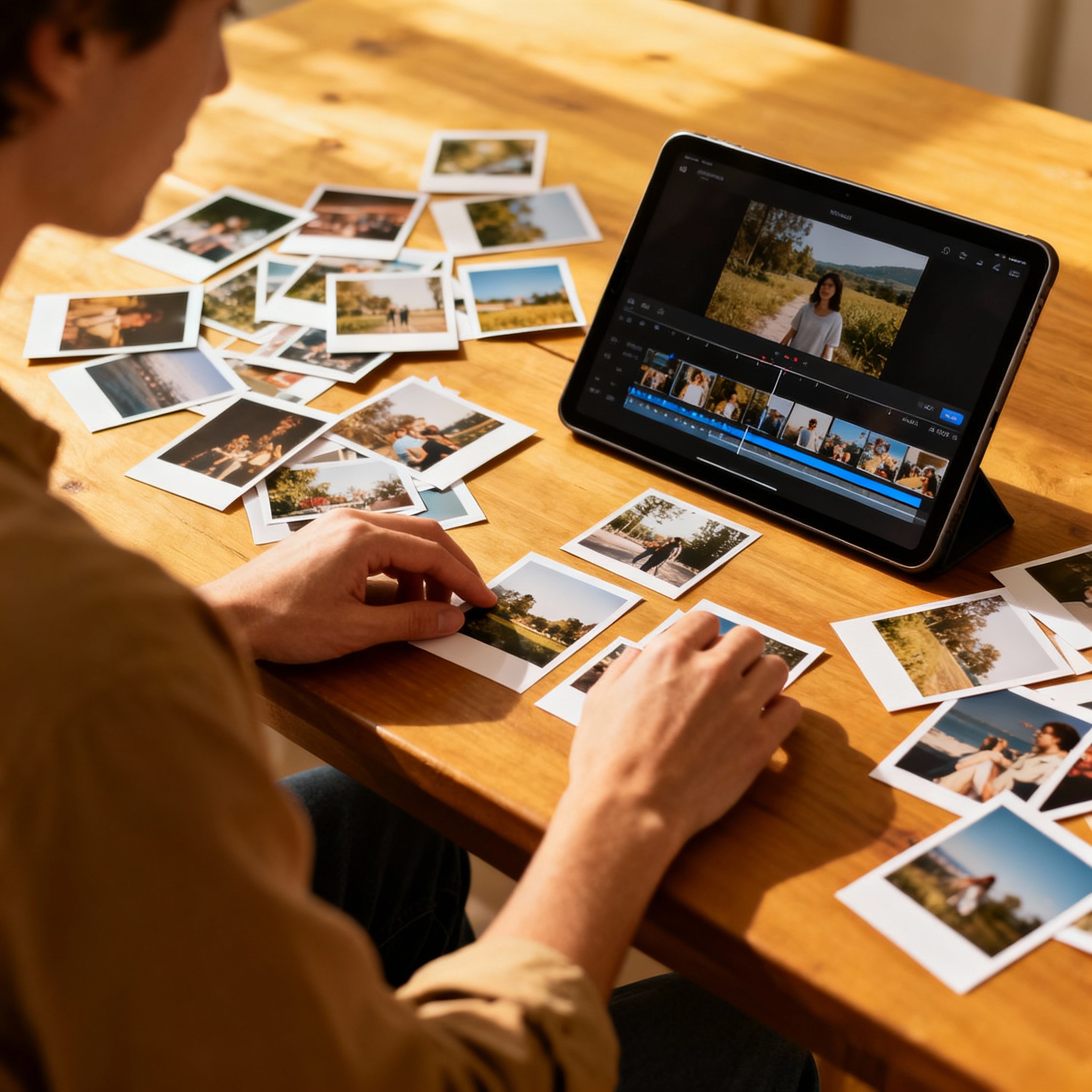
Since smartphones and countless apps became part of our daily lives, turning our favorite moments into dynamic videos has never been easier. Vacation photos, birthday snapshots, or even a few images from a quiet Sunday afternoon can all be transformed into a meaningful video in just a few steps. The process of converting photos to video is much faster than you might expect.
In this post, we’ll walk through the photo-to-video conversion process step by step, along with helpful tools and practical tips. Everything you need to spark your creativity is already right at your fingertips.
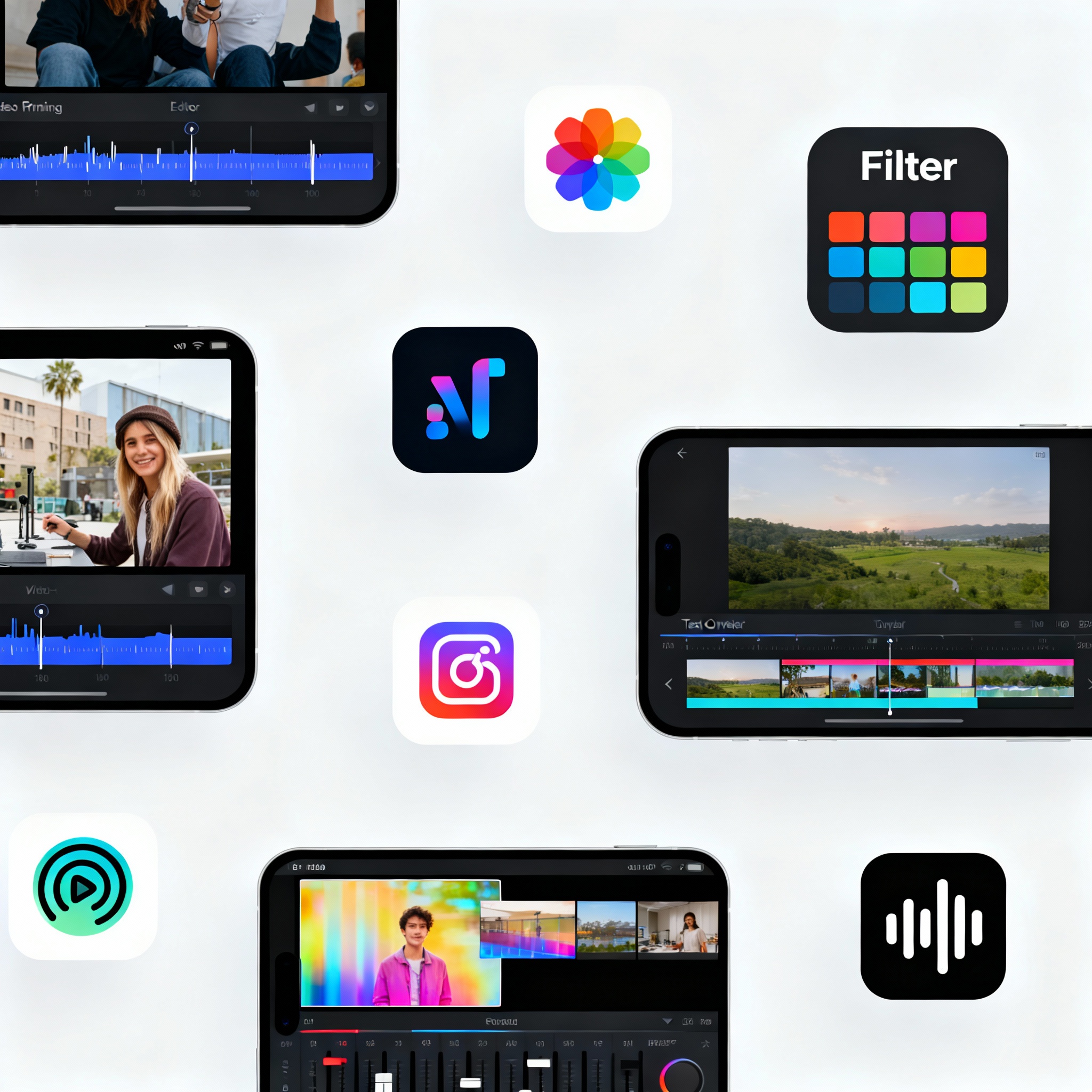
There are plenty of apps built specifically for this job. Most of them stand out for their simple interfaces, so you don’t need any technical skills to add effects, music, or transition animations. InShot, Quik, and FilmoraGo are among the best-known options, and they work on both iOS and Android.
With these apps, you can arrange your photos in sequence, add transition effects between them, and include your favorite music. You can also make the video feel more personal by applying filters or adding text. Choosing the right tool directly affects the quality of the final result. For more methods, you can also check out our content on Converting Photos to Video: 5 Most Practical Methods.
There are a few key things to keep in mind when turning your photos into a video. First and foremost, using high-resolution photos has a direct impact on the clarity and overall look of the finished video. If you view a photo under 4 megapixels on a large screen, the difference becomes obvious right away.
The order of your photos is just as important as their quality. Building a sequence that supports your storytelling helps draw viewers into the video. Transition effects should also support that flow; overly flashy transitions can sometimes break the rhythm. And don’t underestimate the power of music. A track that matches the mood of your video can multiply the emotional impact many times over.
Be sure to preview everything before sharing and fix any small issues at that stage. If you want to speed things up, you can take a look at the Making Videos from Photos: Easy and Fast Step-by-Step Guide article.