Create Stunning Videos from Photos: Your Quick and Easy Step-by-Step Guide

Want to breathe life into your cherished memories, craft captivating social media content, or assemble professional presentations? Creating videos from photos is an invaluable skill for everyone. Best of all, you don’t need a background in graphic design or pricey software. With just a few simple steps and the right tools, you can effortlessly create videos right from your phone or computer. In this guide, we’ll explore the best methods to create videos from photos step-by-step.
Before diving into the video creation process, start by selecting the photos you want to use. Avoid low-resolution or blurry images, as they can detract from your video’s quality. Organizing your photos in chronological order or by themes will help weave a more coherent narrative.
Next up is tool selection. Depending on your needs, you can opt for online video editing platforms, mobile apps, or desktop software. Online tools typically provide quicker results, while desktop applications offer more robust features. For instance, you can whip up a slideshow-style video in just a few minutes using free tools like Canva or CapCut. Seeking inspiration for your visual project? Check out our article on How to Create Visuals with AI?.
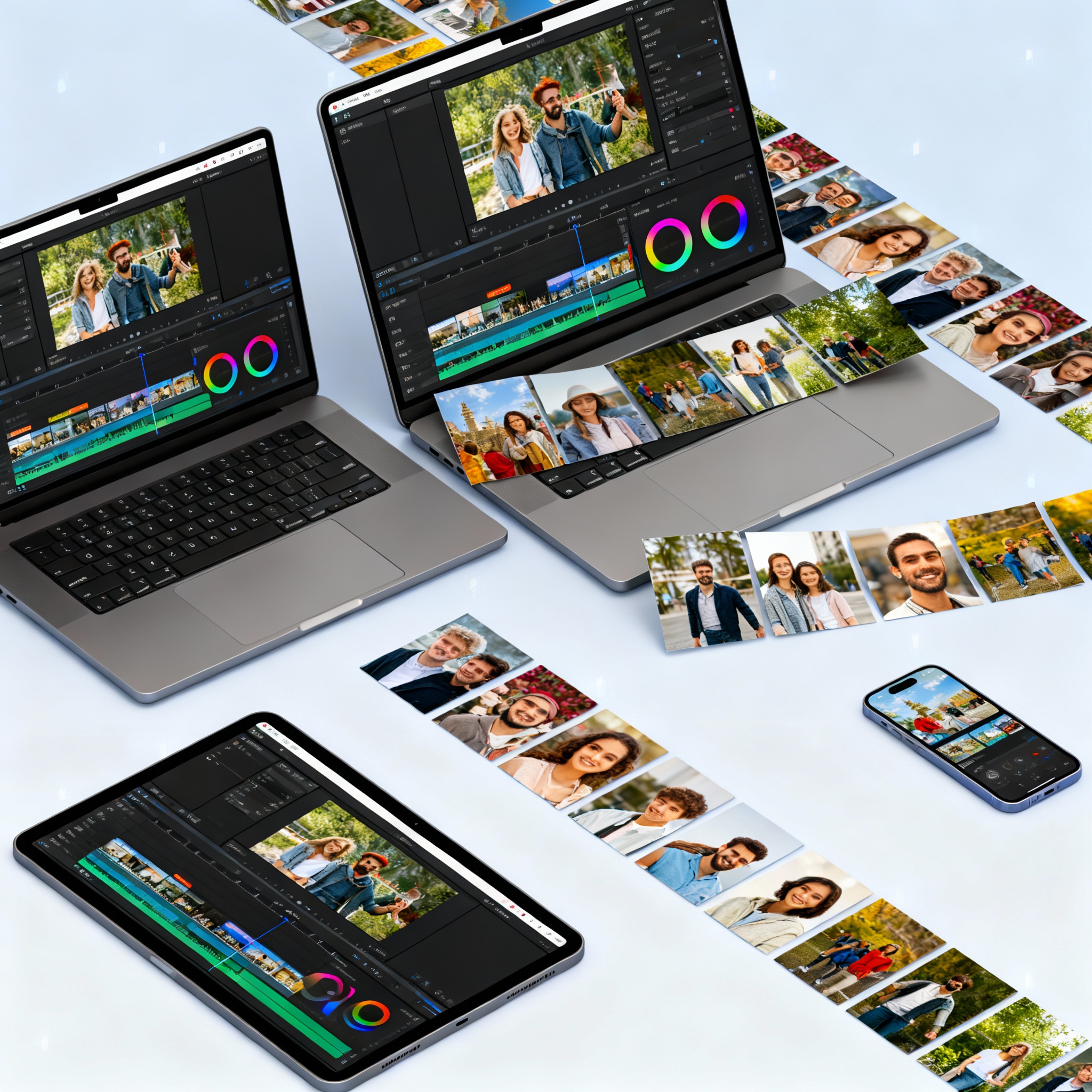
The editing stage kicks off as soon as you upload your photos to the chosen tool. Adding music is essential, as it sets the tone for your video. Choose an upbeat track for a joyful wedding montage, or opt for calming instrumentals for a sentimental memory collage. Text titles can guide viewers, helping them grasp the context of what they're watching. Utilizing transition effects between photos will give your video a smoother flow and avoid awkward, choppy cuts.
What about adjusting colors? Filters can unify photos taken under various conditions, creating a cohesive visual experience. For AI-enhanced editing techniques, don’t miss our article on Image Editing: Creative Ideas and Applications with AI.

Once you’re pleased with your edits, configure the export settings. If you're sharing to platforms like Instagram, TikTok, or YouTube, 1080p resolution and MP4 format are the safest bets. Also keep an eye on file size; a video saved in 4K might pose challenges for those uploading over mobile data.
After exporting your video, head over to aibudur.com to elevate quality with free artificial intelligence tools. Aibudur.com offers AI-driven video editing tools with 50 free credits. Watch your video one final time before sharing; a minor tweak can lead to a significant improvement.