Google NotebookLM and AI Tools for Building Slides

When you're preparing a presentation, Google NotebookLM can be your biggest ally — even though it isn't a slide generator itself. Acting like a personal research assistant, it helps you build a custom knowledge base by letting you upload your own documents, notes, and sources. It's perfectly suited to collecting ideas and organizing your content.
Once you pass that structured information into an AI slide creator, you can build your presentation in seconds. In short, these two tools work together beautifully: one handles the research, the other takes care of the design.
The Role of Google NotebookLM in Presentation Prep
The biggest strength of Google NotebookLM is its ability to become an expert on the sources you upload. For example, imagine you're putting together a market research presentation: you add PDF reports, web pages, and your own handwritten notes to the tool. The AI scans these materials, pulls out the key points, connects the dots between documents, and answers your questions using only those sources.
This approach not only keeps your information consistent, but also saves a huge amount of time when creating presentation outlines and slide copy. Instead of reading dozens of pages of reports and taking notes yourself, you can get a structured summary in just a few minutes, which dramatically speeds up your workflow. So why don't more people use such a practical tool? Most likely because it's hard to break old presentation habits.

AI Slide Creation Tools Step In
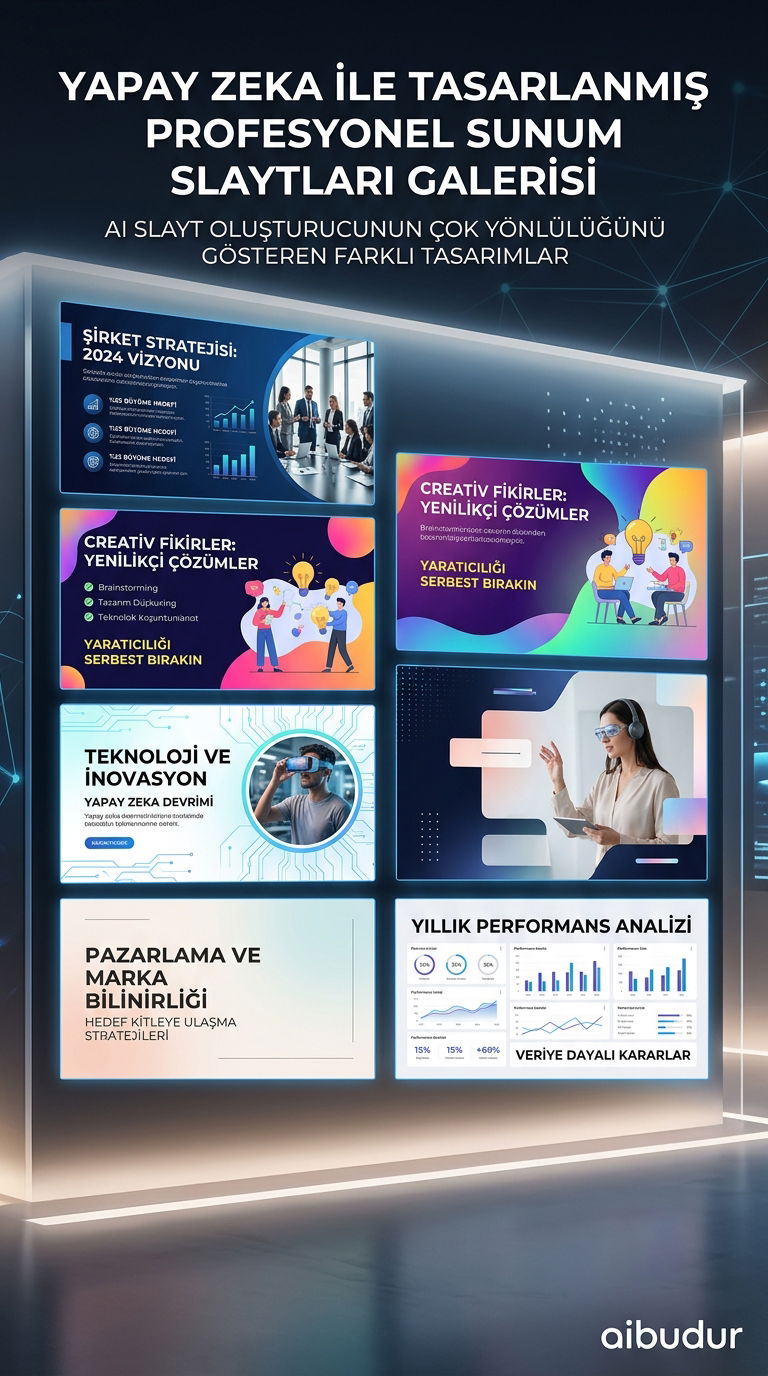
When it's time to turn all that rich content into a presentation, AI slide creation tools step in. Gemini for Slides, part of Google's own ecosystem, analyzes the text or outline you provide and turns it into professional slides with headings, text boxes, and relevant images.
All you have to do is paste in the structured text generated by NotebookLM, and the tool turns it into a visual story. For anyone exploring effective content production strategies with AI, this workflow is one of the clearest examples. The time savings are striking compared with designing slides manually.
How to Use Both Tools Together
You can build a strong foundation for your presentation with Google NotebookLM and then finish the visual layer with an AI slide creator. This two-step approach keeps your content strong while speeding up the design process. There are also options among free AI applications that support similar workflows.
If you want to try these kinds of AI tools and much more, you can visit the aibudur.com platform. Plus, you can get started with a special offer of 50 free credits.