How Can You Tell If a Photo Was AI-Generated?
Artificial intelligence (AI) is taking up more and more space in photography. AI-generated photos can look so convincing that telling them apart from real ones is genuinely tough. Still, with a sharp eye and a few key things to watch for, spotting an AI-generated photo is absolutely possible. Below, we’ll walk through practical ways to help you tell the difference between real photos and synthetically created ones.
Start by zooming in on the details. AI-generated photos often start to fall apart under close inspection, especially in complex scenes — think a crowd at a concert or a busy street corner. You might notice that a person’s left and right ears look completely different, a shadow falls in a direction that doesn’t match the light source, or a hand has six fingers. Background objects can also look unnaturally sharp or oddly blurry without any logical reason.
Real photos have natural imperfections: a little lens blur at the edges, perspective distortion, and the kind of visual noise you get in low light. AI images, on the other hand, often look almost too clean — or too chaotic in the wrong places. If you want a Turkish-focused guide on this topic, you can also read How to Tell If a Photo Is AI-Generated?.
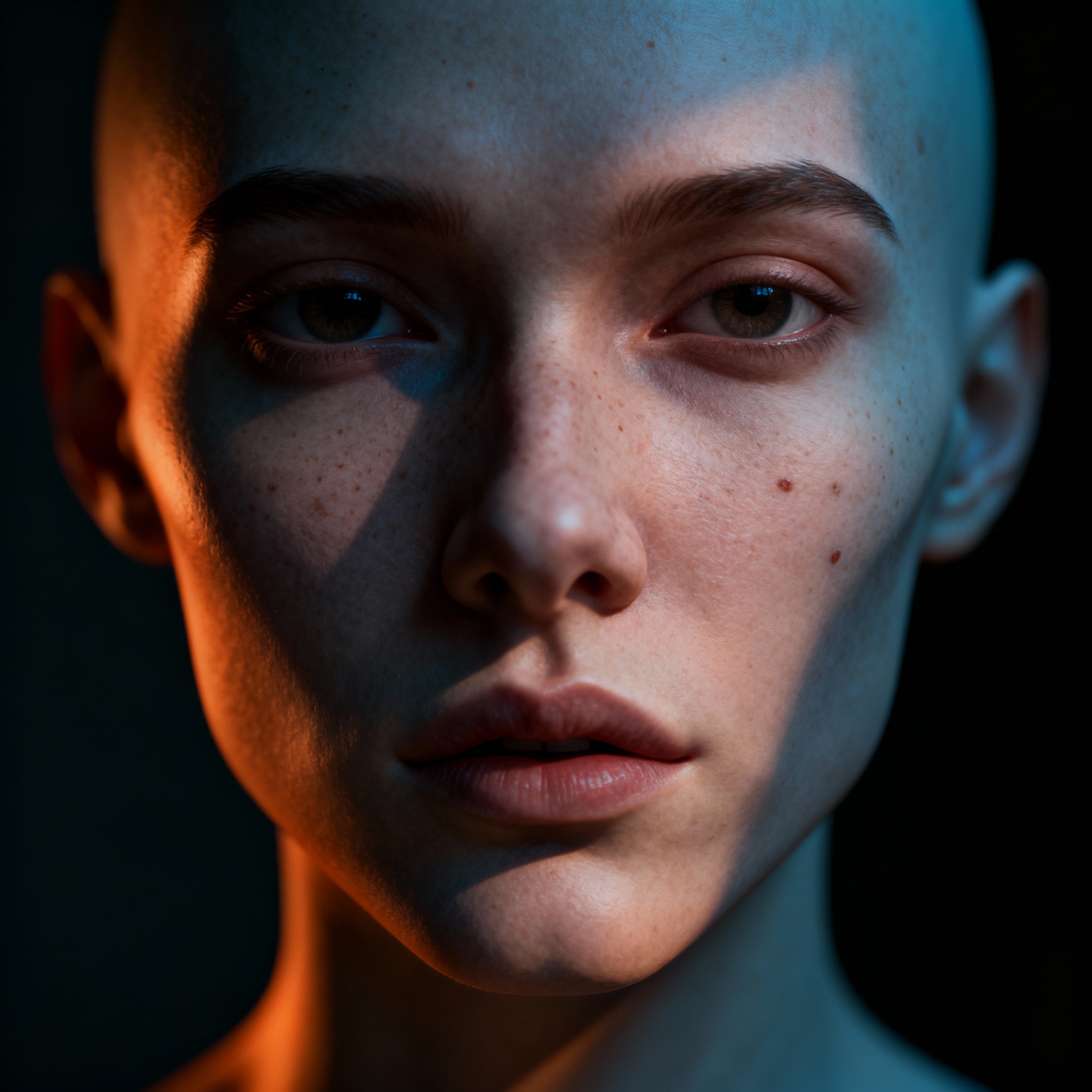
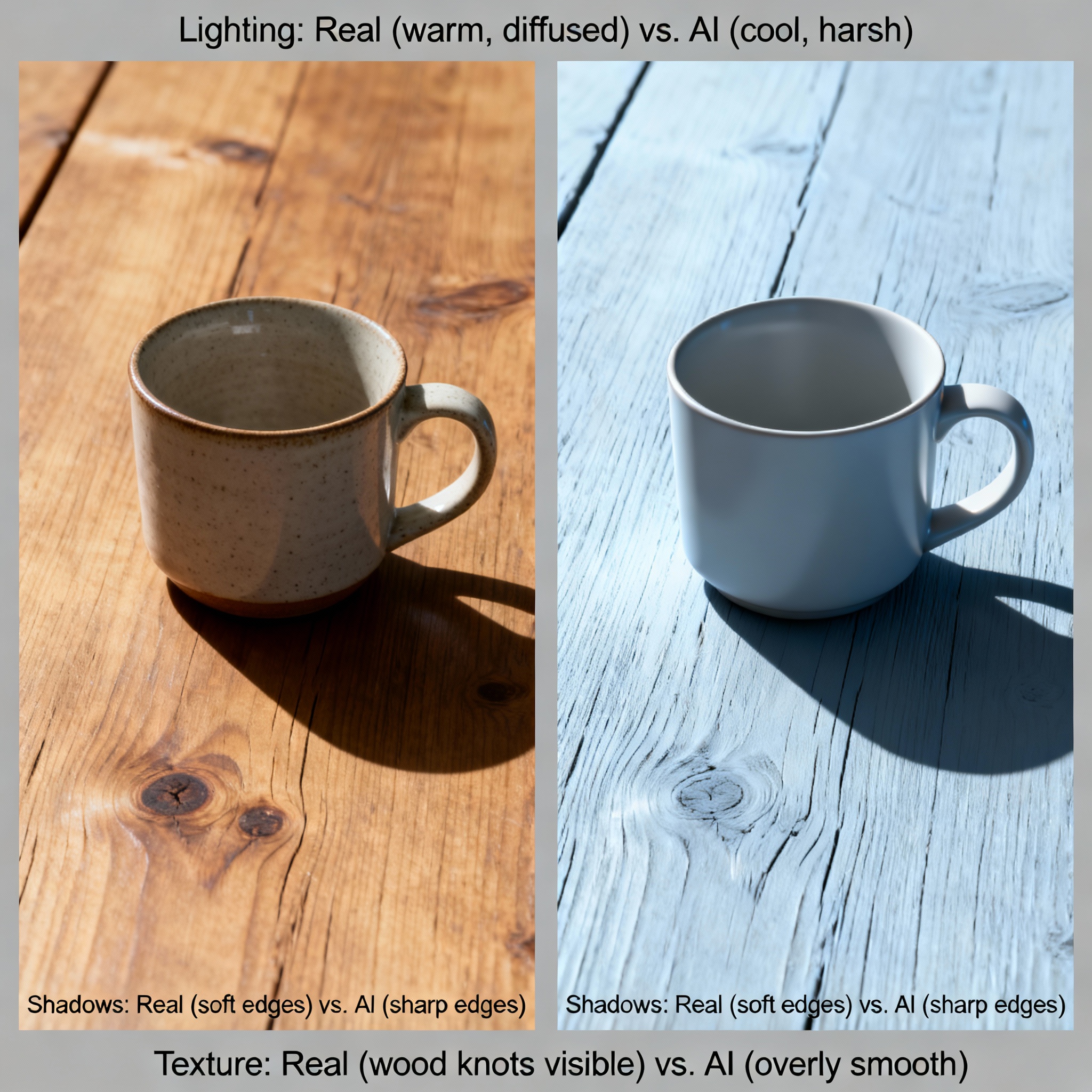
Next, pay close attention to lighting and texture. Ever seen a portrait where the skin looks like it was carved from wax — no pores, no fine hairs, just an eerie smoothness? That’s a classic AI giveaway. Reflections on glasses or shiny surfaces are another weak spot; AI tools frequently get them wrong, placing reflections that don’t match the actual environment in the image.
In genuine photos, light and shadow blend together naturally. Sunlight streaming through a window creates a soft gradient across a face. In AI-generated images, those transitions often feel abrupt or slightly off — not wildly wrong, just enough to make you feel something isn’t quite right. Checking whether the lighting actually makes physical sense is one of the fastest ways to flag a suspicious image. For a comparison of popular tools that create these images, see DALL-E and Midjourney: Which AI Image Generator Is Better?.
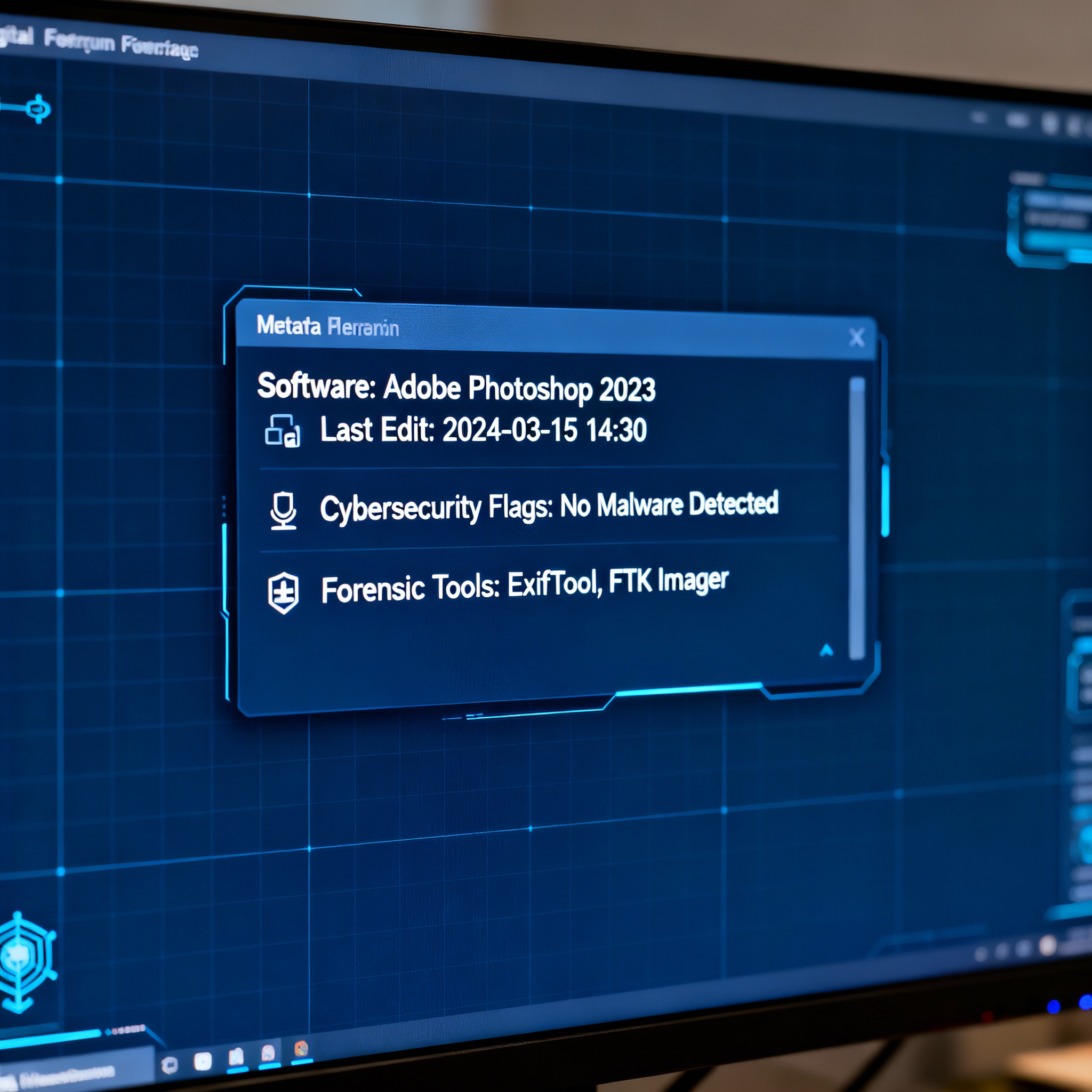
Finally, look at where the photo came from and what its metadata says. A photo shared with no context — no photographer credit, no location tag, no backstory — should be treated with caution. Checking the EXIF data can reveal which software or device was used to create it. Many AI generation tools leave traces in this metadata, and some even add their own tags. Does the claimed camera model match the technical characteristics of the image? If a photo was supposedly taken on a smartphone but the EXIF data says it was processed by an image synthesis tool, that’s a red flag worth investigating.
So, can a single method give you a definitive answer on its own? Probably not. The most reliable approach combines all three — scrutinizing details, evaluating lighting, and verifying the source. You can visit aibudur.com for more free AI tools and get 50 free credits to try them out. For a step-by-step look at how AI images are created in the first place, check out Step-by-Step Guide to Creating Images with AI.