Getting Started with AI-Powered Animation
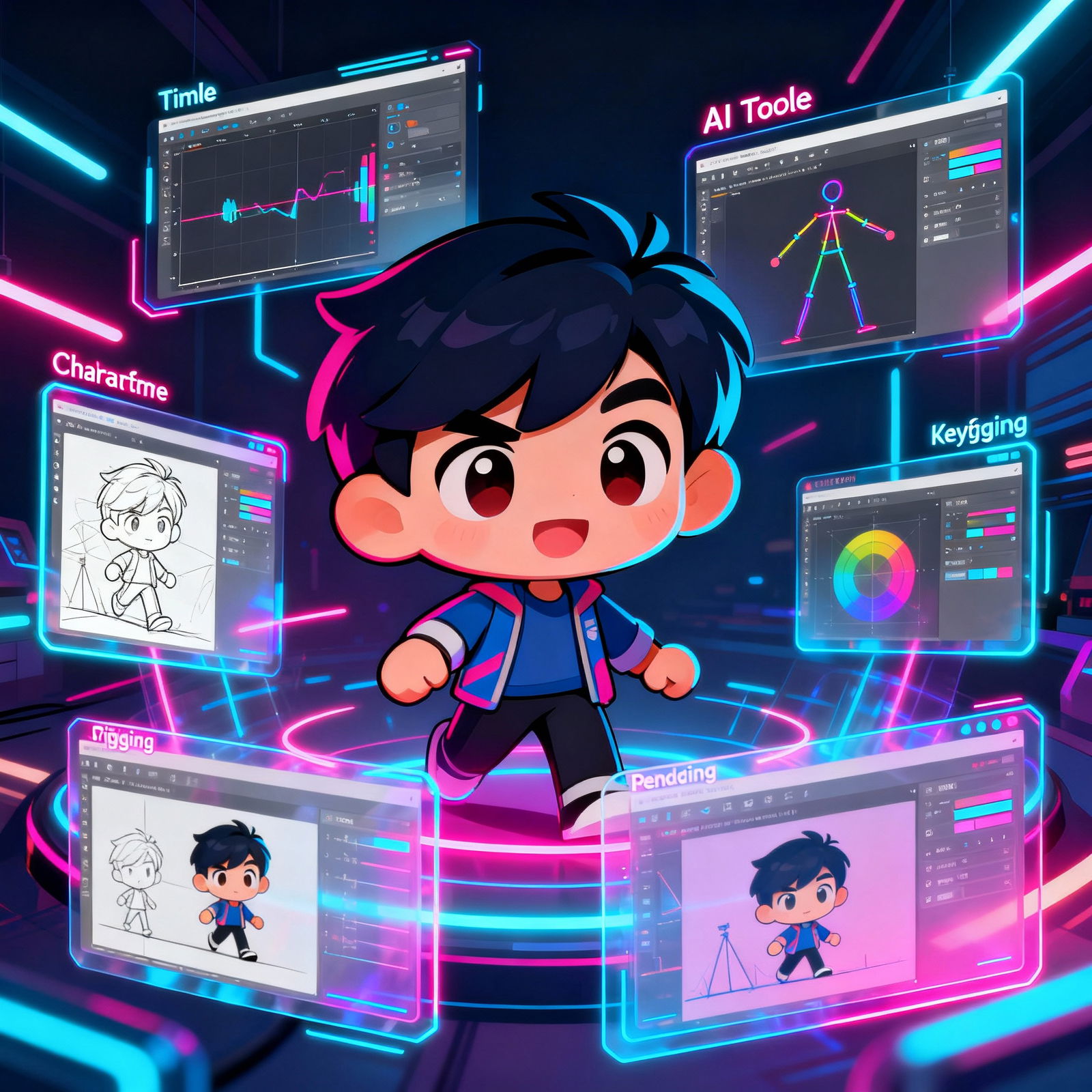
Animation is one of the most powerful ways to tell visual stories. Artificial intelligence (AI) is now changing the way this field works. While traditional animation methods can take a lot of time and money, AI-powered tools make the process much faster and more accessible.
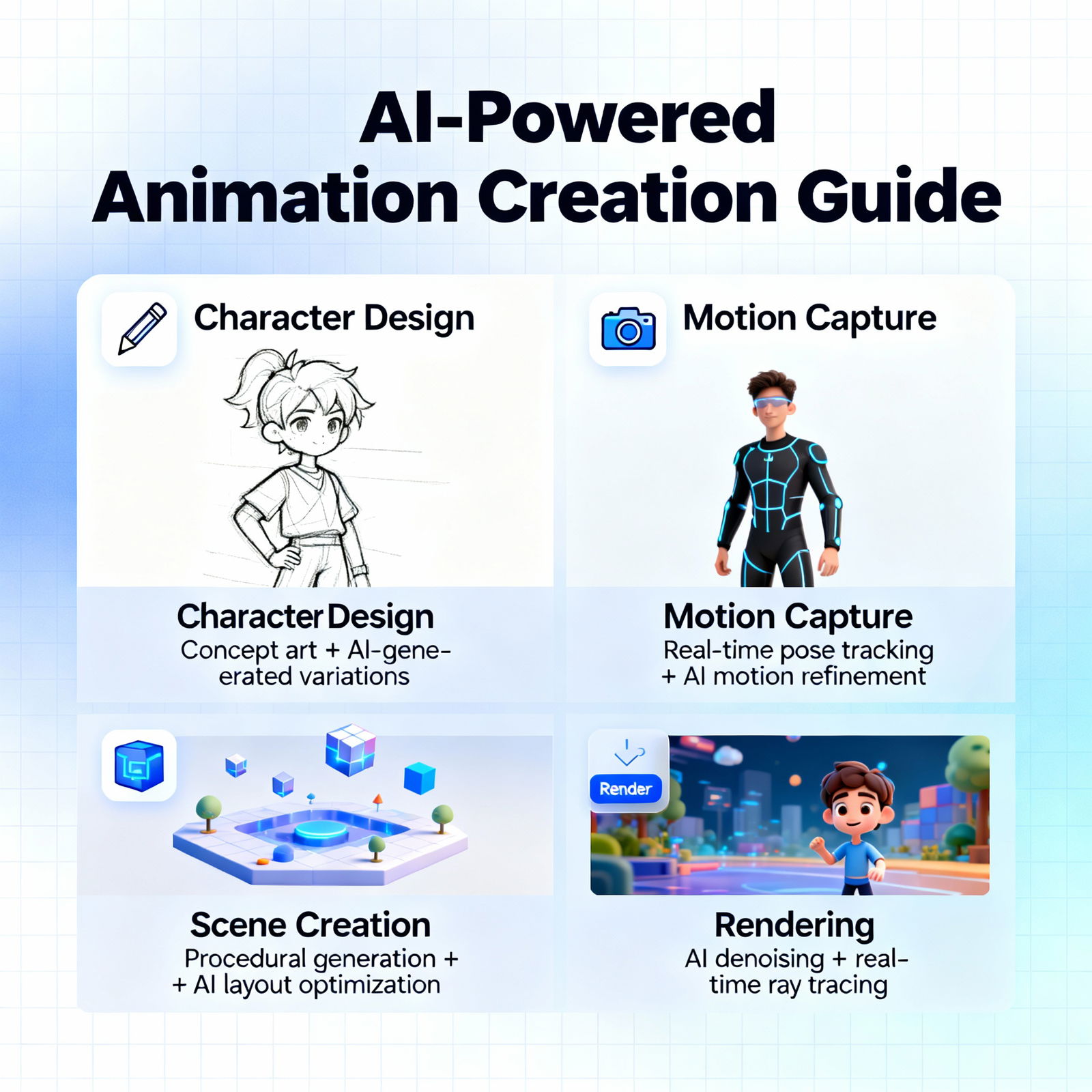
AI-driven animation can support every stage of production, from character design to scene layout. Instead of manually keyframing a character’s walk cycle, you can upload a few seconds of motion data to an AI tool and get results in minutes. That leaves animators with more room to focus on creativity and dramatically shortens project turnaround times. It also makes it much easier to keep large, complex projects consistent.
Essential Tools for Creating Animation with Artificial Intelligence
There are plenty of tools you can use to start creating animations with artificial intelligence. Most of them come with intuitive interfaces, so you can jump in even if you don’t have a technical background. Popular options include RunwayML, DeepMotion, and Plask.
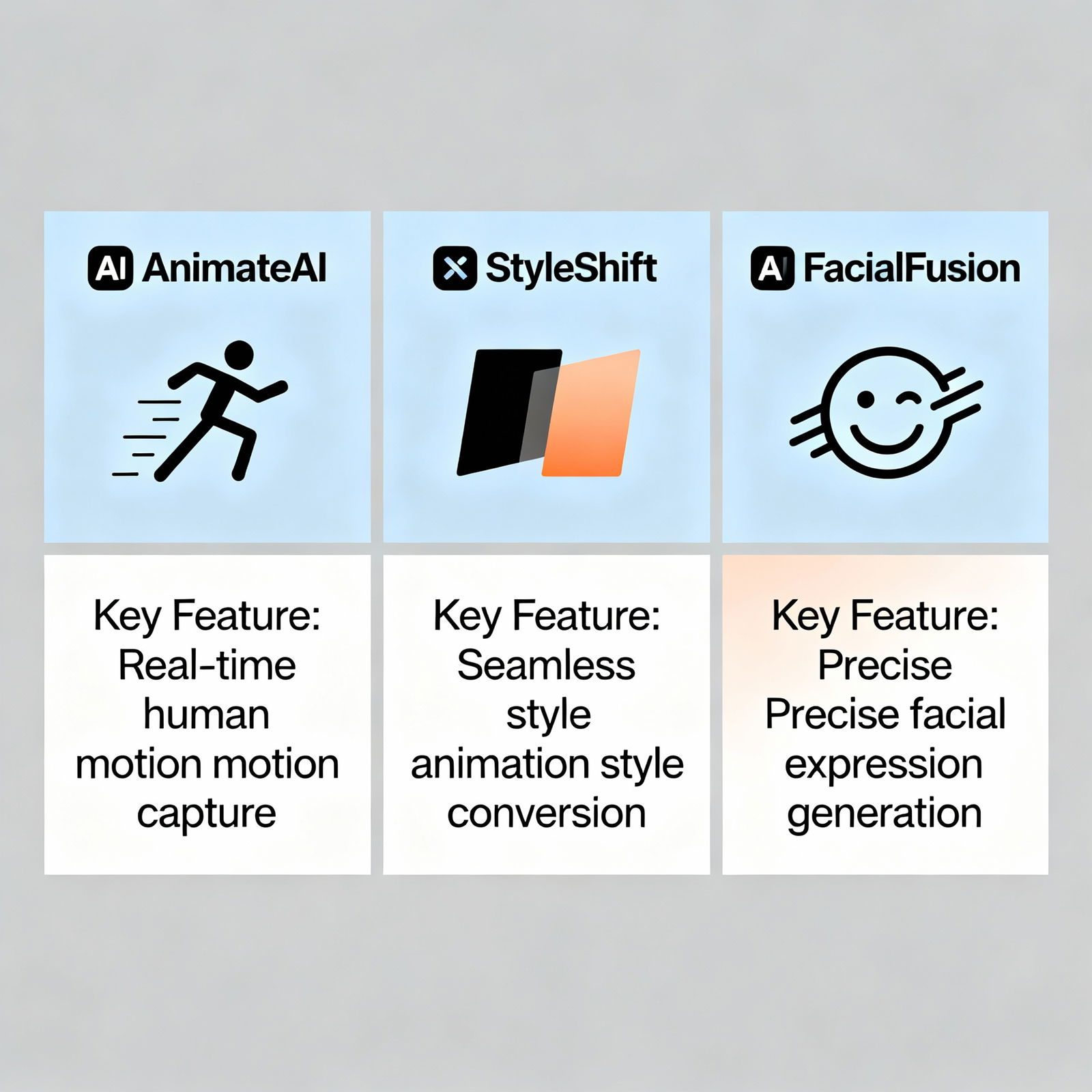
These platforms offer features like automatic character animation from motion-capture data, style transfer for different visual looks, and realistic facial expressions. And what about audio? AI can help there too. With specialized AI tools for voiceovers and music, you can add original sound effects and background music to your animation project and give it a polished, professional finish.
Step-by-Step: How to Create Animation with Artificial Intelligence
The AI-powered animation workflow usually follows these steps: first, define the theme and script for your animation. Then choose the AI tool you want to use and complete the setup. Design your characters or start with ready-made ones. Animate the characters and build the scenes with your chosen tool. Add sound effects and music to enrich the animation. Finally, export and share your project.
Compared with traditional methods, this process is much faster. Because AI automates a large part of the animation workflow, you can spend more time making creative decisions. The final animations also tend to look smoother and more realistic. If you want to take your workflow beyond animation, check out the AI Text-to-Video: A Step-by-Step Guide page to see how text-based video production can support your projects.
Benefits and Tips for Creating Animation with Artificial Intelligence
The benefits of creating animation with AI are hard to ignore: speed, cost efficiency, accessibility, and creativity are at the top of the list. Producing work that rivals a traditional animation studio at a fraction of the cost is no longer just a dream. Even people without technical experience can start creating in a very short time using these tools.
If you want to try AI animation, you can access free tools through aibudur.com and get 50 free credits. It’s a great way to get hands-on experience and learn through real projects. If you’re looking for more practical guidance during production and post-production, AI Video Editing: 7 Tips for Professional Results will also be very useful.