AI Workflow for Small Businesses

In a competitive market, every resource counts. An AI workflow uses intelligent automation to handle repetitive tasks, speed up data analysis, and make decision-making smoother. For small businesses, that can mean handing hours of manual work over to the system every single day.
What Can Small Businesses Gain from an AI Workflow?
The biggest challenge for small businesses is juggling too many tasks with a lean team. Just think about customer service: reading and sorting incoming emails, then replying to standard questions one by one can easily eat up hours of the day. But once you automate that process, those hours can go back into improving your product or strengthening customer relationships.
The same goes for marketing. Scheduling social media posts, tracking market trends, or identifying the right audience for ad campaigns can all be streamlined with AI automation. When employees are freed from routine work, they can focus their energy on tasks that actually move the business forward. Let’s take a look at how this works in practice.
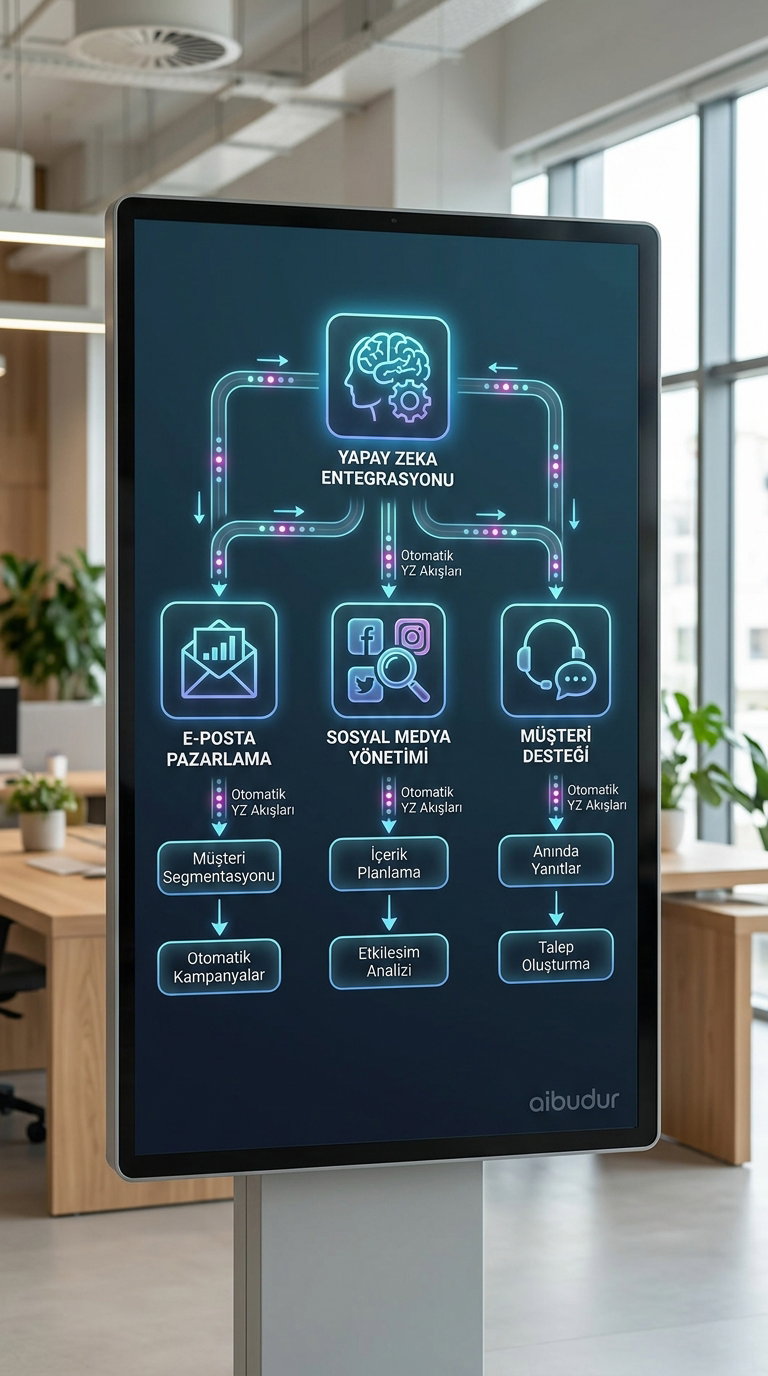
Step One: Which Tasks Can You Automate?
Building an AI workflow is just as much about asking the right questions as it is about technical know-how: "Which tasks does my team spend the most time on each week?" Tasks like customer data entry, weekly report preparation, and email newsletter delivery are often great places to start. Write them down and highlight the ones that repeat according to a clear rule.
The next step is to look for user-friendly AI tools that can take over those tasks. Most tools work by connecting different apps, so they can automatically move data from your email client into a spreadsheet, for example. Our best AI tools for small businesses guide offers practical options to help you get started. Once you choose a tool, the smartest move is to test it on a small process first.
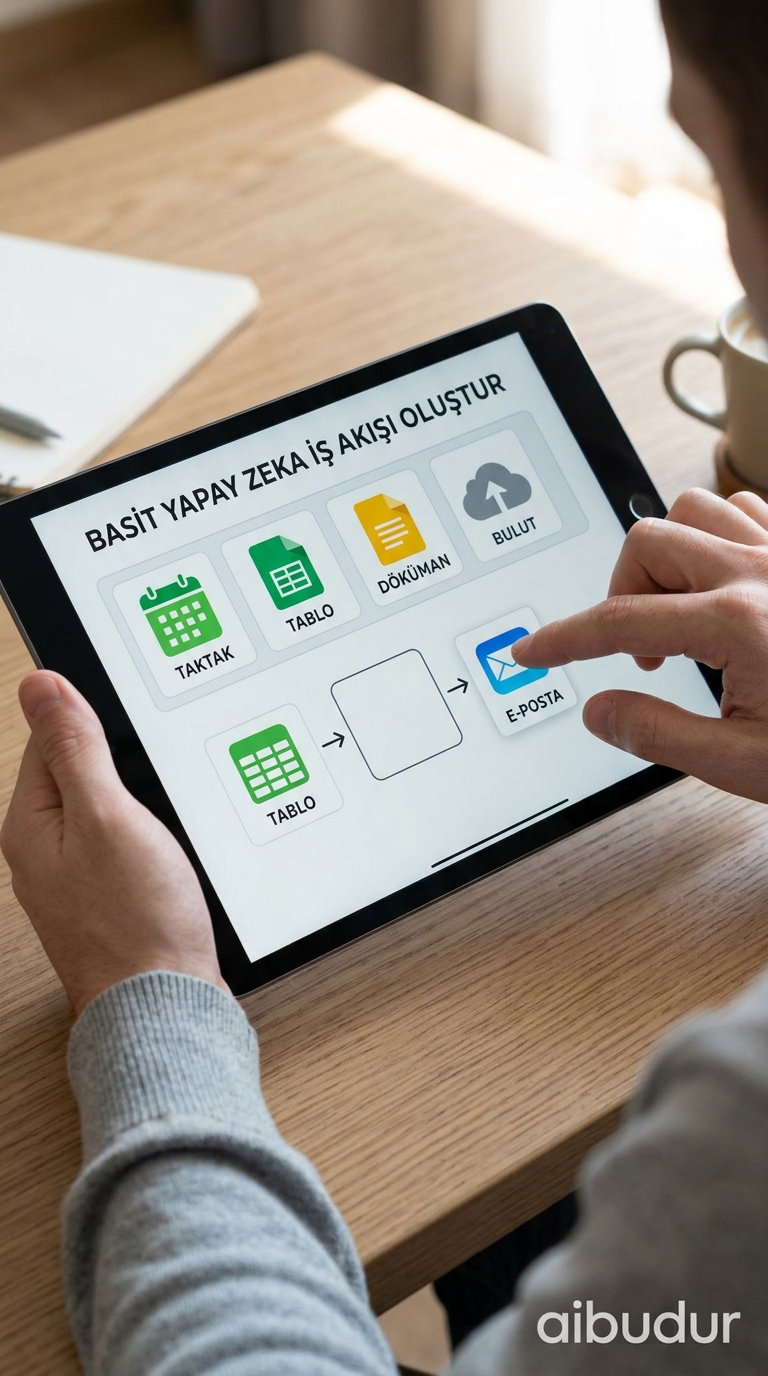
Build the Process Step by Step
After your first automation is up and running, the next challenge is figuring out how to expand it. Over time, one automated task can grow into a connected workflow. For example, when a new customer fills out a form, you can create a record in the CRM, send a welcome email automatically, and add the data to your weekly report in one seamless flow.
If you want a step-by-step look at how to build these connected systems, our article on how to set up an AI workflow offers a detailed roadmap. Testing everything on a small scale before expanding it helps you catch potential issues early.

Choosing the right platform to build your own AI workflow is a crucial part of the journey. aibudur.com can help as an all-in-one platform offering the latest AI tools in one place. When you sign up, you can explore the tools risk-free with 50 free credits and discover the workflow that fits your business best.