Stable Diffusion: Your Ultimate Guide to AI-Powered Image Generation

Stable Diffusion is one of the most exciting AI models for transforming text into images. Just type a sentence, and watch as the model crafts it into a stunningly realistic or artistic image. Its applications span across art, design, marketing, and education, making the ability to generate such diverse outputs from a single tool nothing short of amazing.
This guide provides a step-by-step roadmap for anyone diving into Stable Diffusion for the first time. Explore more about Stable Diffusion by trying out free AI tools and snagging 50 free credits at Aibudur.com.
Setting Up Stable Diffusion: Essentials and Basics
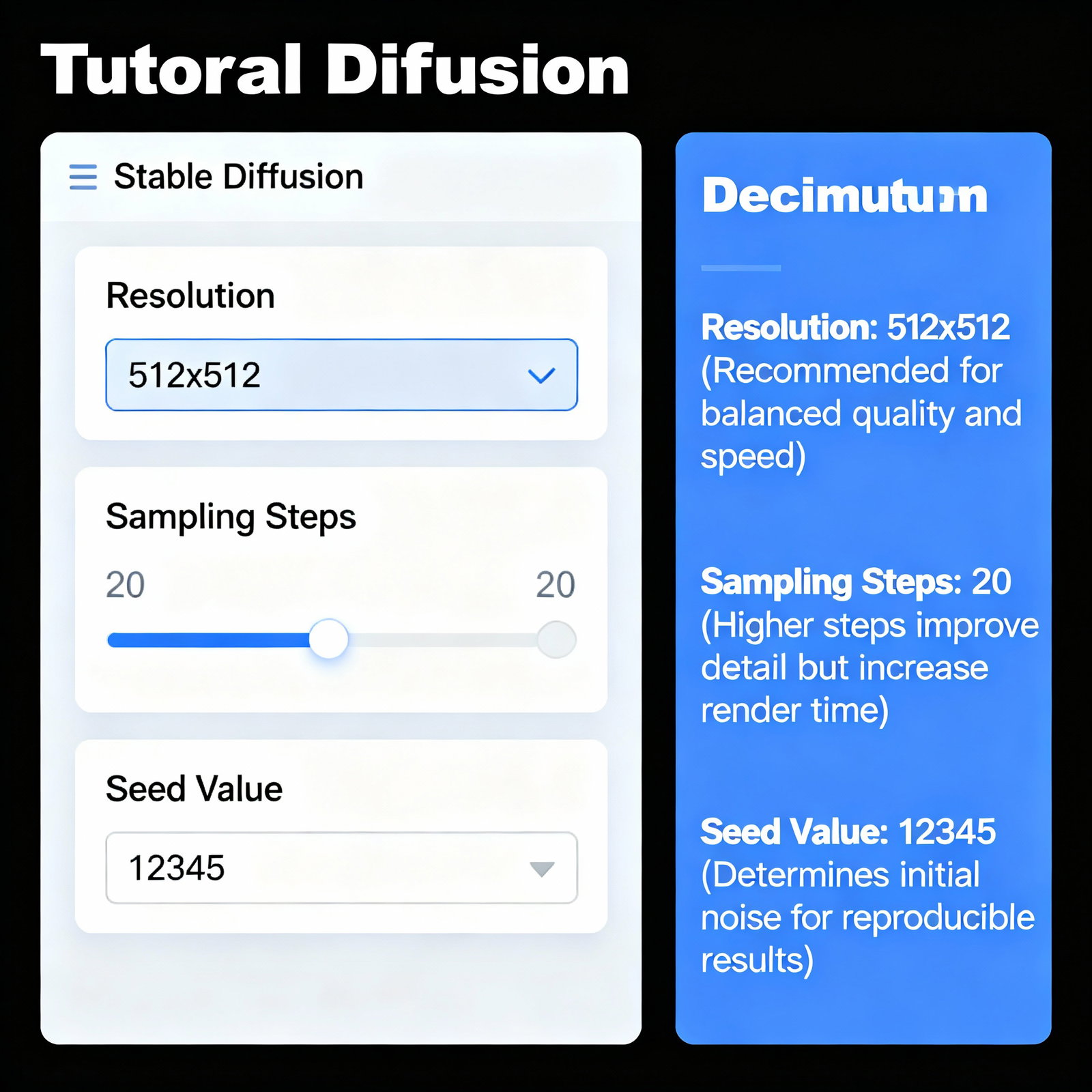
Before you dive into using Stable Diffusion, ensure your hardware meets the necessary requirements. GPU memory is crucial; while basic models can operate with a 4 GB VRAM graphics card, an 8 GB card or more is recommended for optimal performance. Once you're set up, take some time to familiarize yourself with the interface.
Parameters like resolution, sampling steps, and seed value have a direct impact on the quality of the images generated. For instance, increasing the sampling steps from 20 to 50 significantly enhances the image detail, though it also lengthens processing time. Experimenting with various combinations to find the perfect balance is the key. For more resources and guides related to Stable Diffusion, be sure to check out Aibudur.com.
Text-to-Image Generation: Best Practices and Techniques
The primary function of Stable Diffusion is to generate images based on text prompts. So, what makes a great prompt? The difference between stating "a cat" and "an orange cat lounging by the window in the soft morning light, in a photorealistic style with shallow depth of field" is immense.
Clearly defining the desired objects, colors, styles, and compositions enables the model to create images that better align with your vision. Negative prompts work wonders too; by including terms like "blurry, low quality, distorted hands," you can guide the model away from unwanted outcomes. If you want to enhance your prompting skills, check out the article Create the Images of Your Dreams with AI Photo Prompts. Additionally, you can boost your text-to-image generation experience with the free AI tools at Aibudur.com.
Unleash Your Creativity with Stable Diffusion
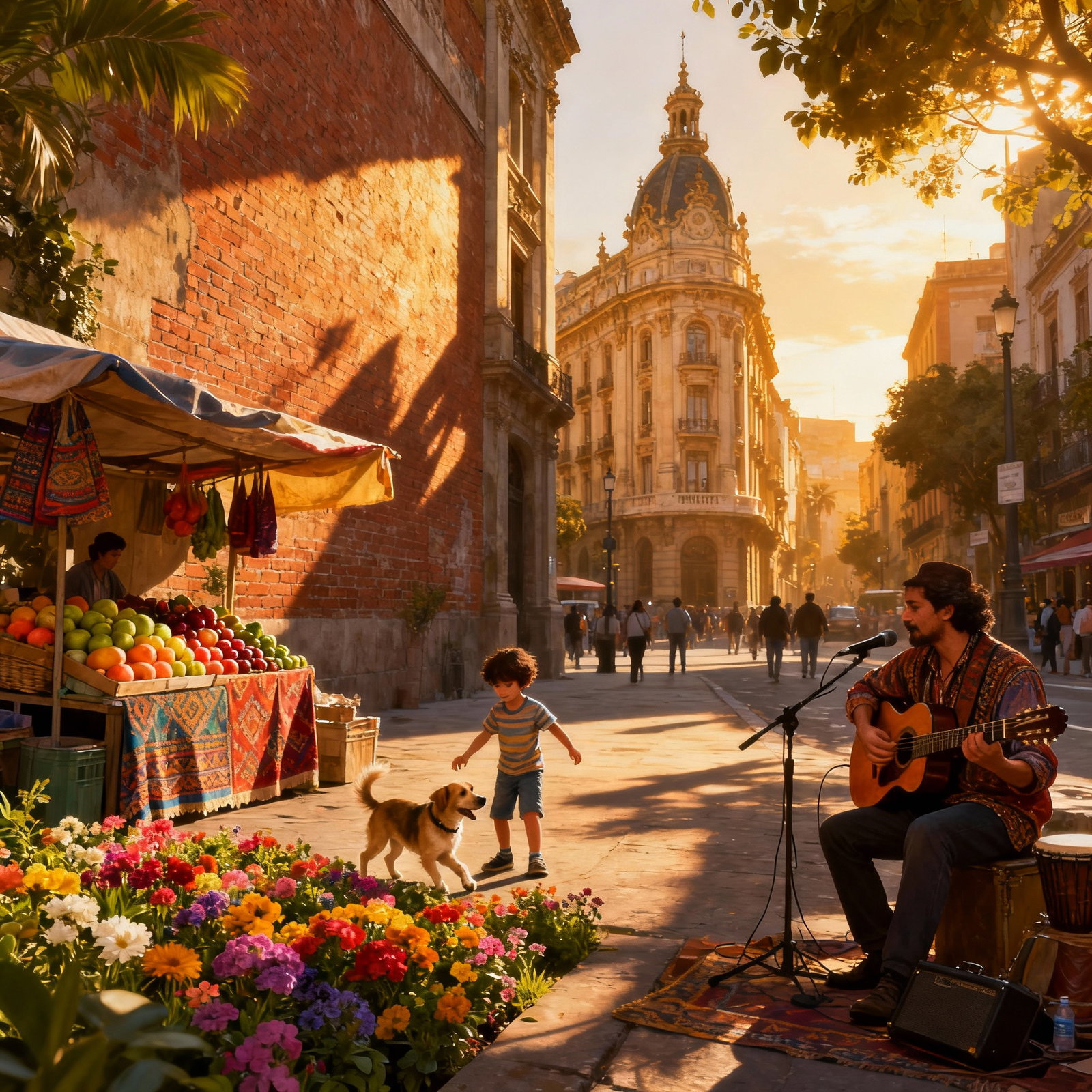
Stable Diffusion isn't just a powerful model; it's a gateway to bring your ideas to life swiftly. Whether you're aiming to create works in the style of a historical art movement, design groundbreaking architectural concepts, or illustrate a novel, you can visualize scenes in minutes that might take a concept artist days to realize.
By leveraging the provided parameters, you can achieve unique and captivating visuals. To explore various approaches, the article Image Generation with Artificial Intelligence: A Step-by-Step Guide is an excellent resource. Embracing a trial-and-error approach with this tool proves to be highly productive; each attempt brings you closer to your creative goals.
Visit Aibudur.com to take advantage of free AI tools and jumpstart your image creation journey with 50 free credits.
