How to Integrate a WhatsApp Chatbot
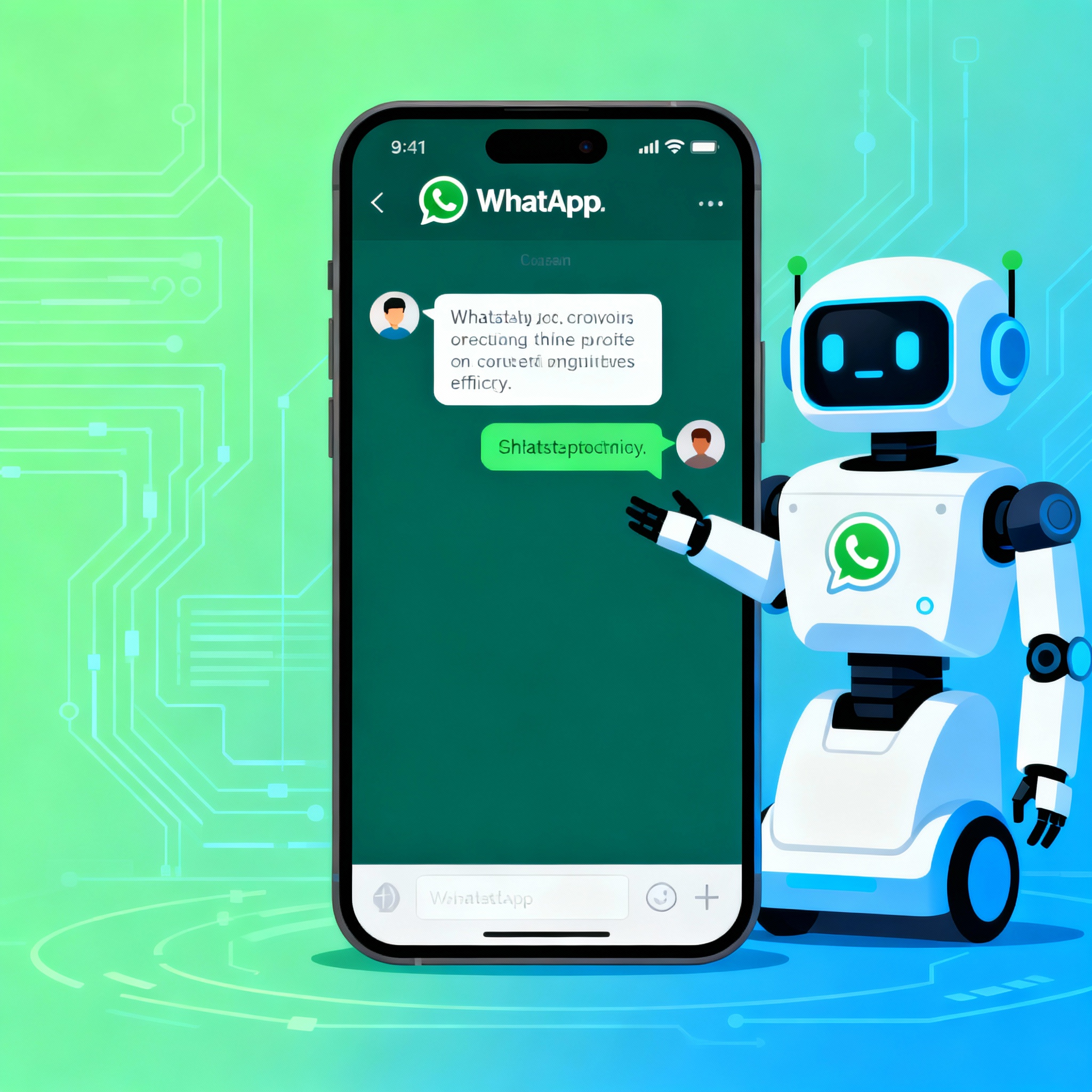
WhatsApp chatbot integration is a smart way for businesses to communicate faster and more effectively with customers. With this setup, you can send automated replies, instantly answer common questions, and share information about your products or services. But what happens when a chatbot is set up poorly? Instead of solving a problem, a bad bot can leave customers even more frustrated.
With the right planning and implementation, the process is much more manageable than it might seem. You can build a system that reduces your team’s workload and even handles a “Where is my order?” message at 2:00 AM without missing a beat.
Define Your Needs Before You Start
Before you jump into WhatsApp chatbot integration, it’s important to clarify what your business actually needs. Which questions should the bot answer? For example, if you run an e-commerce store, order tracking, returns, and product availability may be your three most important topics. These answers will shape both the design and functionality of your chatbot.
You’ll also need access to the WhatsApp Business API. Without this API, it’s technically impossible to connect a chatbot to WhatsApp. At this stage, I recommend reading our article What is a WhatsApp Chatbot and Why Should You Set One Up?; it will help you see the bigger picture. You can also visit aibudur.com to try free AI tools and get 50 free credits.

Choose a Chatbot Platform and Follow the Integration Steps
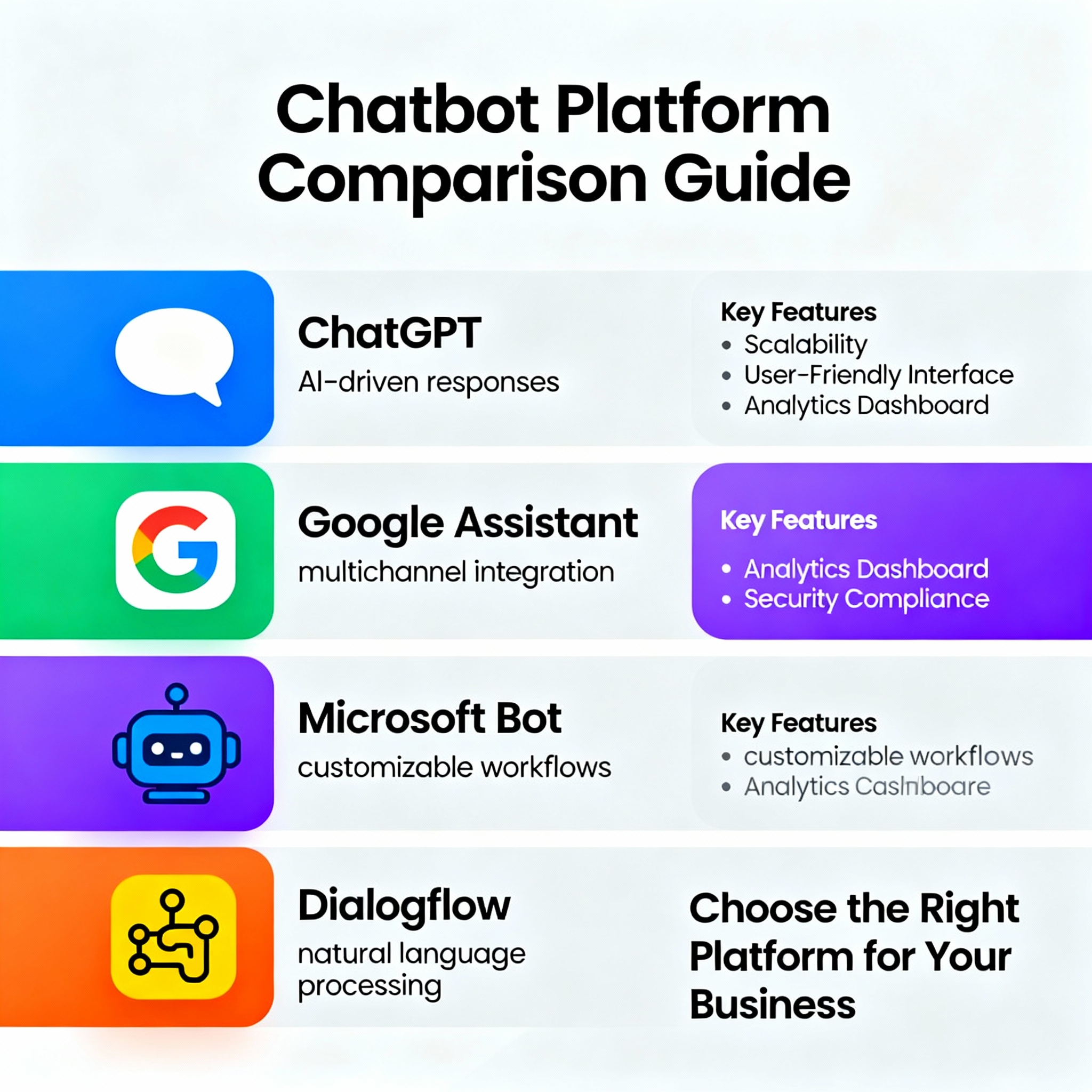
Once you’ve handled API access, it’s time to choose a platform. Some tools offer drag-and-drop interfaces that require no coding, while others give developers much more room to customize. For a small business, a no-code solution is often enough, but a setup handling thousands of messages a day may need a more flexible infrastructure.
Before you commit, make sure your chosen platform works smoothly with WhatsApp. Following the platform’s documentation step by step during integration will help you avoid technical issues later on.
Test, Optimize, and Track Performance
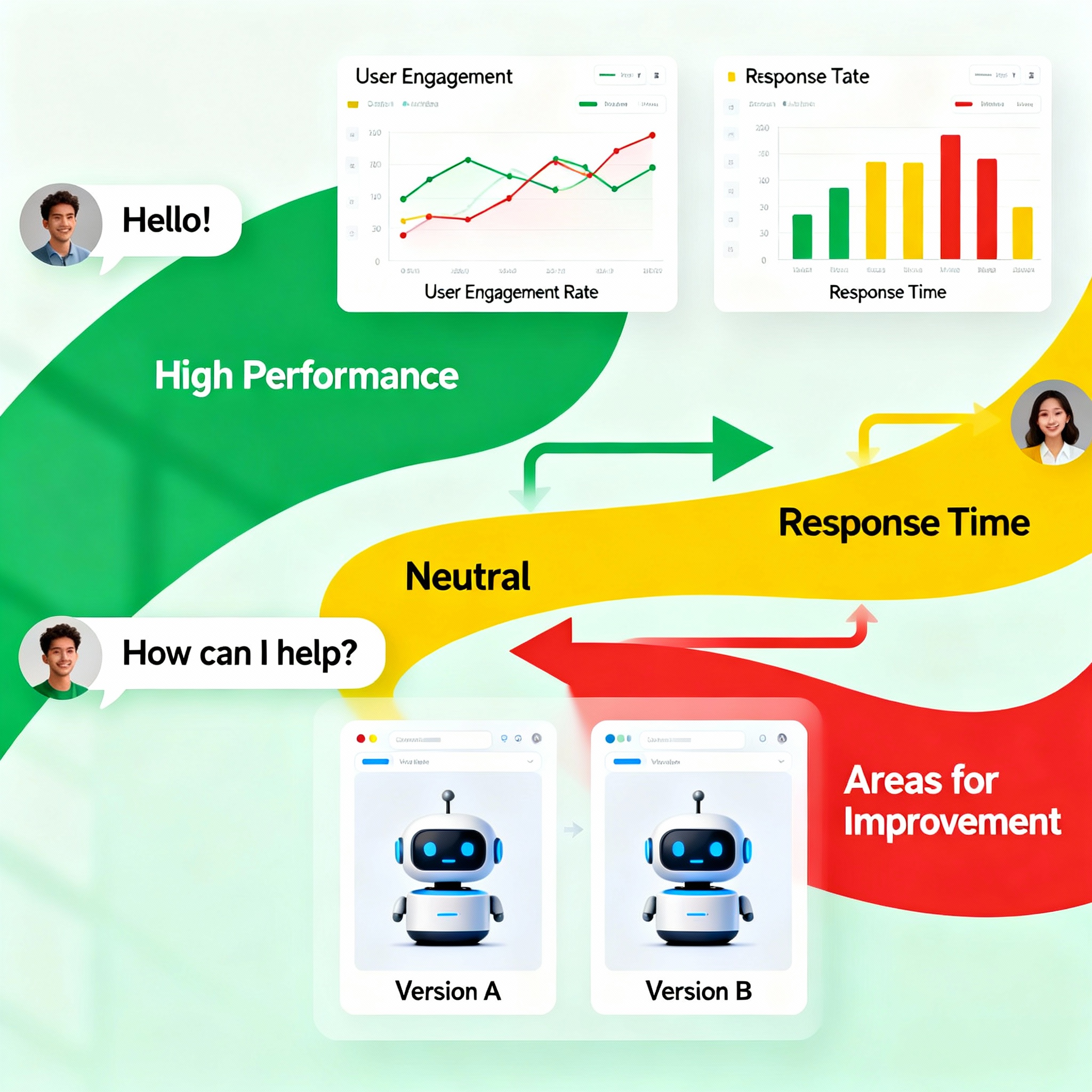
Once the chatbot is integrated, the real work begins: testing. Simulate real customer scenarios to make sure the bot gives accurate answers. Try different ways of phrasing the same request, such as “I want to return my product,” because users can ask the same question in dozens of different ways.
Review customer feedback regularly and keep adding new scenarios to the bot. A successful chatbot is never really “done”; it needs ongoing updates. Weekly or monthly performance reports can show you where the bot gets stuck, so you can focus on improving those areas.
If you want to streamline customer processes even further, the article Customer Service Automation with WhatsApp AI Bots will also be helpful. To explore more free AI tools, visit aibudur.com and start with 50 free credits.