Unlocking the Power of WhatsApp Chatbots: Why You Need One Today!
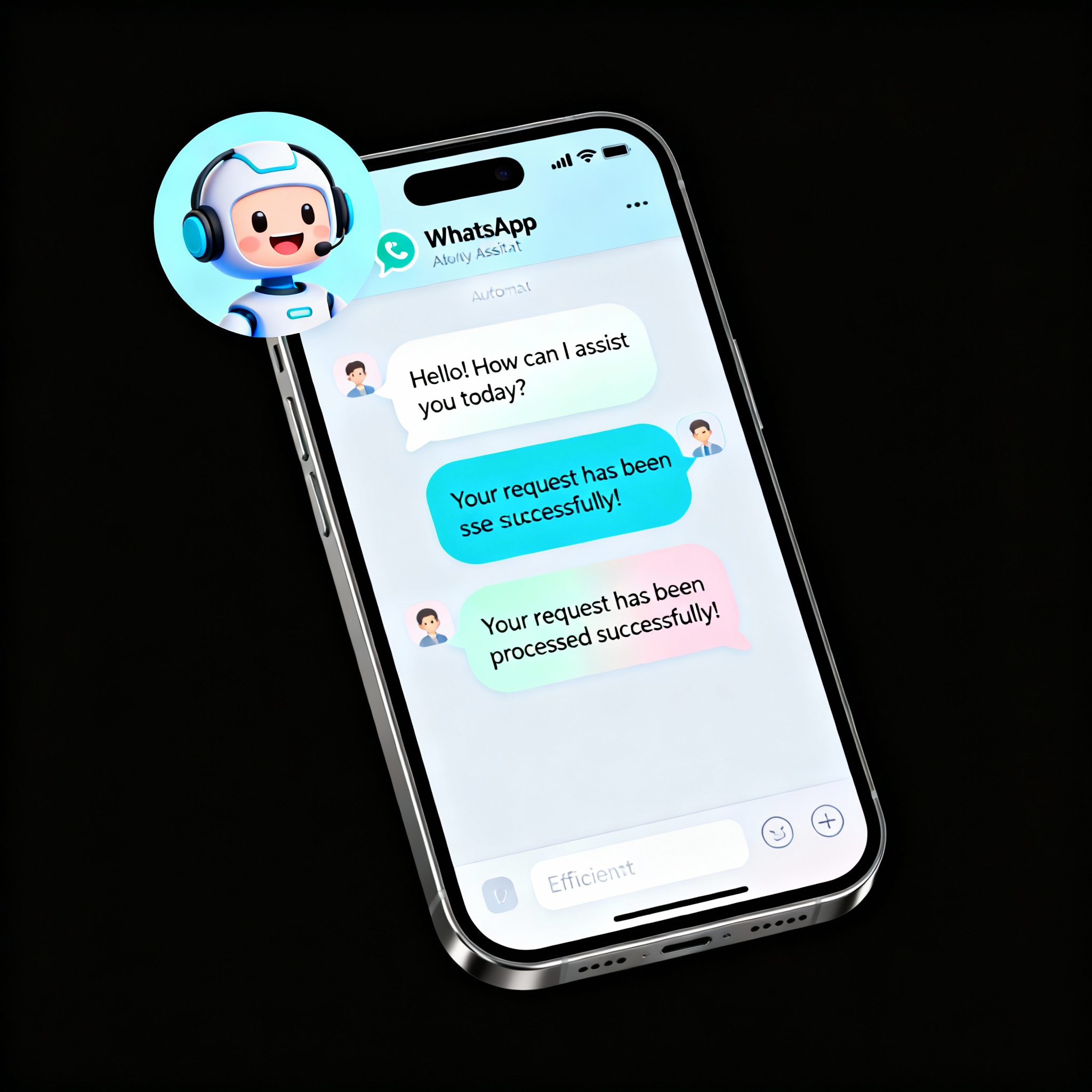
A WhatsApp chatbot is software that enables businesses to interact with customers automatically. This innovative solution is perfect for streamlining customer service, boosting sales, and enhancing brand awareness. Given the immense popularity of WhatsApp, it makes perfect sense to connect with your customers through an app they already use daily.
Chatbots can efficiently handle numerous repetitive tasks, such as answering inquiries, processing orders, and scheduling appointments. Whether you're a small boutique or a larger enterprise with hundreds of employees, integrating a WhatsApp chatbot into your business processes offers undeniable advantages at any scale.
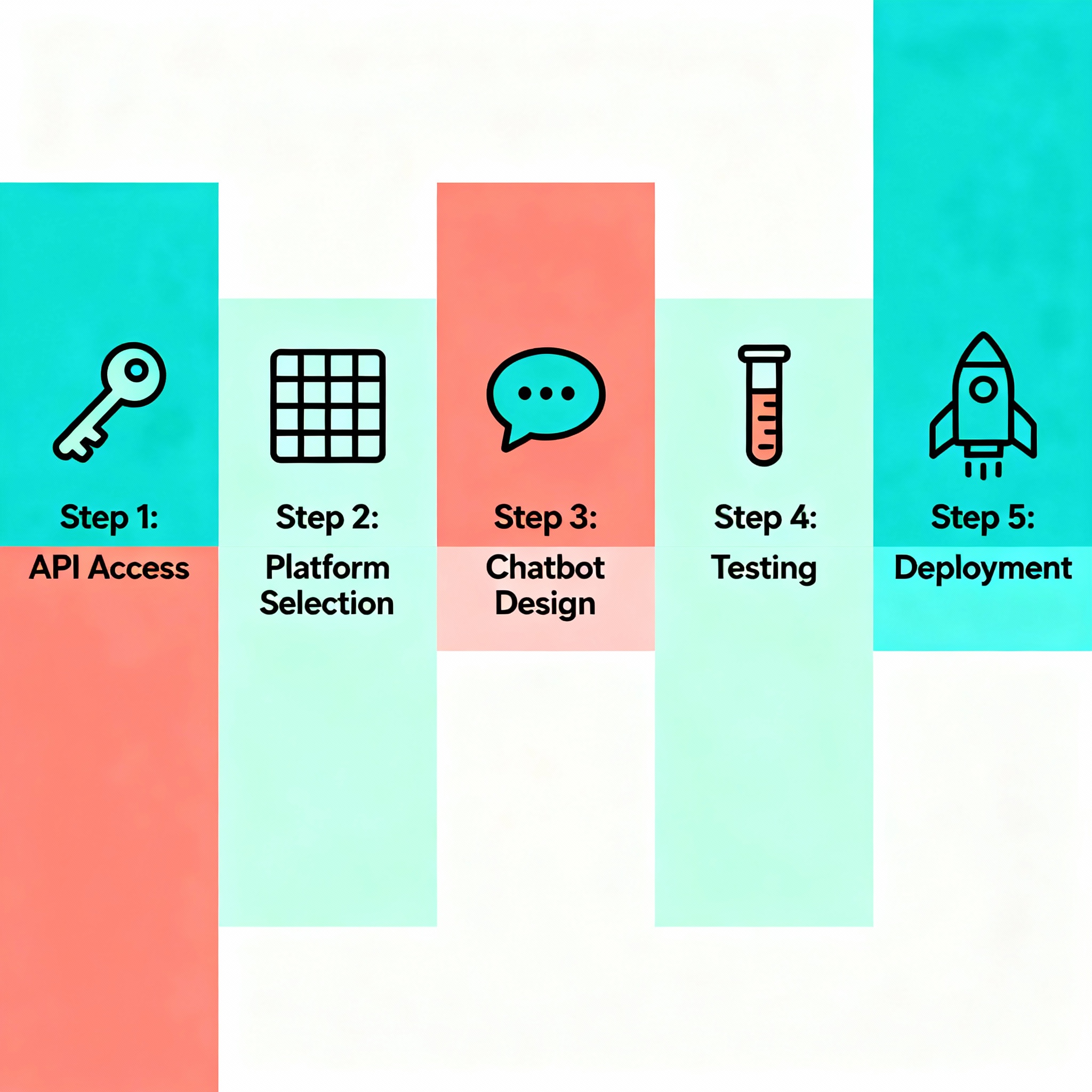
To set up a WhatsApp chatbot, start by gaining access to the WhatsApp Business API. Once you've completed this initial step, you can select a chatbot platform and kick off the integration process. Many platforms come equipped with user-friendly drag-and-drop interfaces, allowing you to create your bot without writing a single line of code—making it accessible even for those without technical backgrounds.
After choosing your platform, outline the common questions the chatbot will address and the process it will follow. For example, when a bot receives the query "Where is my order?" it can automatically send the shipping tracking link to the customer. Next comes the testing phase; simulate various scenarios, correct any glitches, and then take your bot live. You can explore free AI tools via aibudur.com and try the process with 50 free credits. For a detailed look at the integration steps, I recommend checking out our content on How to Perform WhatsApp Chatbot Integration?.
Personalizing and Optimizing Your WhatsApp Chatbot
Now that you've set up your chatbot, what's the next step? Don’t just leave it once the installation is complete. Identify the 10-15 most common queries your customers have and prepare clear, concise responses for them. Test the bot against different scenarios; unexpected questions might arise, and it's crucial to know in advance how the system will respond.
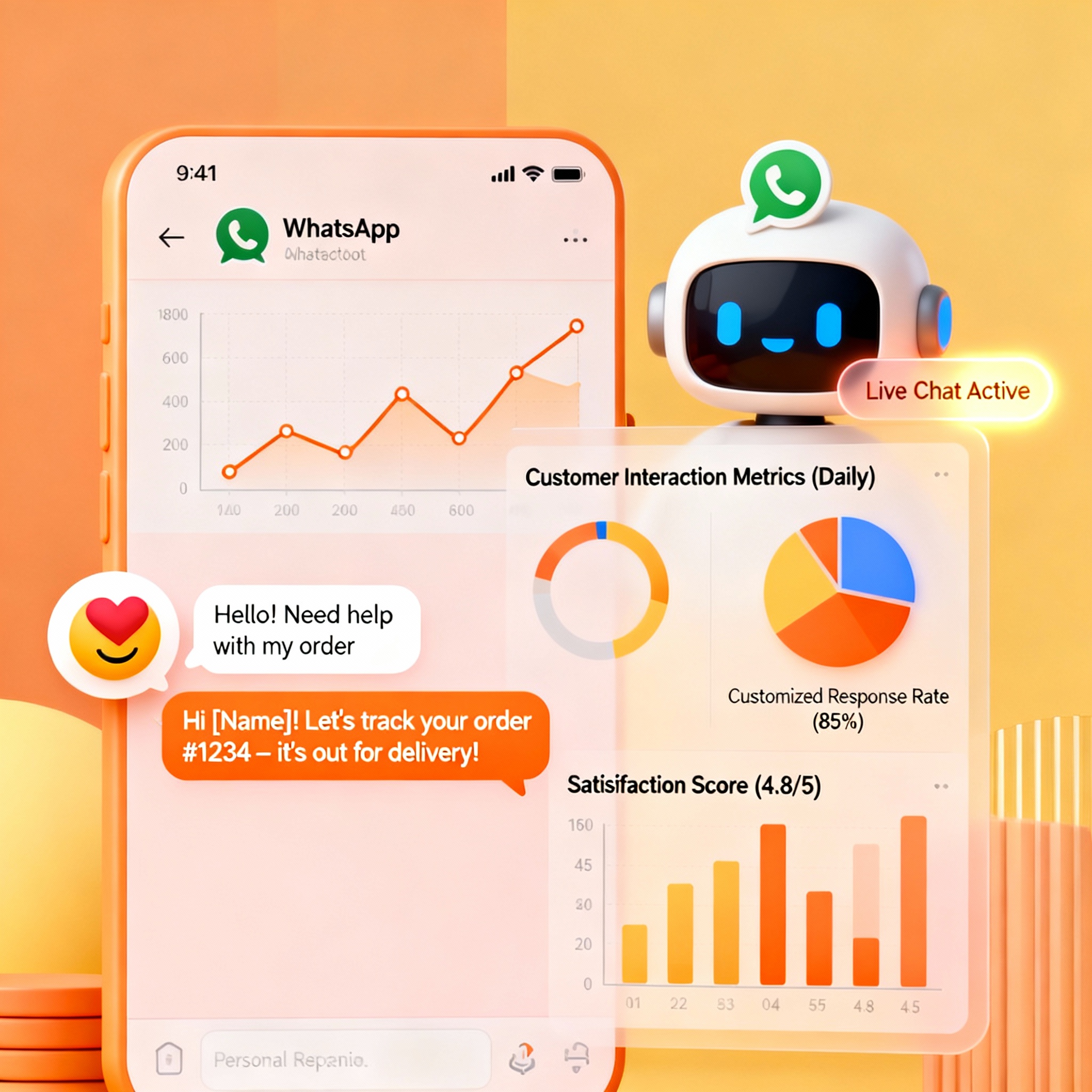
Regularly track performance. Monitor which questions stump the bot and which messages remain unanswered—updating the system over time ensures a smoother experience. Sending personalized messages and targeted campaigns can significantly enhance engagement rates. When you integrate your bot with your email marketing or CRM system, you create a seamless customer experience.
Ways to Increase Customer Satisfaction with WhatsApp Chatbots
Who’s going to respond to the "Is the product in stock?" question that comes in at 2:00 AM? That’s where the chatbot shines. Establishing a 24/7 support line eliminates customer wait times, and this small detail has a significant positive effect on satisfaction levels.
In addition to providing quick and accurate responses, sending personalized discounts or birthday offers makes customers feel appreciated. Short surveys can also be effective; even a simple request like "Could you rate our service from 1 to 5?" can provide valuable insights. By visiting aibudur.com, you can explore AI tools with 50 free credits and test this process for your own business. For a broader perspective on automation in customer service, check out the article Automation in Customer Service with WhatsApp AI Bot.