Mastering Photo Merging with AI: A Quick Guide
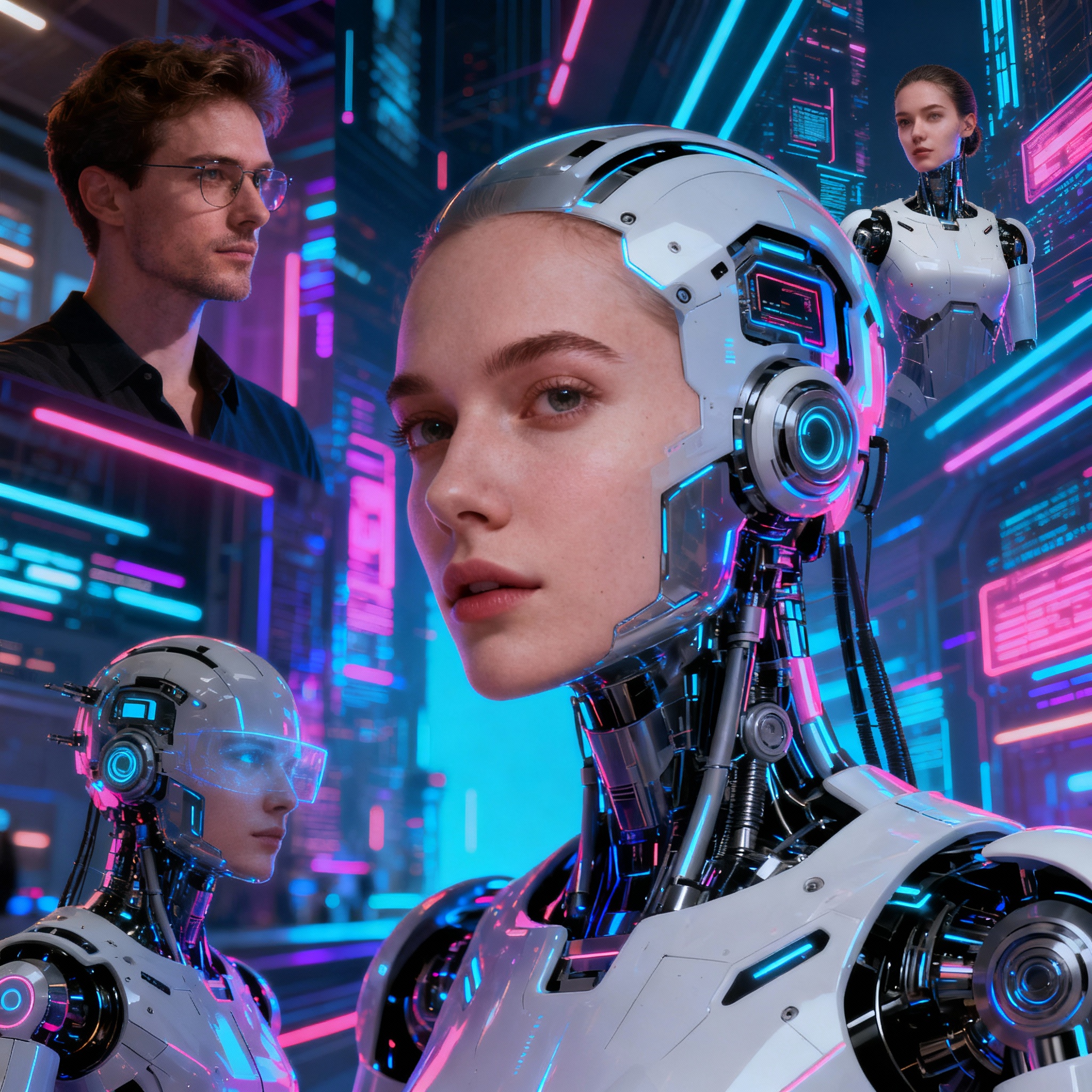
Artificial Intelligence (AI) has revolutionized the way we approach photo merging. What once took hours with traditional techniques can now be accomplished in mere seconds, thanks to advanced AI algorithms. This technology provides a game-changing advantage for social media influencers, marketing specialists, and photographers alike.
Merging photos using AI not only saves time but also opens the door to unparalleled creativity and visual impact. You can now craft distinctive visual experiences by blending various styles, colors, and compositions. No technical expertise is necessary; even the average user can create stunning, professional-quality results.
AI-driven photo merging tools typically come with user-friendly interfaces and a plethora of features. They automatically analyze your uploaded images to fine-tune color balance, lighting, and perspective. With cutting-edge object recognition technology, these tools can identify faces, animals, or landmarks, allowing for a more precise merging process.
AI algorithms work to create a seamless transition between images, ensuring a more natural appearance. Some advanced solutions can even introduce entirely new elements into your photos or modify existing ones. This capability is especially beneficial for artistic projects and visual effects endeavors.
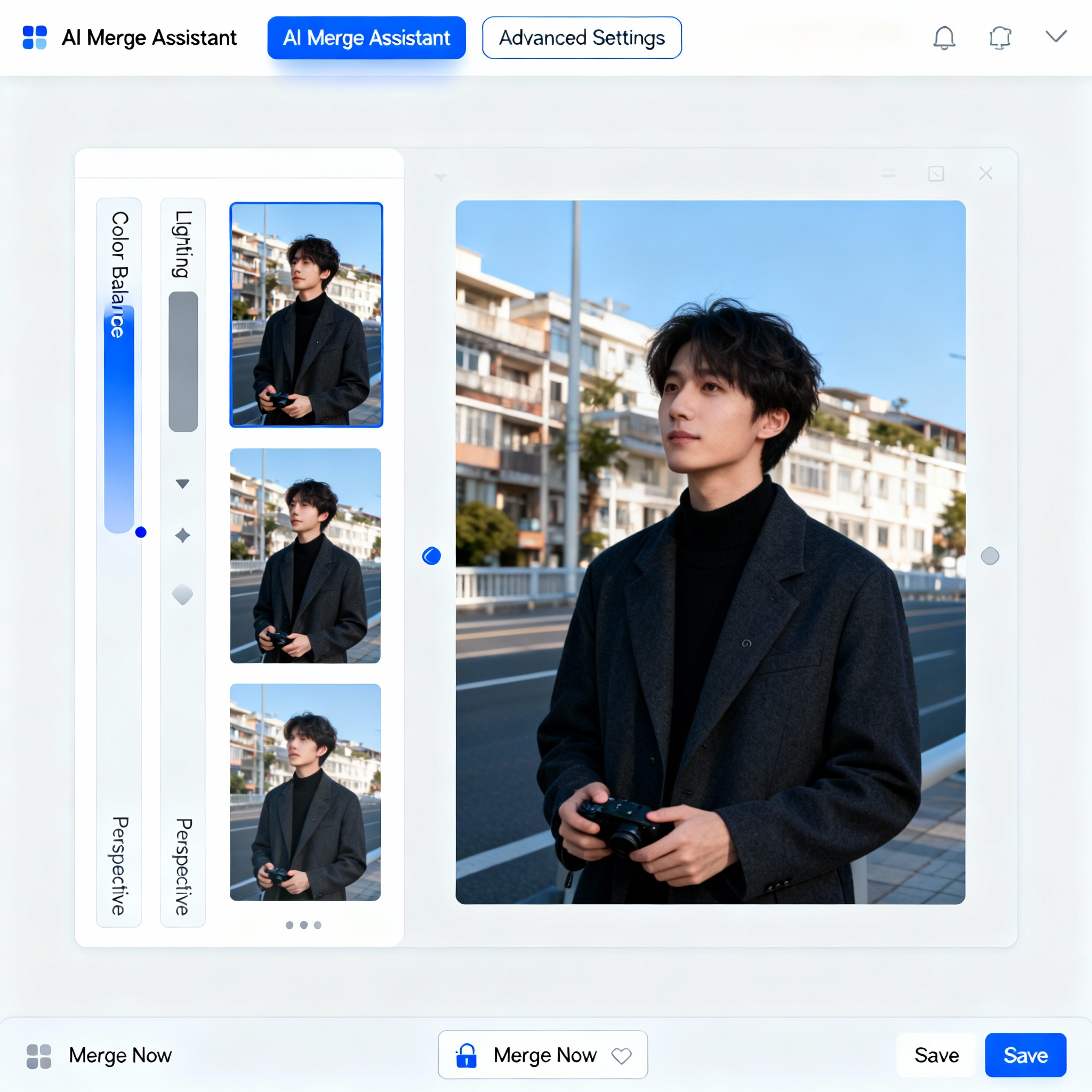
So, where do you begin? Start by selecting an AI-enhanced photo editing tool. There are numerous options available, ranging from free versions to paid subscriptions. After choosing your tool, upload the photos you wish to merge; the system will analyze them and present various editing choices, such as side-by-side, overlay, or merging in a specific style.
Once you’ve made your selections, you can fine-tune color, lighting, and other visual elements using the customization tools. For optimal results, consider consulting our AI Image Generation: A Step-by-Step Guide. The final step is straightforward: save your merged image and prepare to share it with the world.

If you’re eager to explore AI tools for free, check out aibudur.com. The platform aggregates various tools for photo editing, text generation, voiceovers, and more. By signing up, you’ll receive 50 free credits, allowing you to try these tools firsthand. If you're looking to enhance your prompting skills, check out our article Create Your Dream Visuals with AI Photo Prompts.