Unlocking AI Image Generation: Your Ultimate Step-by-Step Guide

Artificial intelligence (AI) has carved out a remarkable niche in the design world. With just a few words, you can generate stunning visuals without needing to master complicated software or hire an expensive professional designer. Consider a shopkeeper seeking a graphic for a social media post or a content creator searching for a captivating cover image for a blog; this technology perfectly addresses their needs.
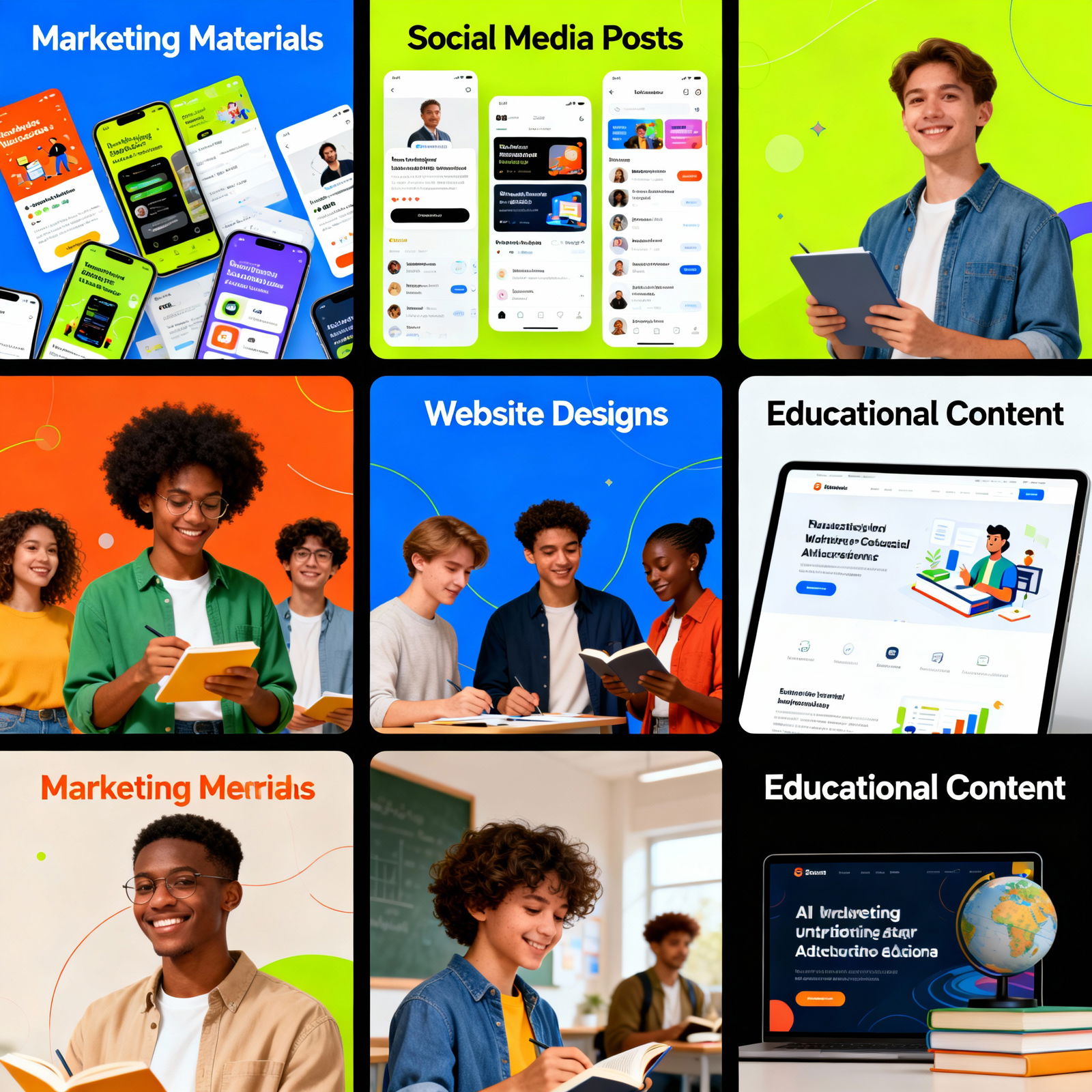
These versatile tools are applicable across various fields—from crafting marketing materials to developing educational content, and from personal art projects to creating e-commerce product images. They deliver results that are not only faster but also far more cost-effective compared to traditional methods.
Top AI Image Generation Tools
The market boasts a plethora of AI-powered image generation tools, most of which operate on the text-to-image principle. You simply input what you envision—this is called a prompt—and the AI conjures up a visual that matches your description. Some tools provide a straightforward and quick interface, while others allow for detailed adjustments like style selection, color palette, and composition.
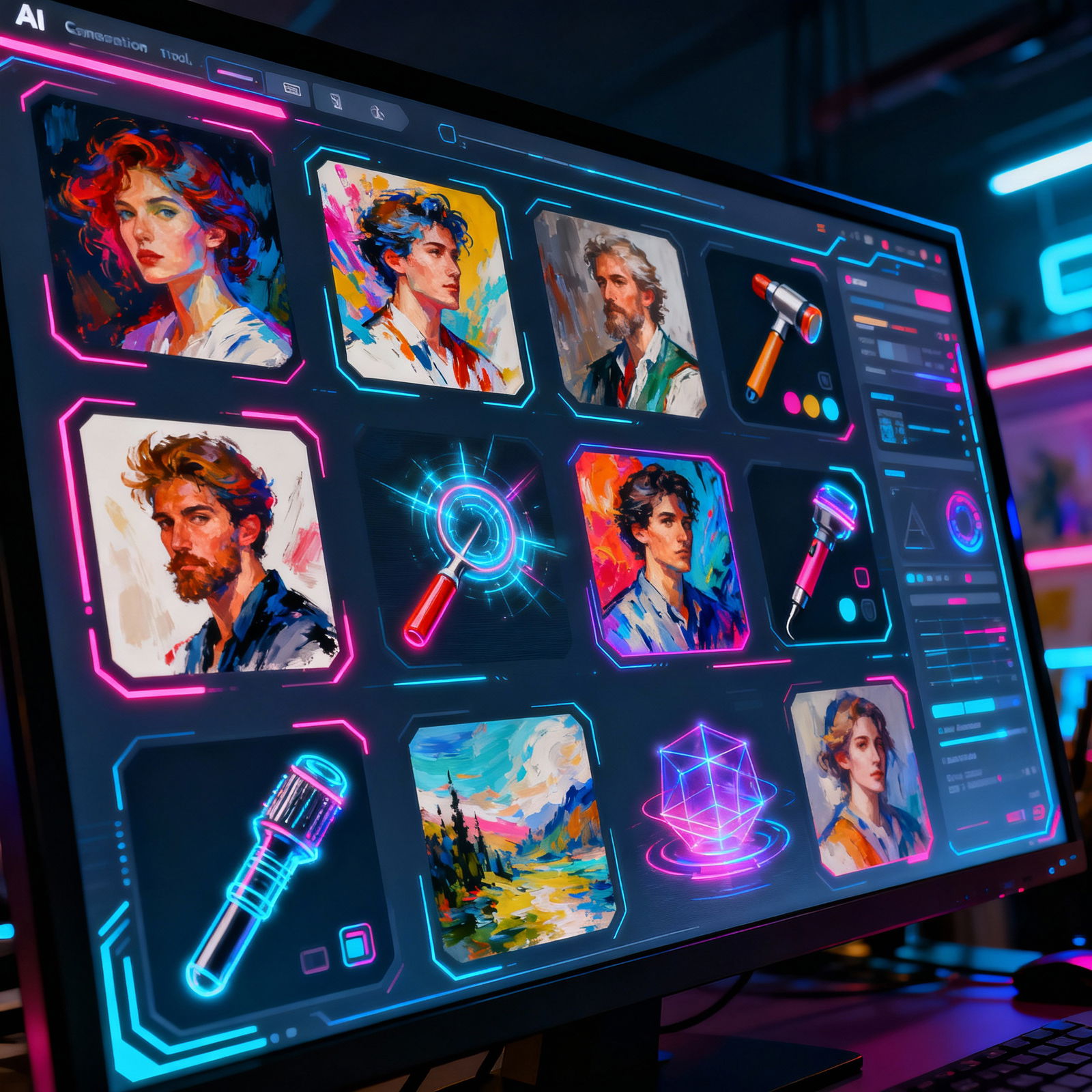
Among the standout platforms are Midjourney, DALL-E 2, and Stable Diffusion. These tools can generate a diverse range of outputs, from realistic photographic effects to vibrant oil paintings, and from 3D renders to playful caricatures. If you're on the lookout for the ideal platform to suit your needs, be sure to check out the DALL-E and Midjourney: Which AI Image Generator is Better? article.
The AI Image Generation Journey
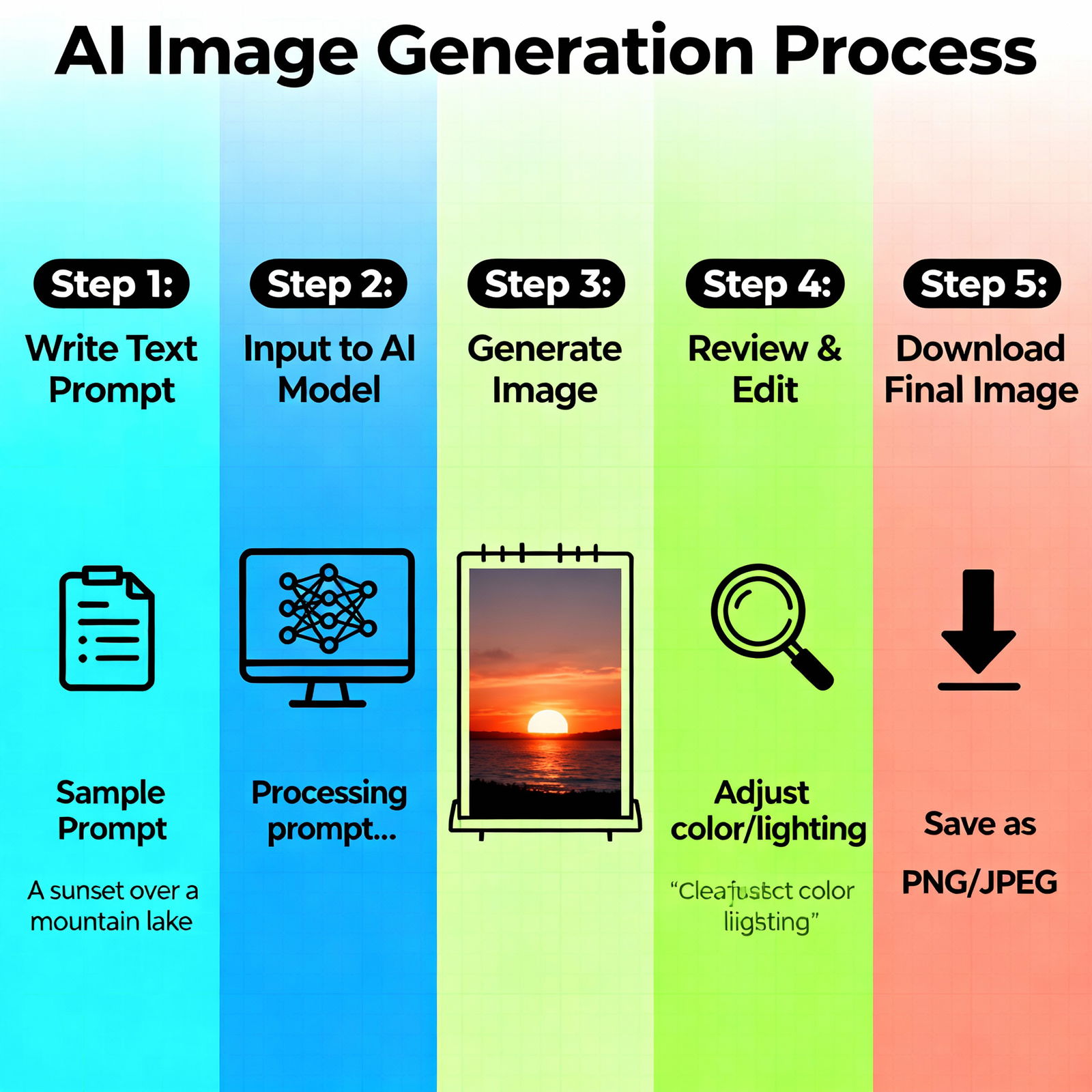
Creating images with AI is, surprisingly, much easier than you might imagine. Start by signing up for your chosen platform or subscribing to a service. Next, describe the image you want in clear text. The more specific your prompt, the closer the output will align with your vision.
For example, instead of saying "a woman sitting on the beach," try expanding it to "a woman wearing a blue hat, sunglasses, and a white dress on a golden sandy beach, basking in the afternoon sun." You'll find the result to be significantly more accurate. Once the AI generates the image, feel free to edit any elements you dislike or explore different variations. Finally, download your favorite version and put it to use! For a handy resource to aid your prompt-writing, don't miss the What is the Midjourney Prompt Library? article.
Advantages and Applications of AI Image Generation
So, is this technology really accessible to everyone? In a word, yes. Even those with no design experience can produce agency-quality visuals; it’s a game changer. In terms of time savings, instead of getting embroiled in a 2-3 day revision process with a designer, you can explore countless variations in just minutes. Plus, the cost savings are remarkable; you can churn out hundreds of unique visuals with a subscription that costs just a few dollars a month.
The applications are incredibly diverse. Whether it's for social media designs, website graphics, presentation backgrounds, conceptual visuals for a product catalog, or even a personal art project, the possibilities are endless. Visit aibudur.com to try free AI tools and start creating visuals immediately, complete with 50 free credits.