AI Image Generation: 5 Quick and Easy Techniques
Artificial intelligence (AI) technology has revolutionized the way we create visual content. Now, you can produce stunning visuals in mere seconds, without needing complex design software or years of experience. In this article, we’ll explore 5 quick and easy methods to implement the AI image generation process.
Each method is tailored to different needs and skill levels, ensuring you can meet all your visual demands, from eye-catching social media posts to professional blog articles. There has never been a better time to dive into the world of visual design.
1. Text-to-Image Generation Tools:
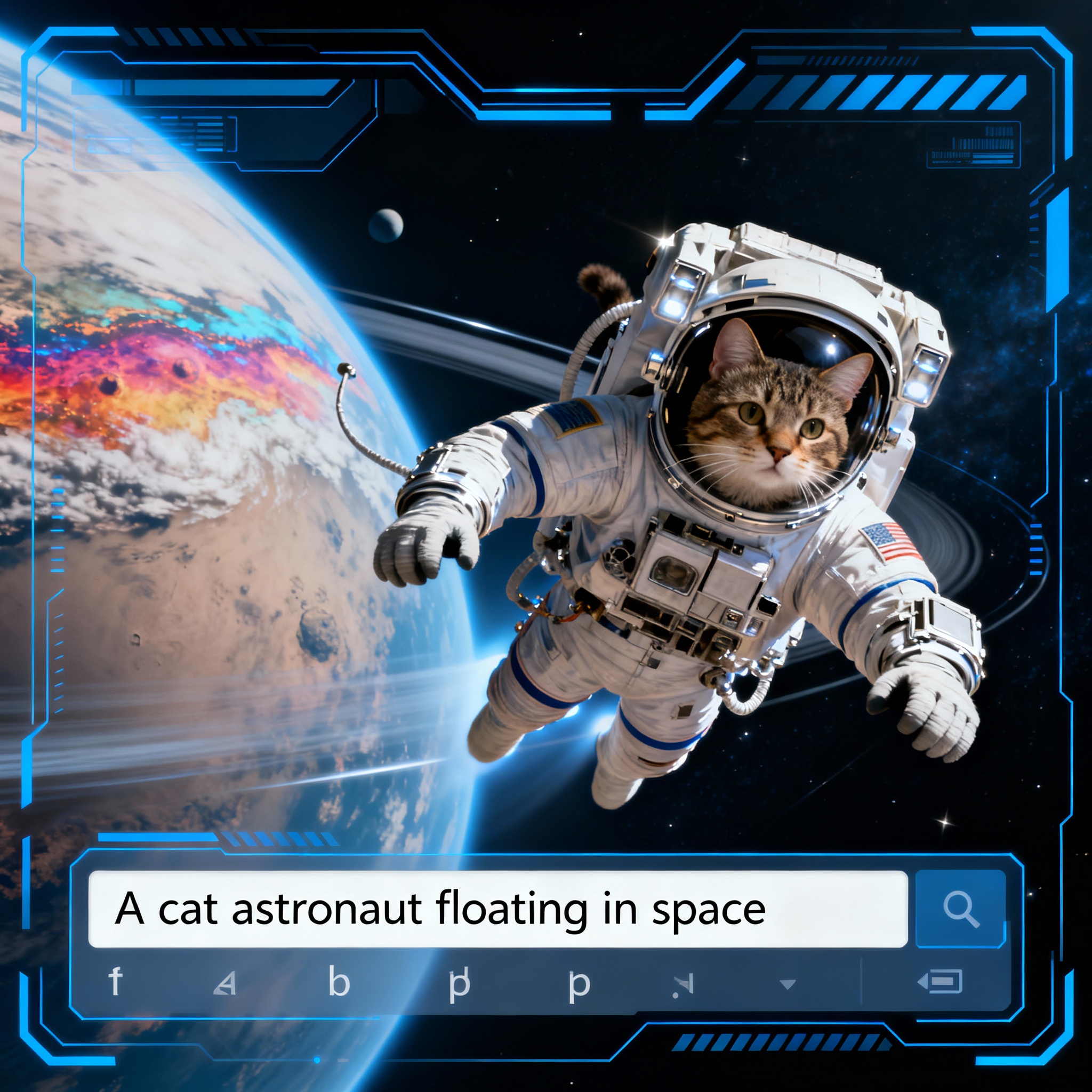
These tools automatically visualize the text you provide. Just describe the scene, character, or object you want in a few sentences, and the AI takes care of the rest. For instance, when you type "a mountain cabin at sunset," you’ll have a ready-to-use visual in minutes. This speed is a game changer, especially for bloggers and social media managers.
Midjourney and DALL-E 2 are the leading platforms in this area. Best of all, they require no technical knowledge; simply articulate your vision, and they’ll do the rest. To draw a comparison, check out our article: DALL-E and Midjourney: Which AI Image Generator is Better?.
2. Visual Enhancement with Style Transfer:
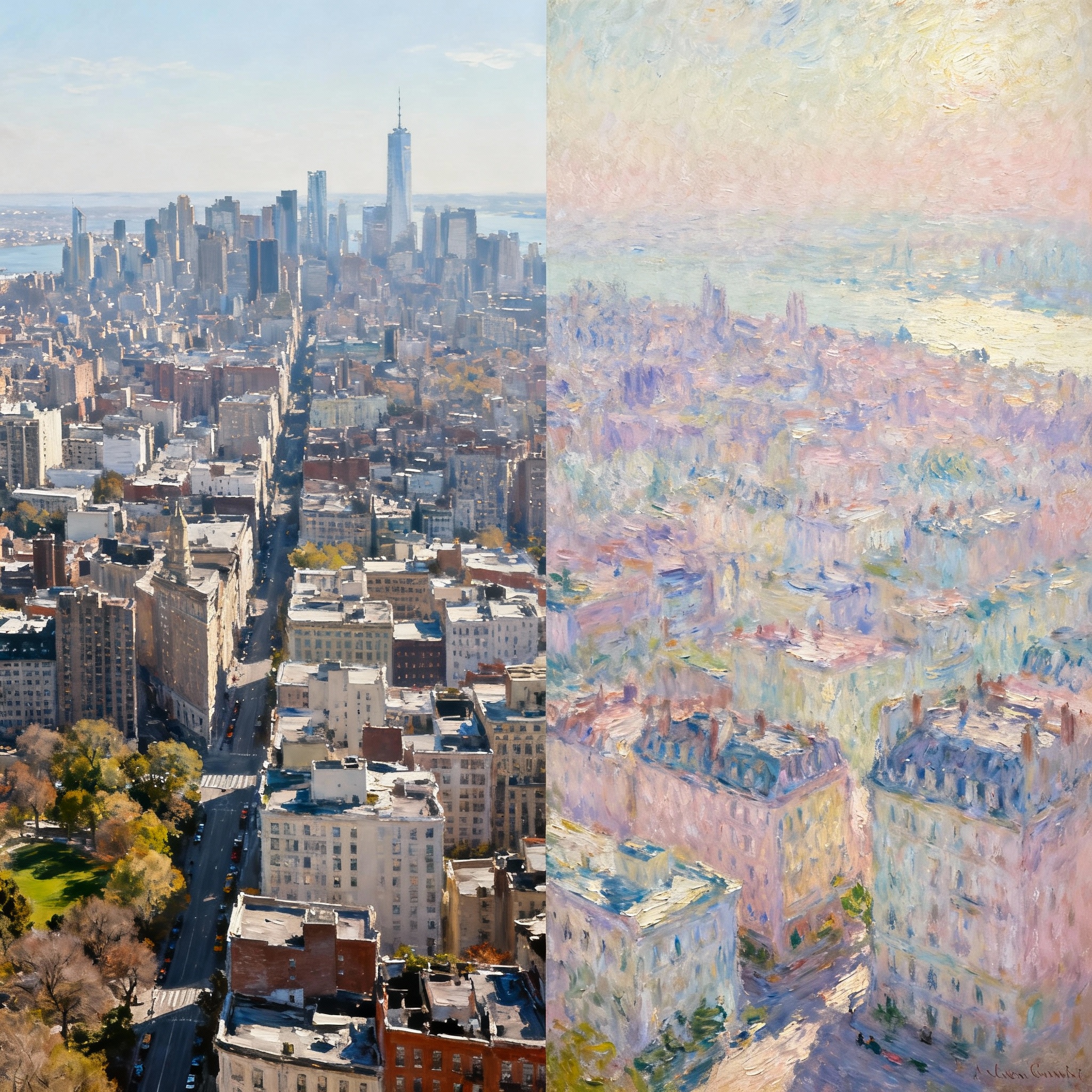
If you have an ordinary photo but want to transform its atmosphere, style transfer is your answer. These tools take the style from one image and apply it to another. Imagine merging your vacation photo with the aesthetic of Van Gogh's Starry Night—the result can be breathtaking, both personally and visually.
DeepArt.io and Prisma are among the most popular applications for this feature. It has never been easier to create unique interpretations for personal projects, artistic works, or social media content.
3. Image Editing and Improvement Tools:
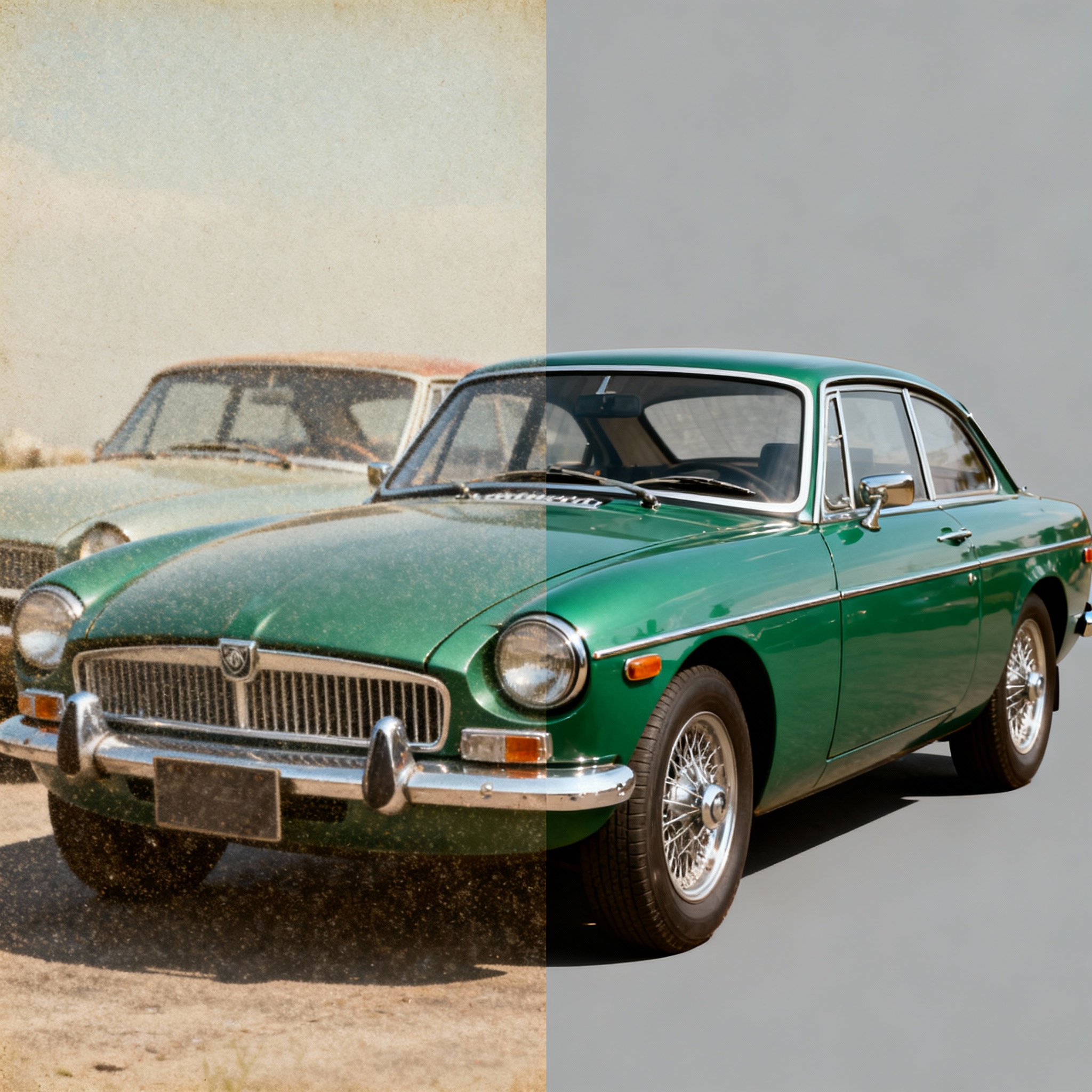
What if you already have a photo, but its quality doesn't meet your standards? AI-powered editing tools can sharpen blurry images, revitalize faded colors, and restore old family photos. You can easily rejuvenate a yellowed photo that’s been tucked away for years with just a few clicks.
Adobe Photoshop and Luminar AI stand out as leading programs that utilize AI features effectively in this domain. Regardless of your photo editing experience, you’ll achieve professional-looking results with these tools. Head over to Aibudur.com to try many of these tools yourself with 50 free credits. For newcomers, the article Image Editing: Creative Ideas and Applications with AI will be a great starting point.