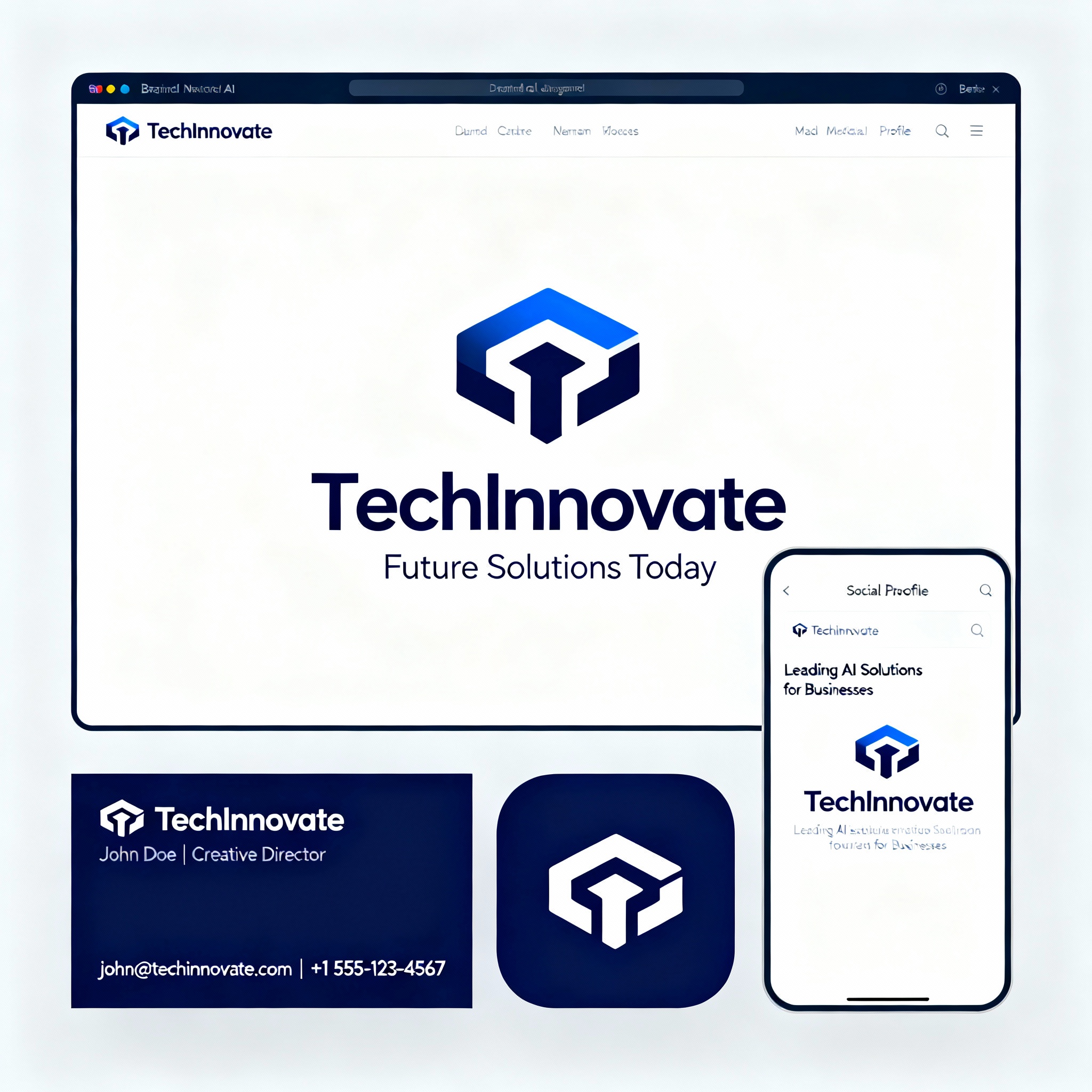
Crafting Your Logo with AI: An Energizing Step-by-Step Guide
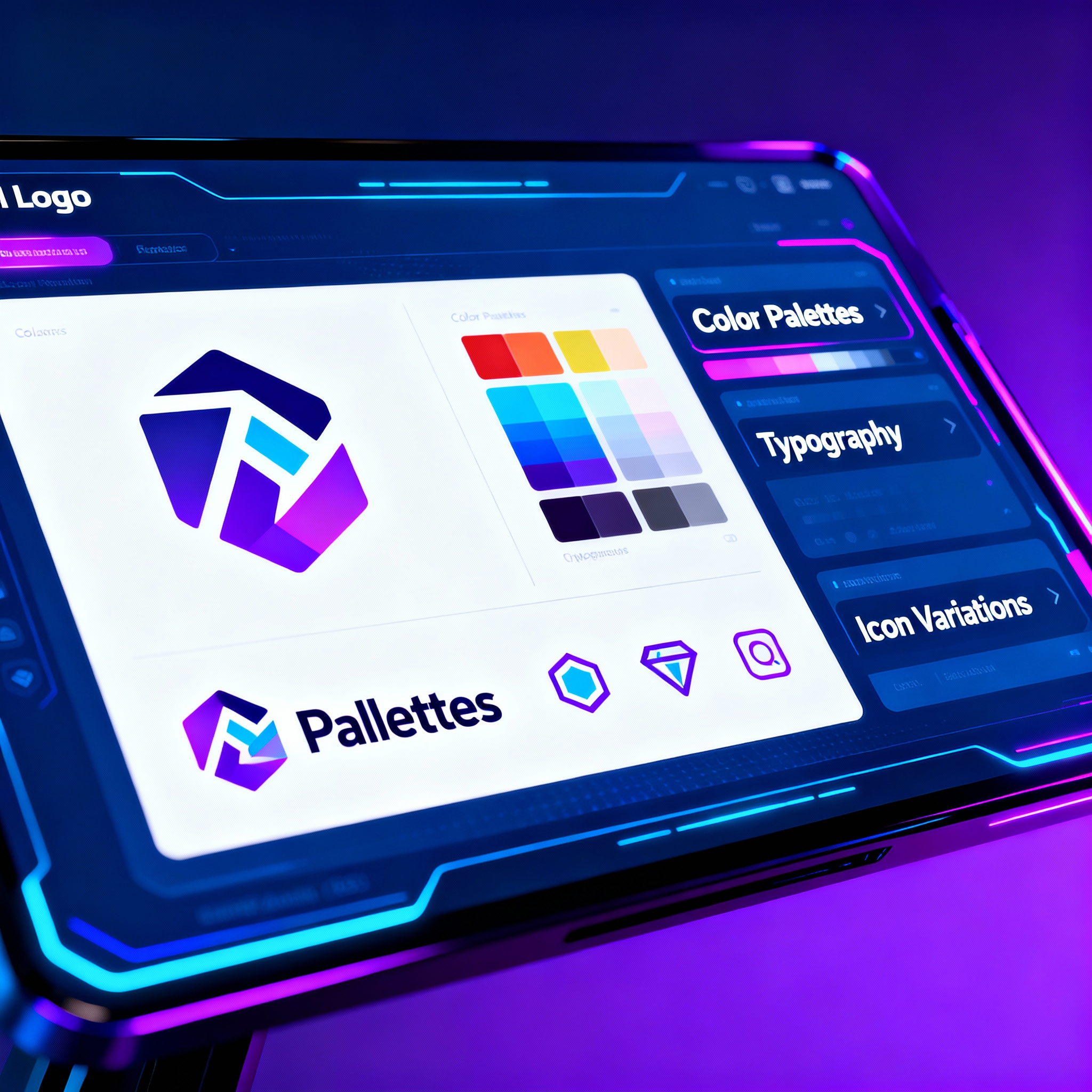
Logo design used to demand either a hefty budget or an abundance of patience. You would hire a graphic designer, craft a brief, and go through numerous revisions—weeks could easily slip by, even for the simplest logo. But Artificial Intelligence (AI) has completely revolutionized this process. Now, by simply entering your business name along with a few preferences, you can explore dozens of logo options in just minutes.
In this guide, we’ll walk you through each step to create stunning logos with AI. No need for complex software or professional designers—crafting a logo that truly represents your brand with AI-powered tools is easier than you think.
Step One: Choose an AI Logo Creation Tool.
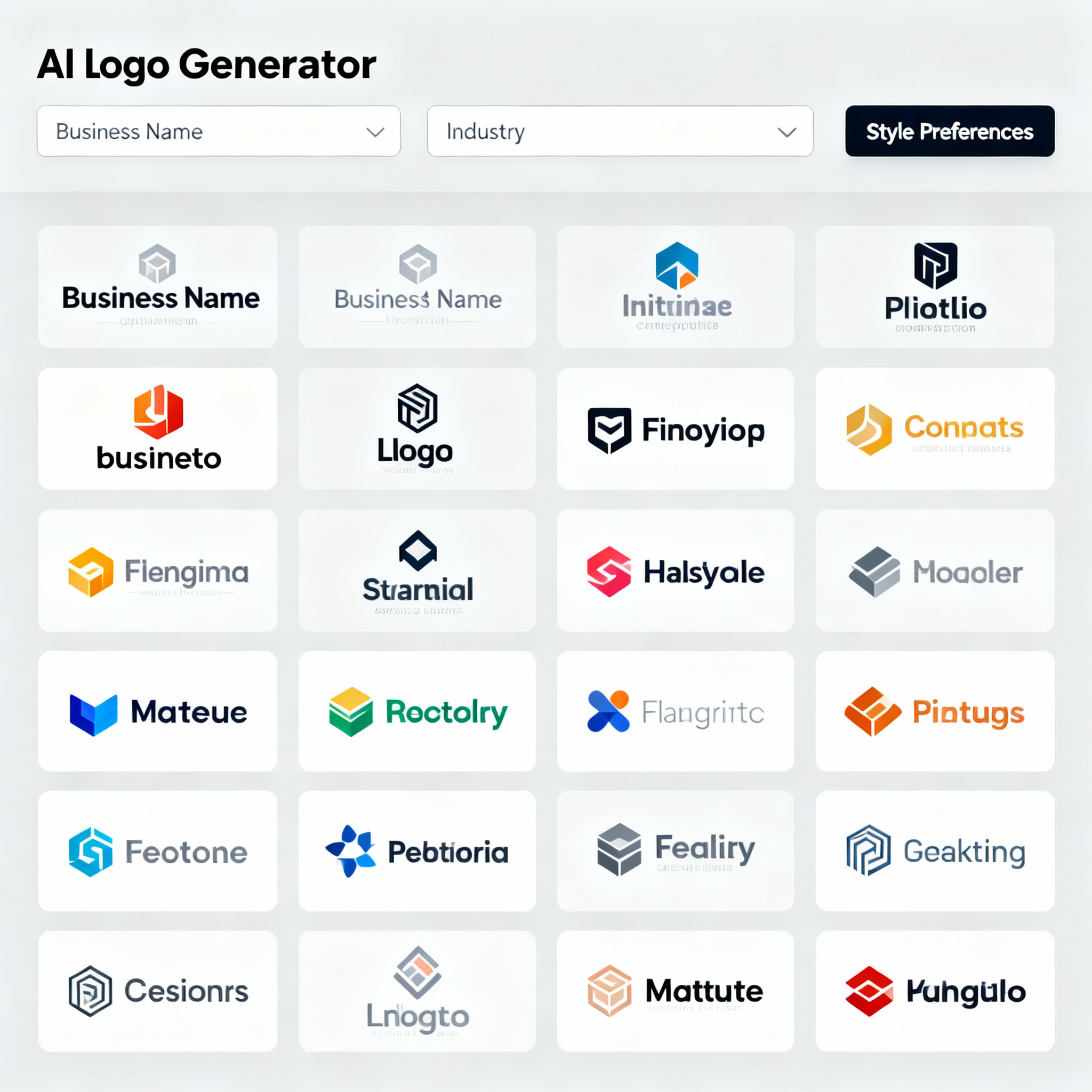
There’s a wealth of options available. Platforms like aibudur.com offer a fantastic starting point for beginners, providing free AI tools and 50 free credits. Just input your business name, industry, and preferred design style—be it minimal, modern, or classic—into the tool you select. The clearer your input, the better the AI can tailor its suggestions.
Based on your inputs, AI generates a range of diverse logo suggestions, each featuring different colors, fonts, and icons. Pick your favorites from the displayed options, then you can head to the customization stage. If you're looking to compare image generation tools, check out our comparison DALL-E vs. Midjourney: Which AI Image Generator is Better?.
Next: Customize Your Selected Logo.
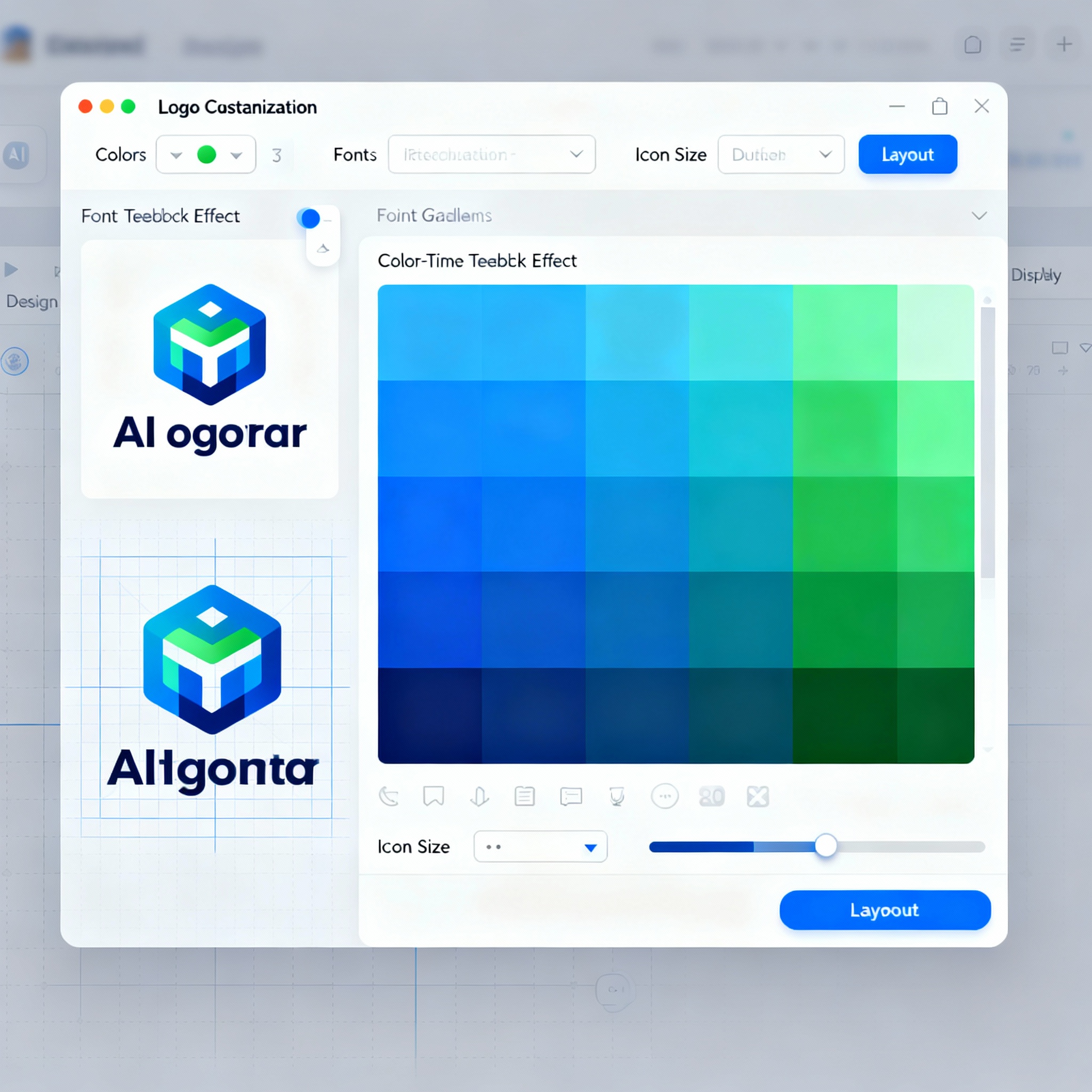
In this phase, you can modify the logo's colors, fonts, icons, and layout to suit your vision. Choosing the right colors is more important than it seems; for instance, blue instills trust and professionalism, whereas green conveys nature and sustainability. Just as a deep navy blue is fitting for a law firm, earthy tones resonate well with brands selling organic products.
Take your time when selecting fonts as well. A readable typeface that complements your brand's overall identity ensures consistency across both digital and print formats. When it comes to icons, choose visuals that communicate your business's essence at a glance. Overwhelmed by choices? Remember, the best logos are often the simplest. For tips on enhancing your prompt approach for even better results, check out our article What is the Midjourney Prompt Library?.
Finally, Give Your Logo a Last Review Before Downloading.
Make sure you can download your logo in various formats like PNG, JPG, and SVG. Your website, social media profiles, and business cards each have different size requirements, so one format won't fit all. SVG is particularly valuable for print materials since it can be scaled to any size without losing quality.
Your logo is your brand's first impression. In that fleeting moment someone spots you on social media or a website, that small visual makes a big impact. Ready to explore free AI tools and snag 50 free credits? Head over to aibudur.com.