AI Video Editing: 7 Tips for Professional Results

Artificial intelligence (AI) has completely reshaped video editing workflows. What used to take hours can now be done in minutes. With AI-powered tools, raw footage gets cleaned up and processed faster than ever—and you no longer need a full professional studio team to achieve high-quality results.
But are these tools enough on their own if you don’t use them well? Not really. The more intentionally you use the features video editing AI offers, the stronger your content becomes. These 7 tips were put together for exactly that reason.
1. Make Fast Cuts with Smart Scene Detection:
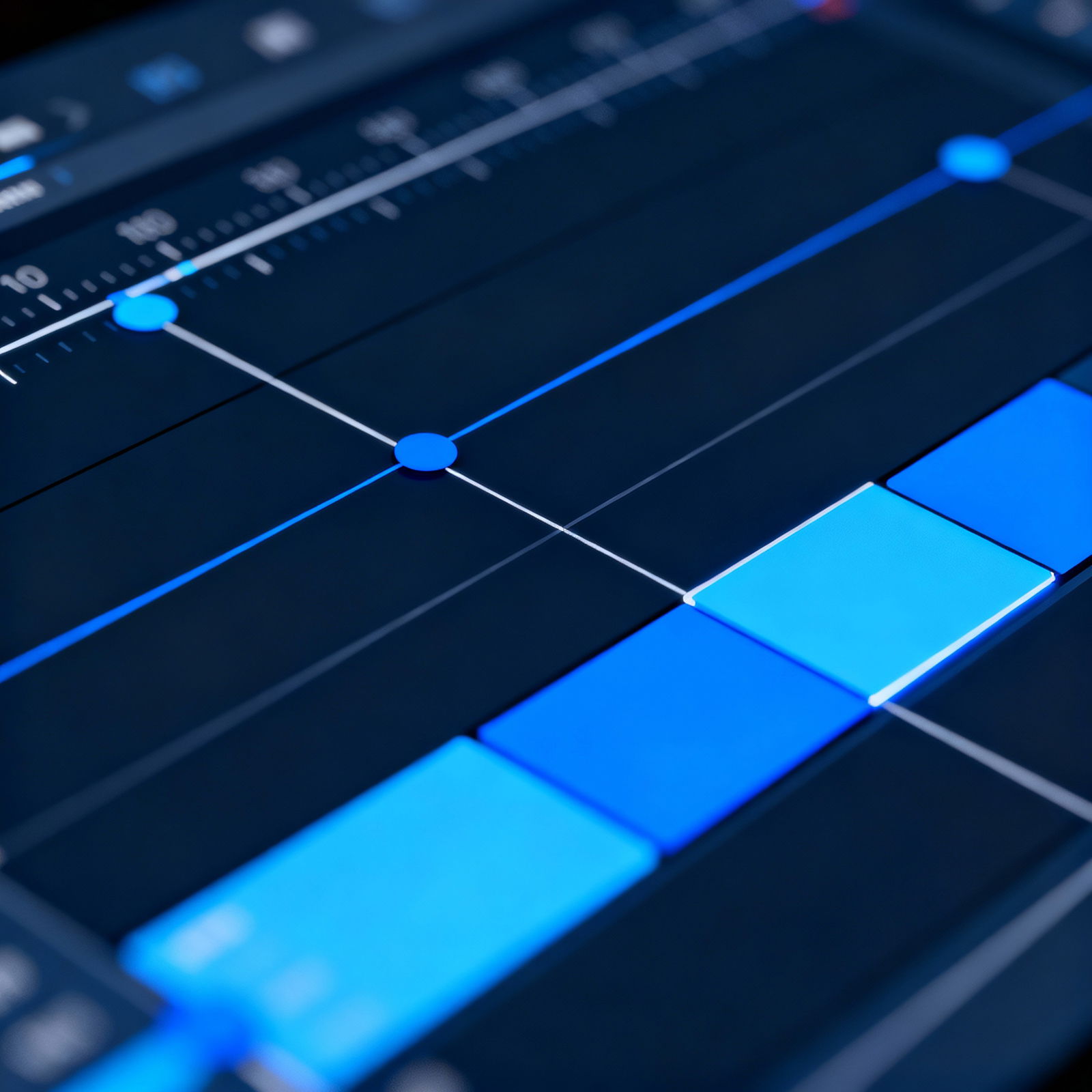
AI makes cutting footage dramatically easier by automatically detecting scenes in your video. Let’s say you’ve filmed a two-hour interview—the tool can spot pauses in speech or scene changes in seconds. Instead of scrubbing through clip after clip looking for unnecessary sections, you can go straight to the creative decisions.
This feature is especially valuable for long-form content like documentaries, vlogs, and educational videos. By analyzing transitions between scenes, AI suggests the most natural cut points. The result isn’t just a pile of raw footage, but a timeline that’s almost ready for final assembly.
2. Enhance Accessibility with Auto-Captions:
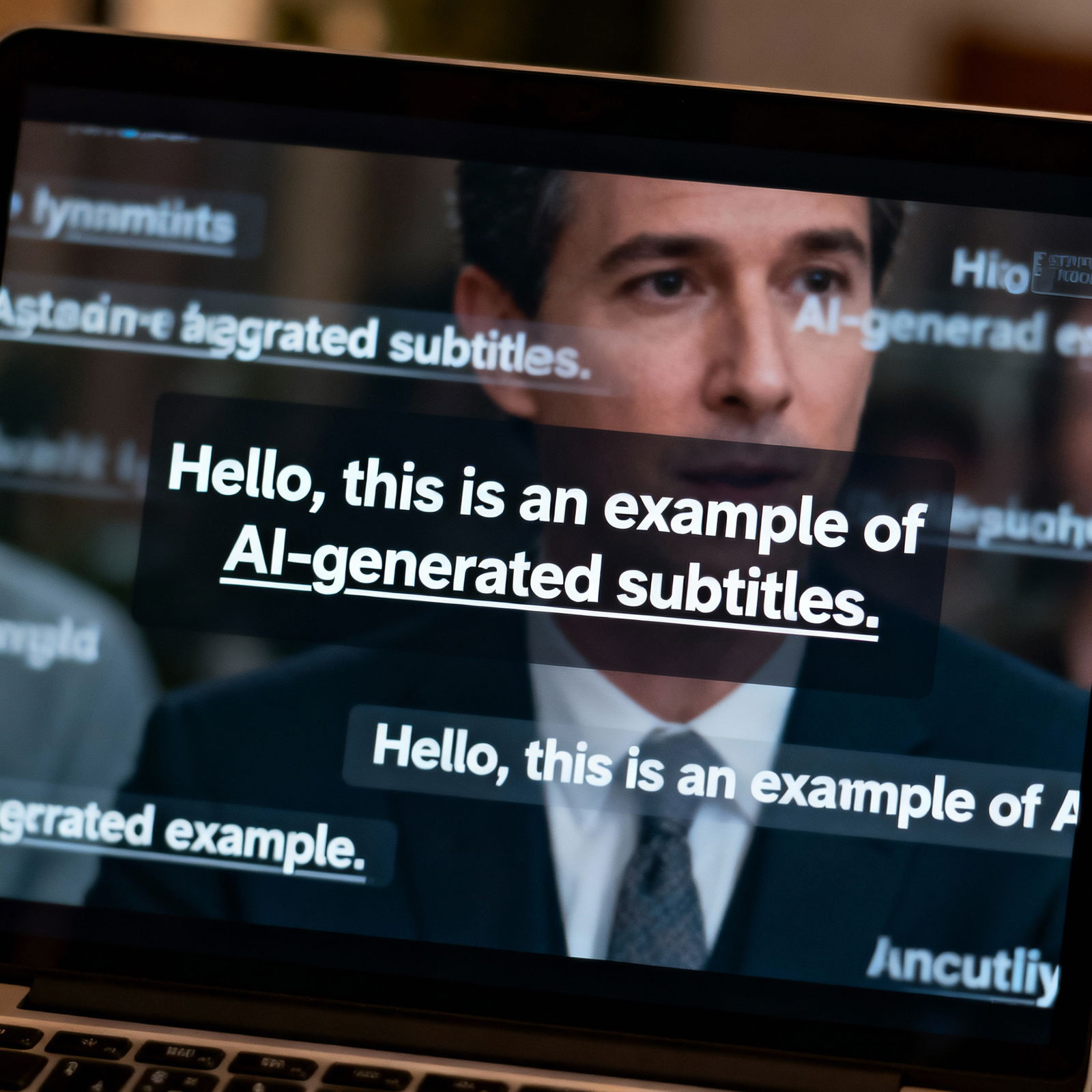
Adding automatic captions to your videos helps you reach a much wider audience. AI converts speech to text, and most tools can do it in multiple languages. Whether someone is watching on a phone in a noisy place or speaking a different language, subtitles help keep them engaged.
This feature also makes a huge difference for viewers with hearing impairments. AI-powered captioning tools offer different font styles and language options, so you can easily choose the one that best matches your content’s look and feel.
3. Add Dynamic Effects with Object Tracking:
AI lets you add dynamic effects by automatically tracking objects in a video. For example, you could add motion blur to an athlete sprinting down a track or use a light effect to draw attention to a specific object. Doing that manually, frame by frame, could take hours; AI can finish the same job in minutes.
This feature is especially powerful for action scenes and sports videos. By precisely analyzing how objects move, the system keeps effects locked onto the right frames. The result is a video that looks polished and genuinely professional.
For anyone ready to start using these tools, aibudur.com is a great place to begin. Sign up to get 50 free credits and access a wide range of AI tools right away. You can learn the basics of how these tools work by checking out our What is an AI Video Generator? content, and find the best option for your needs in our Best Video Creation Software: AI Options and Features article.