Unlocking AI Video Creation: Your Ultimate Step-by-Step Guide

Artificial Intelligence (AI) has truly transformed the landscape of video production. Gone are the days when you needed complex software or expert editing skills; with AI tools, you can craft captivating videos in mere minutes.
Whether you're aiming to produce a promotional video for your marketing campaign, create content for Instagram, or animate a personal project, this guide will take you through the process of making videos using AI step-by-step. At this juncture, AI not only saves you time and money but also enhances your creative potential without constraints.
Step 1: Choose Your AI Video Generation Tool
With a myriad of AI video generation tools available, each crafted for specific tasks, it's crucial to select the right one. A tool tailored for animated content may not suit someone looking to put together a video from live-action clips. Begin by clarifying the type of video you intend to create.
Key considerations when choosing a tool include video quality, customization options, and pricing. Most platforms offer free trials, so experimenting with a few different tools to find the one that delivers the best results is a smart way to make an informed decision.
Step 2: Prepare the Video Script and Materials
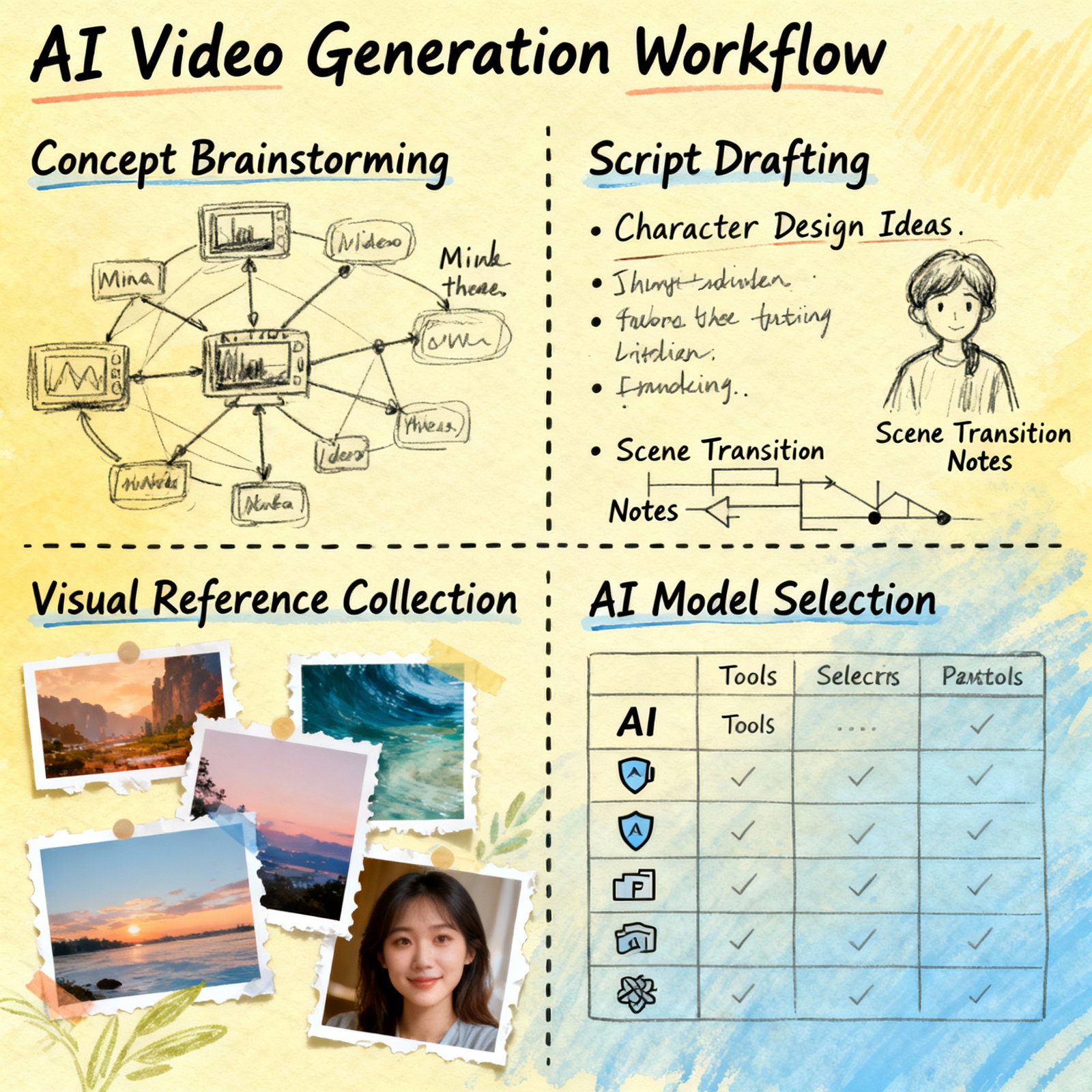
Most AI video tools require you to input a text or script, which serves as the backbone of the video, dictating the explanation and sequence. While drafting, remember your target audience and the video's objective. For instance, if you're creating a product video aimed at entrepreneurs aged 25-35, ensure the script's language, tone, and content reflect that demographic.
Have materials ready, such as images, short video clips, and background music. Some tools provide access to their stock libraries, but for a unique touch, using your own visuals typically yields superior results. If you prefer a text-centric approach, check out our content on AI Text-to-Video Generation: A Step-by-Step Guide.
Step 3: Create Your Video Using the AI Tool
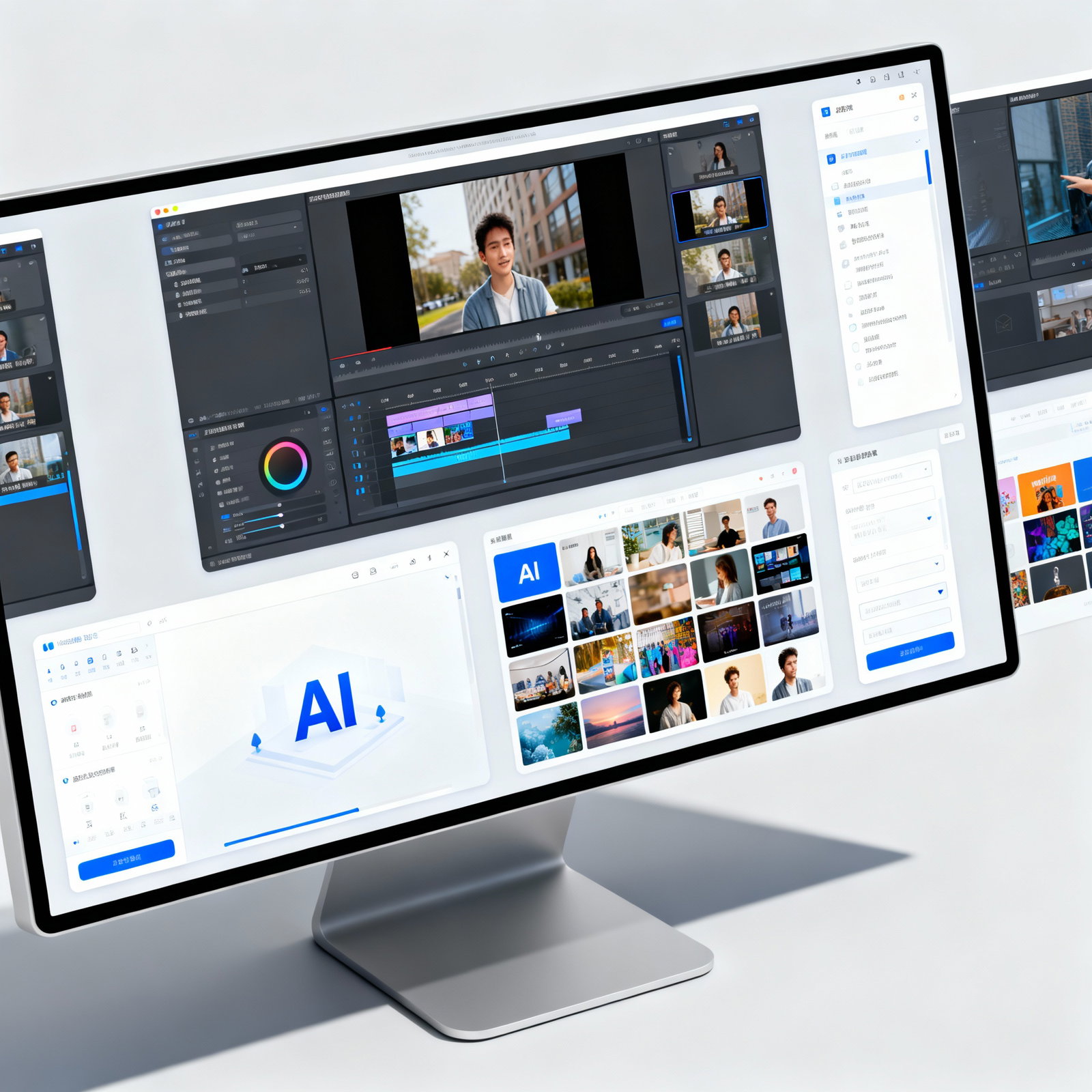
Once your script and materials are uploaded, the tool takes charge. It analyzes your text, seamlessly integrates visuals and music, and arranges scene transitions. Within a matter of minutes, the first draft is ready. But is this draft up to par? Often, it just needs a few tweaks.
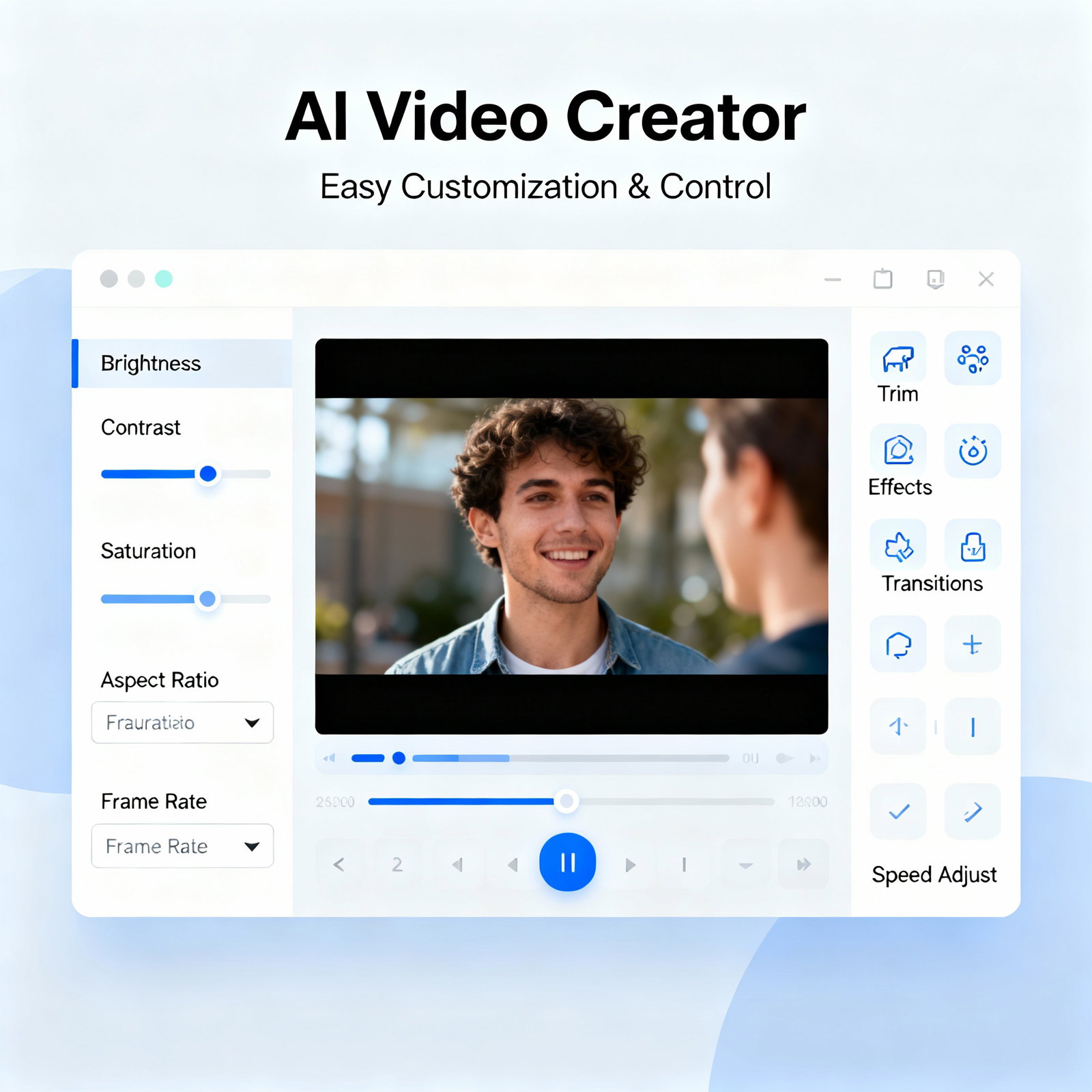
You can rearrange text, adjust transition effects, or swap out the music for a different track. Many tools also offer various templates, allowing you to explore the same content in multiple styles. For those interested in delving deeper into video editing, our article AI Video Editing: 7 Tips for Professional Results is a valuable resource. Visit aibudur.com to discover free AI tools and start creating videos right away with 50 complimentary credits. When your results come to life, you'll be amazed at both your speed and the quality the tool delivers.