Unlocking AI Video Production: A Beginner's Guide

Artificial intelligence (AI) video production has transformed from a niche reserved for big production houses to an accessible realm for individual content creators. With this groundbreaking technology, you can turn a video project that once took weeks into a matter of just a few hours. When you compare it to traditional methods, the differences in cost and time savings are substantial.
If you're new to these tools, you might wonder where to begin. In this guide, we’ll explore how to dive into AI-driven video production and highlight the essential aspects you need to consider.
Must-Have Tools for AI Video Production
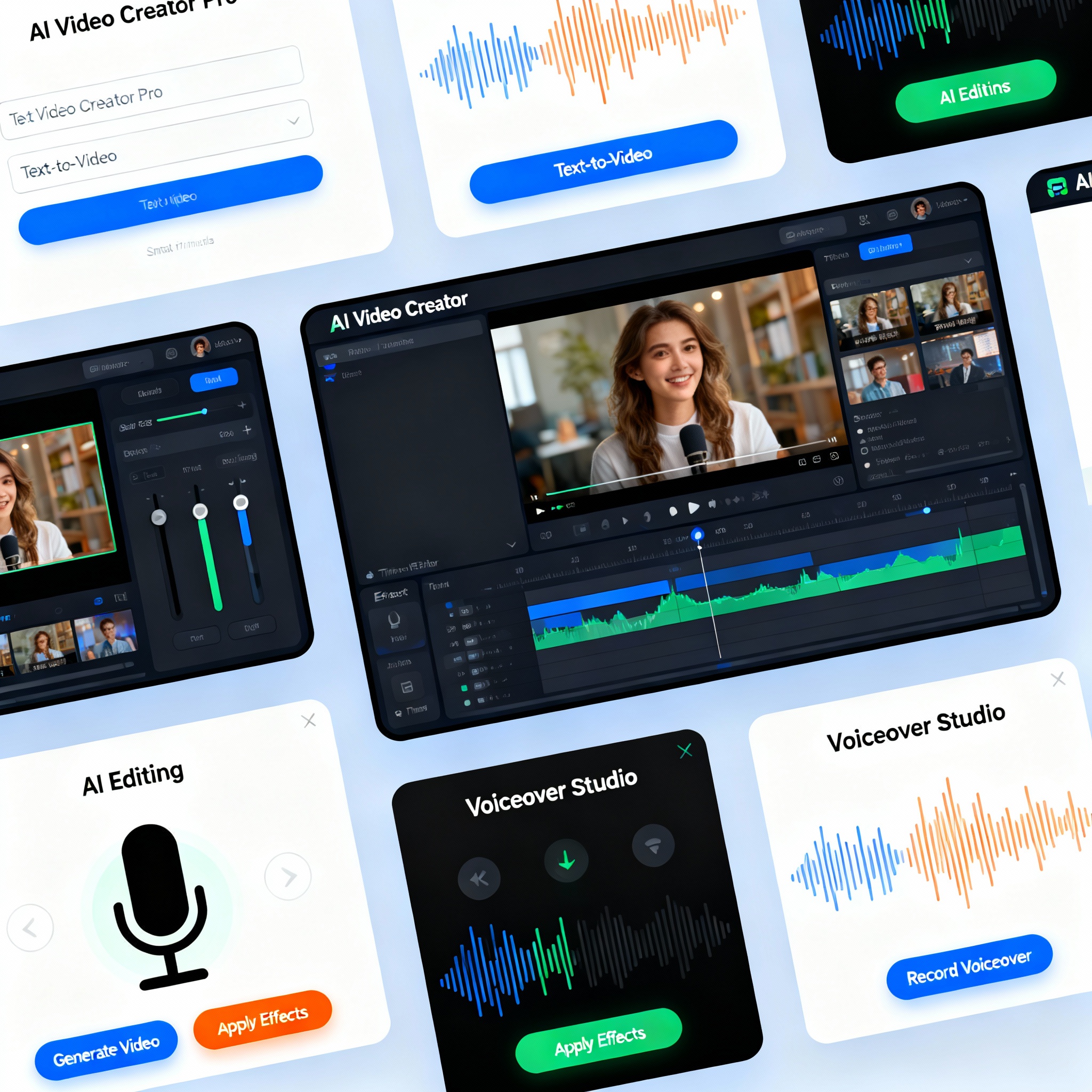
To kickstart your journey in AI video production, you’ll need three key groups of tools: text-to-video converters, AI-driven video editing software, and voiceover solutions. Well-known platforms like Runway, Synthesia, and Pictory lead the way in these categories. With their intuitive interfaces, you can quickly begin creating videos, even without any technical background.
Most of these platforms offer free trial versions, allowing you to determine if a tool meets your needs before committing. Simply write your script, input it into the system, and watch as it automatically generates visuals and transitions.
Your Step-by-Step Guide to AI Video Production
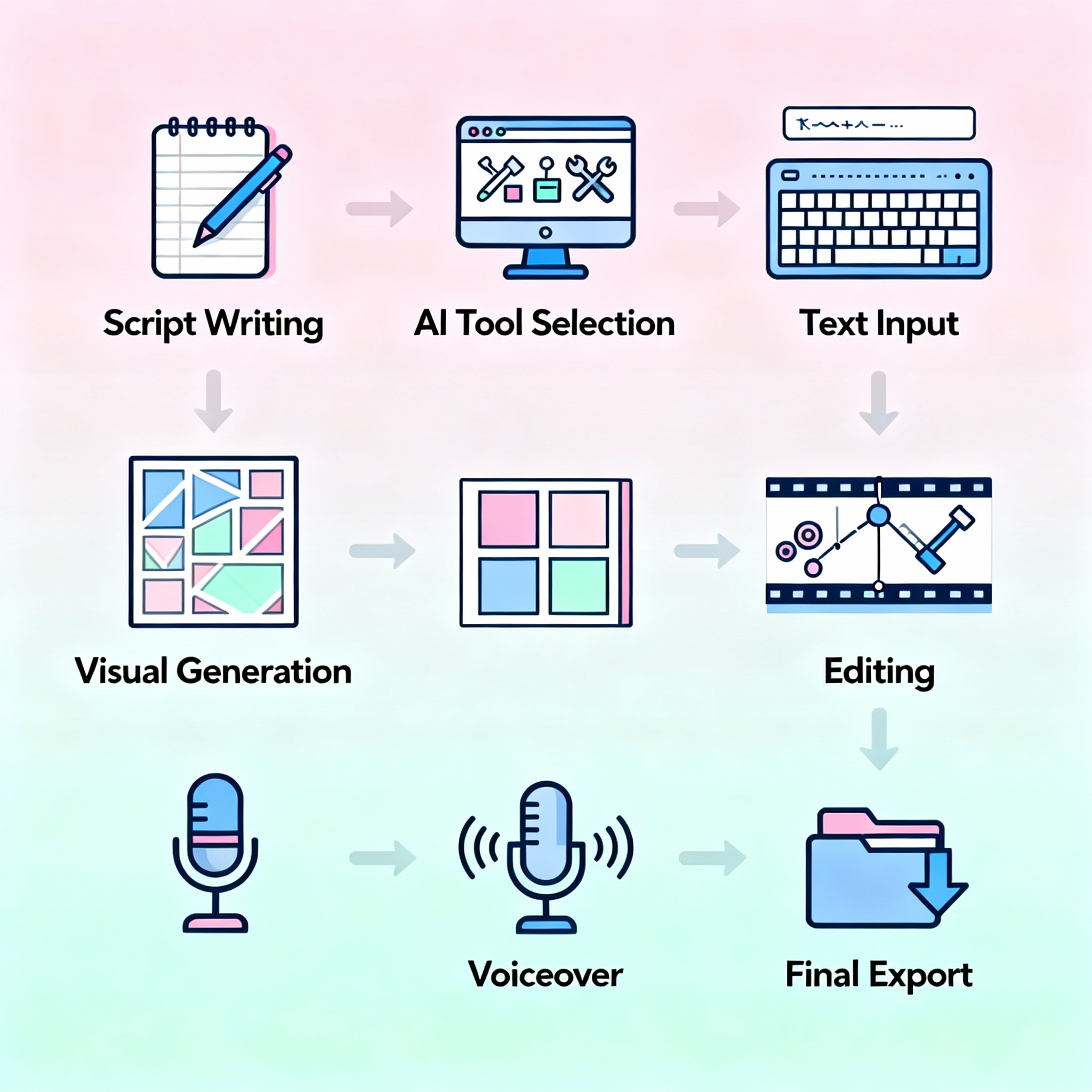
The first step is crafting your script. Diving into the tool without a clear understanding of your message and target audience can lead to unusable results. For instance, if you're promoting a fitness product, identifying your target audience—active individuals aged 25-40—from the start will significantly shape your content's tone.
Once your script is polished, select your platform and input the text into the tool. The system processes the text to create tailored visuals and animations. You can then add music, perform voiceovers, and tweak transitions. For a comprehensive workflow at this stage, check out the AI Video Creation: A Step-by-Step Easy Guide.
The final touch is exporting your work. You can seamlessly output your video in formats optimized for platforms like YouTube, Instagram Reels, or TikTok.
Pro Tips and Tricks for AI Video Production
A well-written, clear script is crucial for the quality of your video. Instead of vague phrases like "Our product is good," opt for concrete statements such as "A program to lose 5 kilos in 30 days." This helps the AI select precise visuals. Ensure that your visuals and animations align with your script; mismatched visual-text combinations can easily distract the audience.
Explore aibudur.com to experiment with free AI tools and earn free credits. If you’re eager to master prompt writing, our AI Video Prompt Guide: A Step-by-Step Manual will be incredibly beneficial.