Effortlessly Create Stunning Videos with AI
AI technologies have transformed video production like never before. Say goodbye to weeks of mastering Adobe Premiere or hiring a production crew! So, how does creating videos with AI really work?
The journey begins with selecting the right platform. While there are countless AI-powered video tools available, aibudur.com stands out for its intuitive interface and wide array of features. You can craft videos, generate images, and perform voice synthesis all in one place. And as a bonus, when you sign up for free, you receive 50 gift credits, so you can explore without worrying about costs.
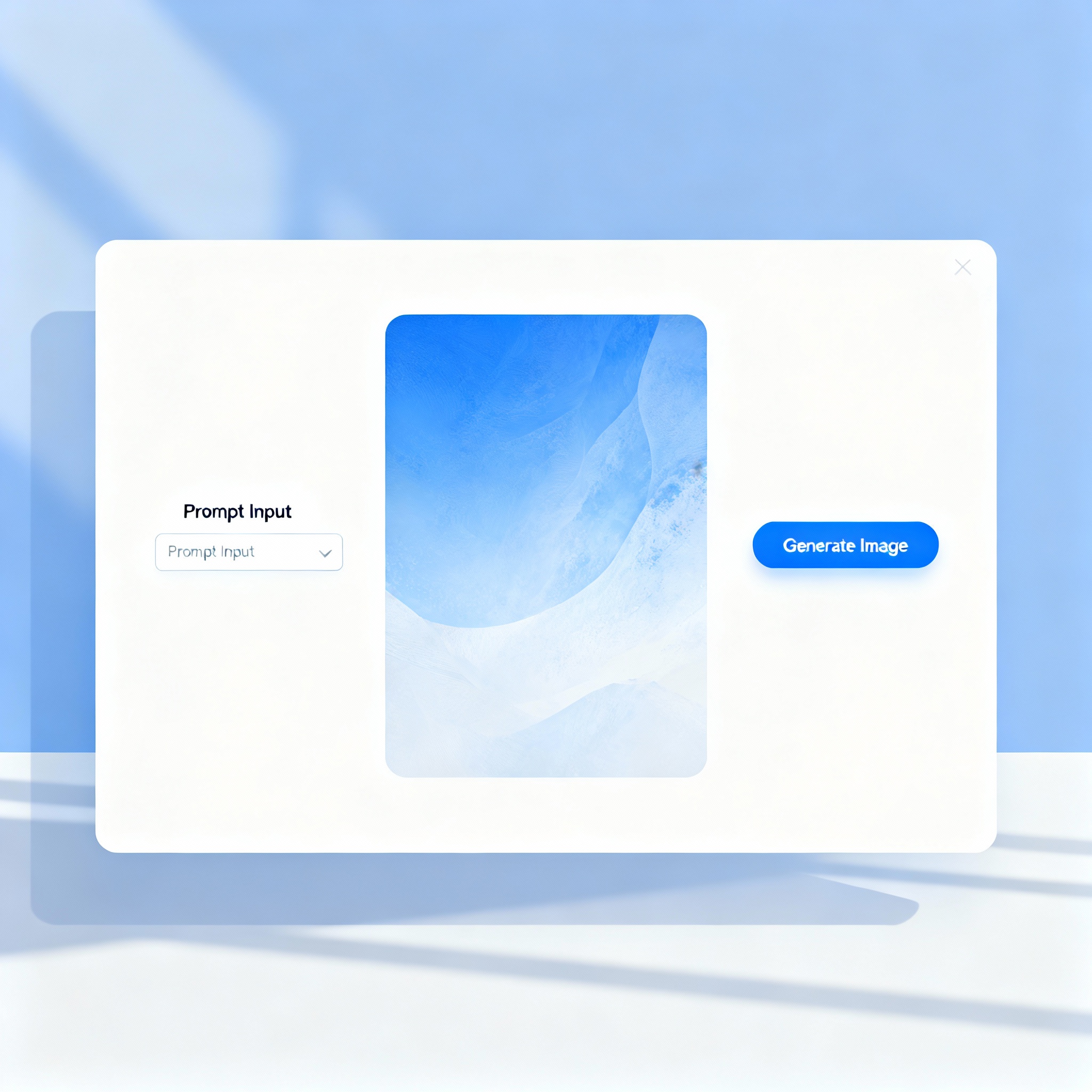
Once you've registered on aibudur.com, the first step is to define the topic and purpose of your video. Answering questions like "Are you creating a product promo, educational content, or a social media reel?" will shape your entire project. From here, you can select a pre-made template or start from scratch. The AI will transform your text into visuals, layer on background music, and even generate a voiceover script if needed. For a more detailed roadmap, I recommend checking out the content AI Video Creation: A Step-by-Step Easy Guide.

Visual elements and audio quality are key factors in determining viewer engagement. If the audio is unclear or the visuals are chaotic, viewers will click away within seconds. Fortunately, the visuals and voiceover options available in aibudur.com's library effectively address this issue; you can also upload your own photos or audio recordings. The platform expertly balances these elements for a seamless experience.
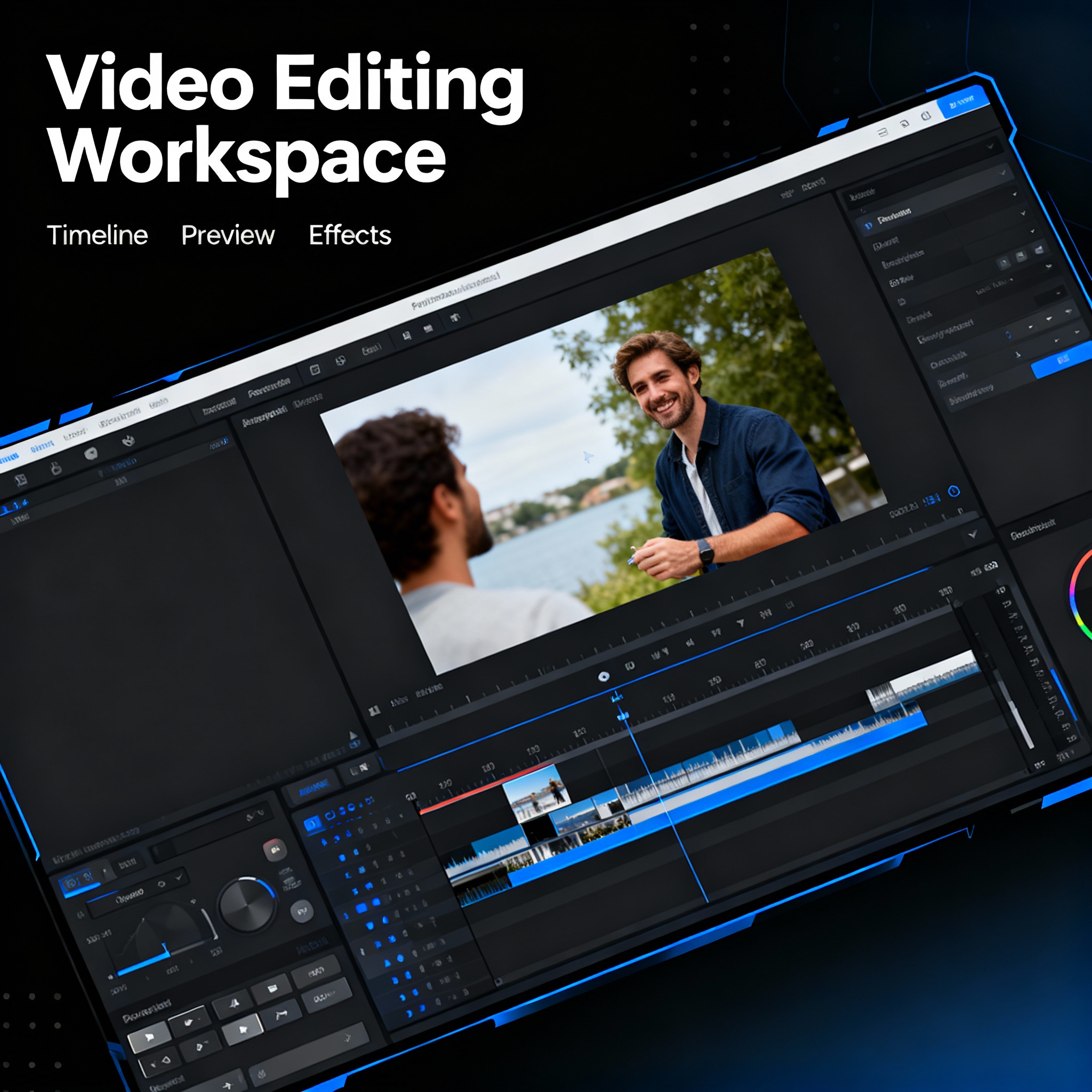
When your video is polished and ready, you can download it in various formats for different platforms—16:9 for YouTube, 9:16 for Instagram Reels, or custom sizes for your website. To elevate your video even further, implementing the tips from the AI Video Editing: 7 Tips for Professional Results article can make a significant difference. Get started today by signing up for aibudur.com and scoring your 50 free credits!