DeepSeek: An Advanced AI-Powered Language Model

DeepSeek is a powerful **language model** in the world of **artificial intelligence** that’s been gaining a lot of attention lately. It excels at solving complex problems, handling **natural language processing** tasks, and building a wide range of text-based applications. Trained on massive datasets, the model can generate human-like text, translate between languages, and even write code.
At its core, DeepSeek is designed to understand the subtle nuances and complexity of language using deep learning algorithms. That’s what enables it to deliver tailored results based on user needs. You can visit aibudur.com to earn 150 free **AI** tool credits.
How Does DeepSeek Work?
DeepSeek runs on deep learning and neural networks. With a large neural network made up of billions of parameters, the model analyzes text data and learns how language works. Along the way, it uses advanced algorithms to identify relationships between words, understand sentence meaning, and interpret context.
So how important is the training process? A model’s performance depends heavily on the quality and variety of the datasets it learns from. The broader and more diverse the data, the better DeepSeek performs. Using what it has learned, it can generate new text, answer questions, and translate across different languages. And it doesn’t stand still—it keeps improving over time.

Use Cases for DeepSeek
As a versatile AI model, DeepSeek can be used across many different fields. It truly shines in natural language processing (NLP) tasks: text generation, translation, summarization, and question answering are just a few examples. Businesses can easily put this model to work in customer support, content creation, data analysis, and marketing workflows. If you're looking to automate customer communication, the article Accelerate Customer Support with AI Chatbots may be helpful.
Researchers and academics also benefit from DeepSeek, using it for everything from scientific writing and data analysis to developing new AI algorithms. In education, it can support personalized learning experiences for students, while in healthcare it may help analyze medical reports and support diagnostic workflows. The finance and entertainment industries are also among its many use cases.

How to Use DeepSeek?
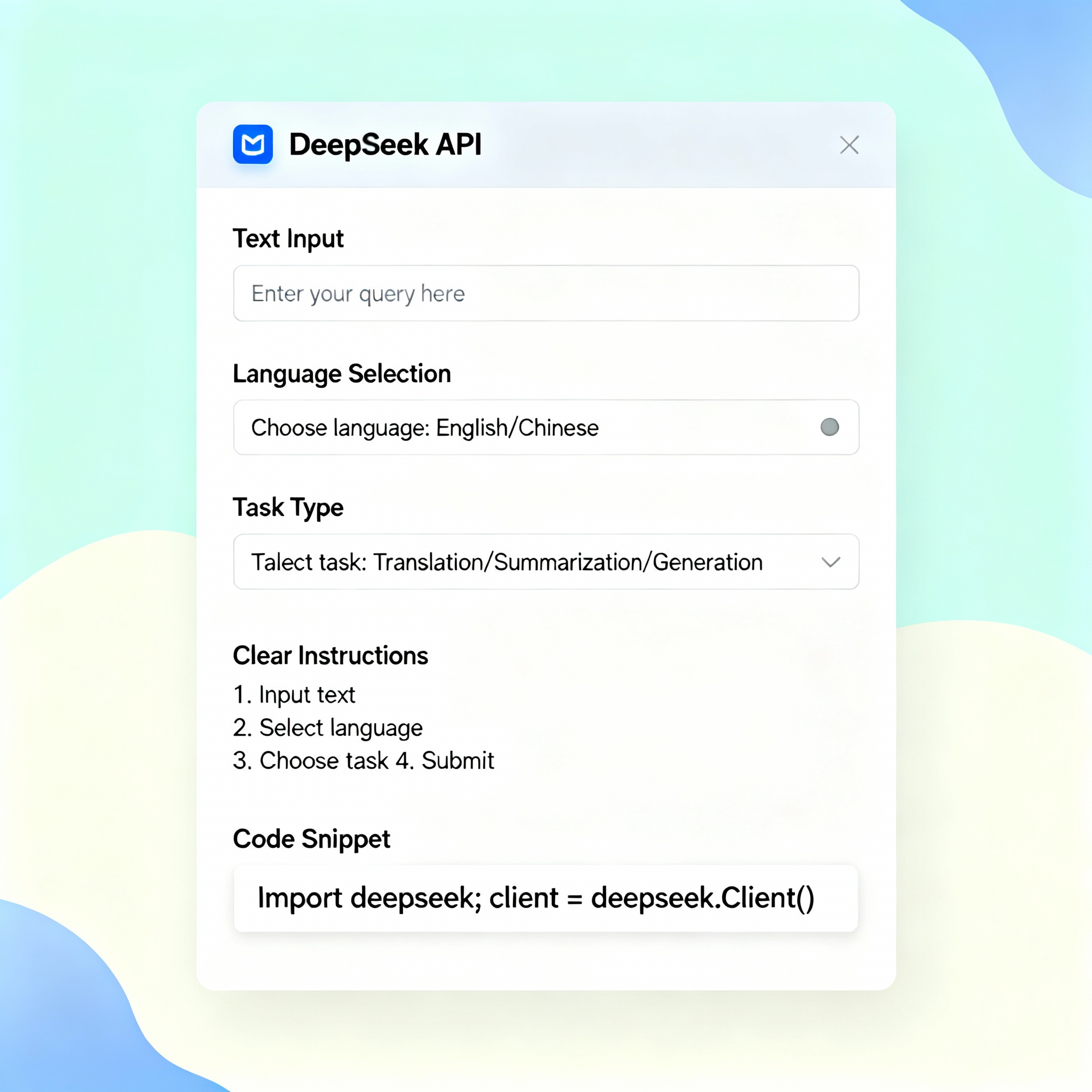
To access DeepSeek, you’ll usually connect through an API or a web interface. The process is fairly straightforward: first, create an account and get your API key. Then choose the task you want to run—for example, text generation or translation—and set the required parameters. Once you send the request, DeepSeek responds almost instantly.
Some platforms also provide ready-made templates and tools to make setup even easier. Checking the platform documentation before you begin can help you avoid issues later on. If you'd like to compare similar tools, you can also read ChatGPT, Gemini, and Claude: Which One is Better?. At aibudur.com, you can try a variety of AI tools with 50 free credits.