The Nuances of Synchronized Audio-Video Production with Kling 2.6
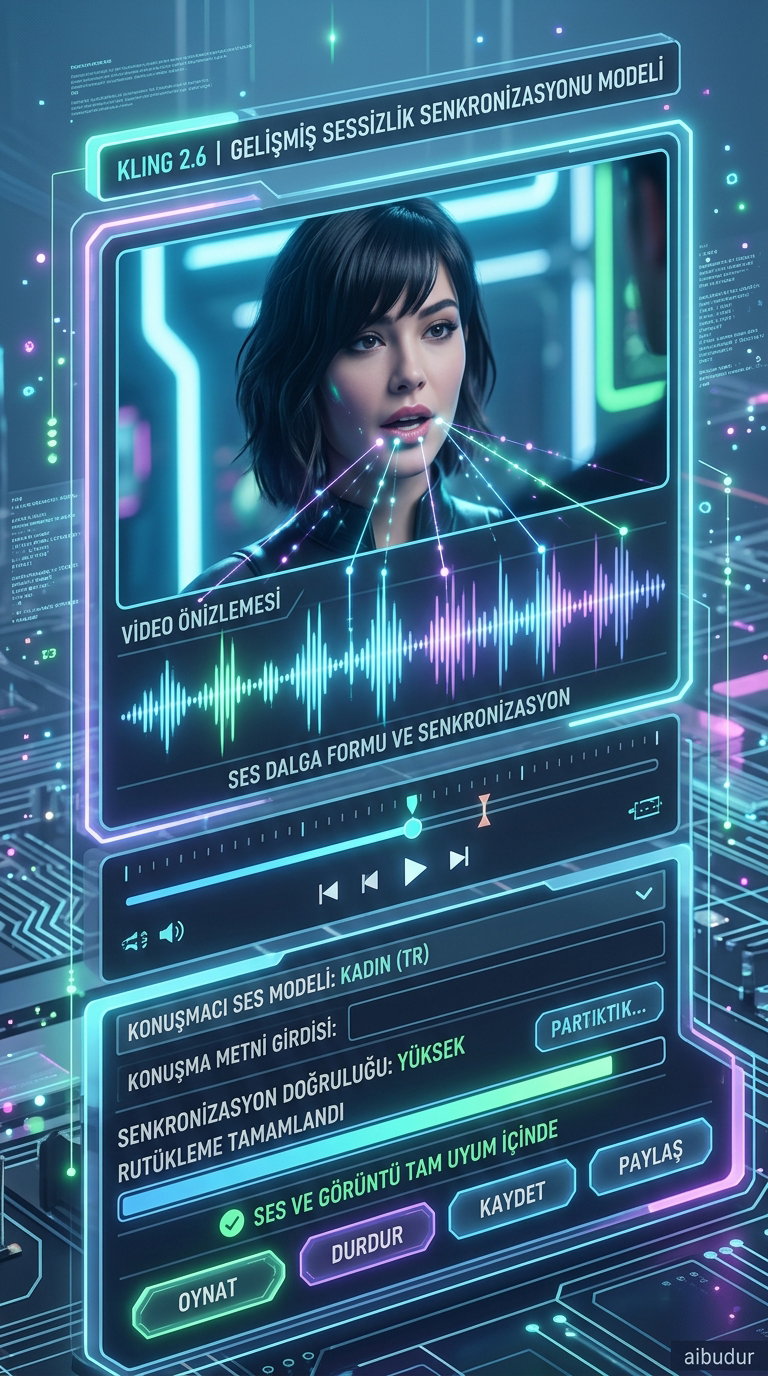
Kling 2.6 is one of the most impressive models to emerge in the latest wave of AI-powered video production. What makes it stand out is its ability to handle visual and audio elements at the same time, creating seamless synchronized audio video. In other words, while a scene is being generated, the background music, character dialogue, and ambient sounds are all decided in one go.
Unlike traditional AI video tools, which usually generate silent clips that need audio added later, Kling 2.6 streamlines the entire process. Dialogues, sound effects, and ambient audio are generated in perfect sync with the video in a single step.
How Does Video Creation Work with Kling 2.6?
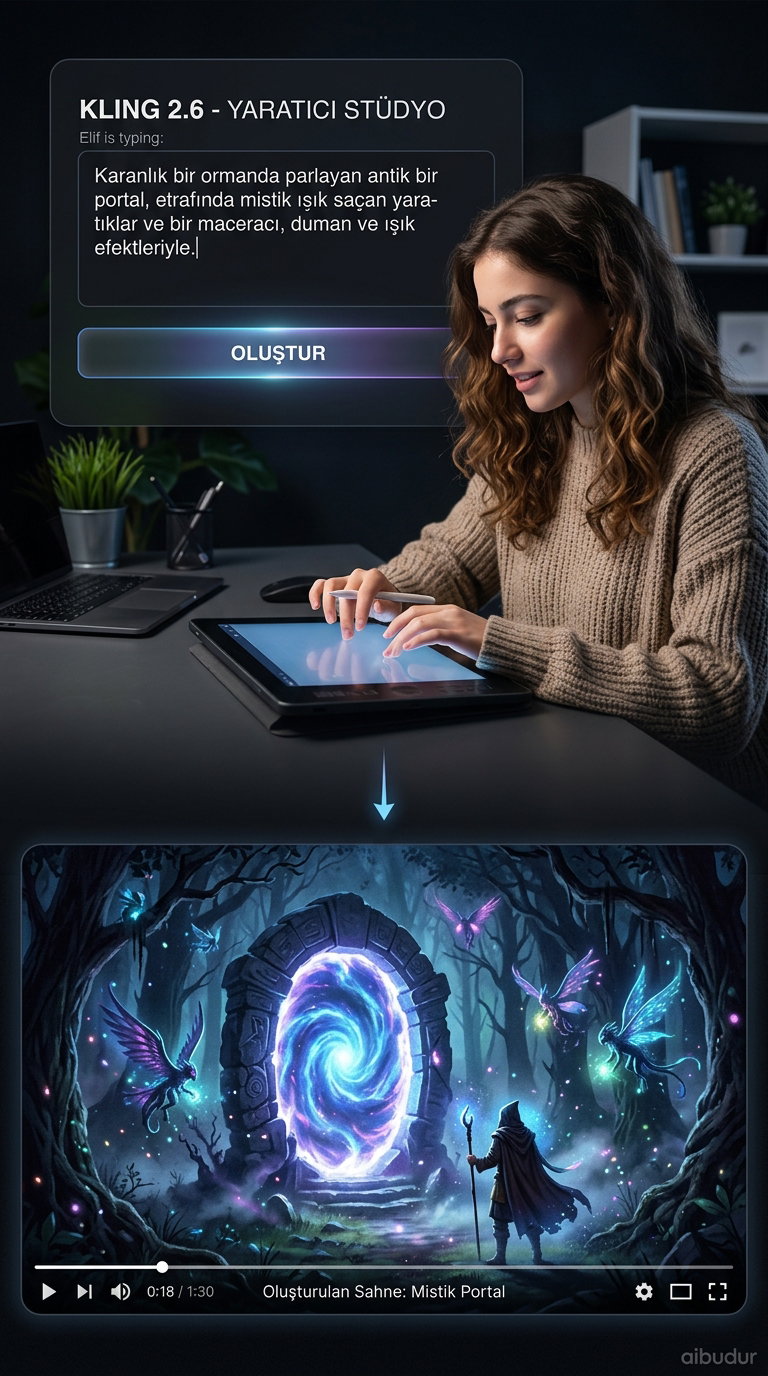
The process is simpler than you might expect. You can describe the scene with a text prompt or upload a photo and ask the model to animate it. AI video production analyzes the input, creates a photorealistic clip, and pairs it with audio that fits the content perfectly.
There’s no need to learn complicated editing software. A prompt like "someone sitting by the beach drinking coffee, with the sound of waves" can turn into a video with matching audio in just a few minutes. And this isn’t only useful for corporate creators — it’s just as practical for anyone running a small social media account or an entrepreneur putting together a product promo.
Native Audio Generation and Physics-Based Animation
One of Kling 2.6’s most impressive innovations is its "native audio" generation. The model can produce natural-sounding dialogue in English and Chinese, and it can even create singing characters. That goes far beyond simply adding subtitles or a voiceover.
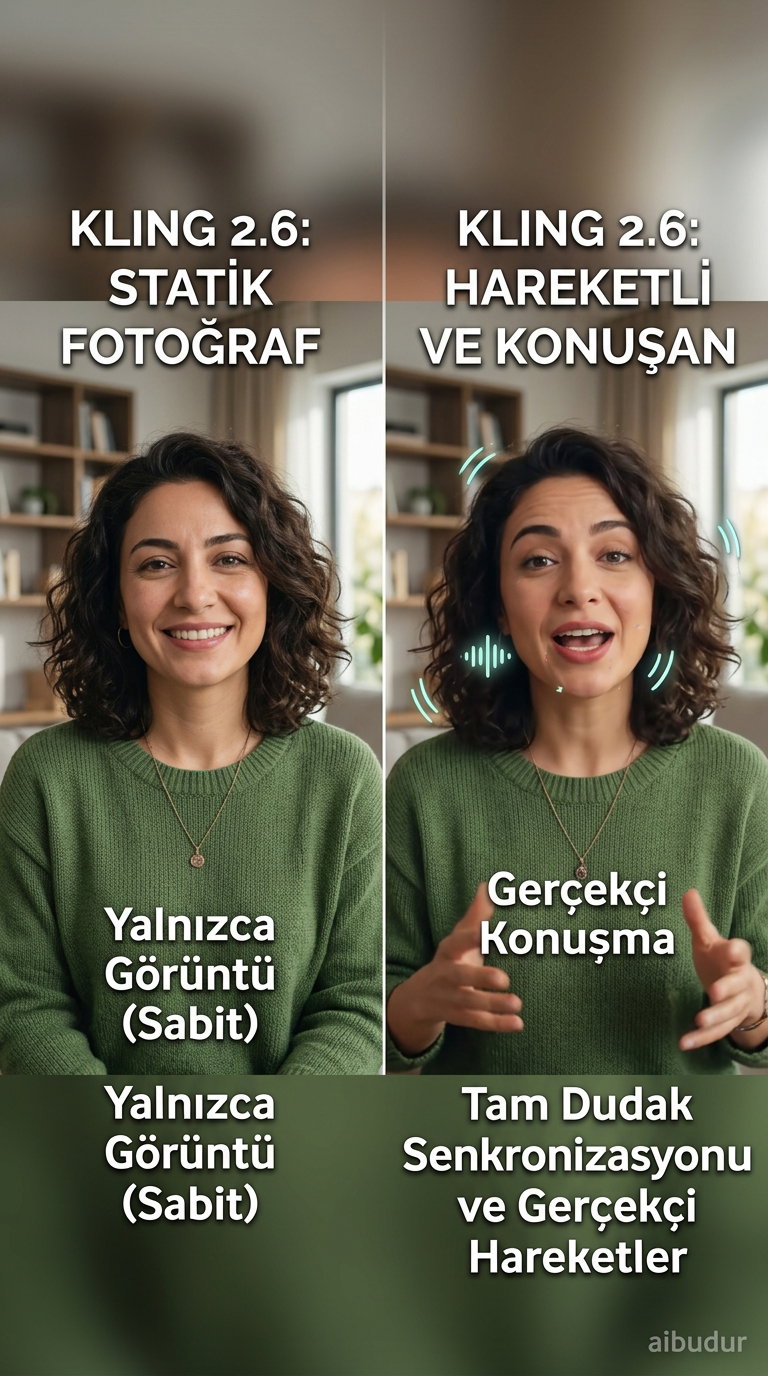
It also applies real-world physics to the movement of characters and objects in uploaded images. When a mug tips over, the liquid inside spills naturally; when a bird flaps its wings and takes off, the motion feels anatomically believable rather than random. The resulting videos are rendered in 1080p, making them ready for everything from social media posts to professional presentations.
The value of tools like this in content production goes beyond time savings. Being able to handle tasks that once required a full team on your own gives you the flexibility to spend your budget elsewhere. For example, instead of renting a studio to produce a product promotion video, you can now draft one in just a few minutes.
Likewise, Kling 2.6 is an excellent starting point for anyone new to AI video production; the learning curve is gentle, and the results are genuinely satisfying.
If you want to explore hundreds of similar AI tools in one place, visit aibudur.com. With the 50 free credits you receive when you first log in, you can try out many tools directly, including Kling 2.6.