Text-to-Video: The Ultimate Guide to Fast Video Creation

Today, video content is one of the most powerful ways to communicate and share information. But not everyone has the time to learn complex video editing software or the budget to hire a professional team. That’s exactly where text-to-video conversion tools come in. In this guide, we’ll walk you through how to turn your text into engaging videos quickly and easily. We’ll also show how free AI tools like aibudur.com — which offers 50 free credits — can help along the way.
These tools are a great fit for social media posts, educational videos, product promos, and presentations. Once you’ve written your script and chosen your visuals and music, you can create professional-looking videos in just minutes. Instead of spending thousands outsourcing the work to an agency, you can get it done with just a few clicks.
Before you start, it’s important to define your goal. What will your video be about? Who is it for? What message should it deliver? The answers to these questions form the backbone of your script. Keep your title, introduction, body, and conclusion clear and focused.
If you plan your text, visuals, and music for each section in advance, you’ll save a lot of time during the video creation process. Also think about length: a 60-second promo video needs a very different script from a 5-minute educational video. Tools on aibudur.com can help you automatically convert your script into a video format.
Once your script is ready, it’s time to choose the right tool. There are dozens of options on the market, each with its own strengths and weaknesses. Make sure to test the free trial versions; a tool may look useful at first, but the interface could turn out to be complicated.
Look for customization features such as text highlighting, background music, and transition effects. Supported video formats matter too; if a tool can’t export square videos for Instagram or 16:9 for YouTube, it will limit you in the long run. For a deeper dive into this topic, check out our AI Text-to-Video Creation: A Step-by-Step Guide article.

Visuals and music are the two core elements that shape your video’s tone and impact. A strong visual can explain in five seconds what your text is trying to say. Free stock photo sites are a great resource, but be mindful of copyright — some visuals aren’t licensed for commercial use.
The same goes for music. The wrong background track can pull viewers out of the experience, while the right one strengthens your message. Keep the emotional tone of your video in mind when browsing royalty-free music platforms. After uploading your visuals and music to your tool, sync them with the script. aibudur.com also offers AI-powered suggestions for these choices.
The job isn’t finished once the video is ready; if you don’t optimize it properly, no one will find it. Write your title, description, and tags according to SEO best practices. Is the platform you upload to really that important? Absolutely — each platform’s algorithm works differently, and a YouTube title doesn’t always need to match an Instagram title.
When sharing your video across channels, use the right size and format for each platform. Keep an eye on performance data, too; if you see that viewers drop off in the first 30 seconds, you can tighten that section in your next project. For practical optimization tips, the article AI Video Editing: 7 Tips for Professional Results will also come in handy.
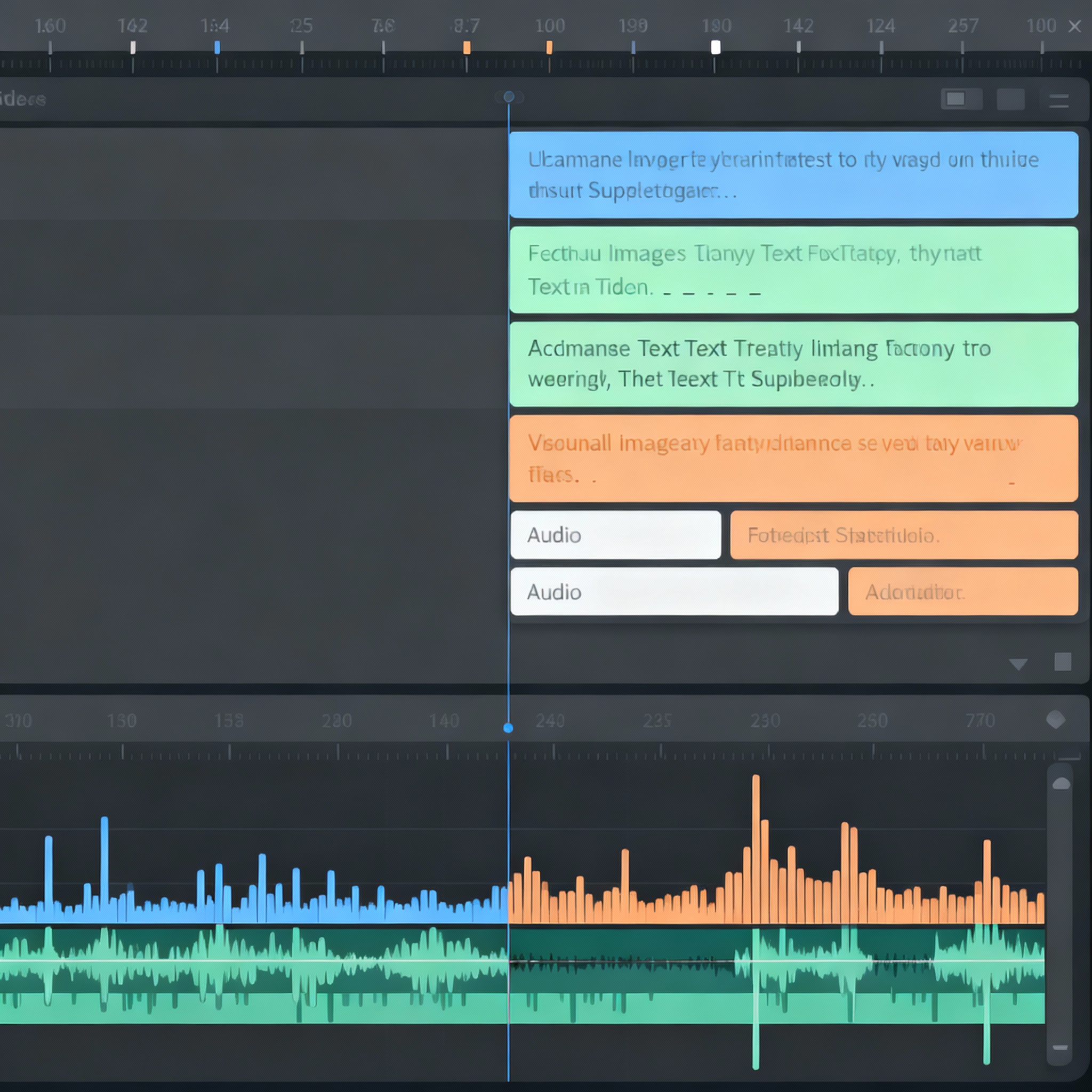
Text-to-video tools have made video production truly accessible to everyone. In this guide, we’ve covered everything from defining your audience to scripting, choosing the right tool, and optimizing visuals and music. You can see the process for yourself by trying aibudur.com’s free AI tools with 50 credits. Now you’ve got both the roadmap and the tool — all that’s left is to get started.