AI Image Generation Methods and Tips

Artificial intelligence (AI) is transforming image generation at an incredible pace. Compared with traditional design workflows, it delivers faster, more flexible, and often more imaginative results. By analyzing complex patterns and structures, AI can create original visuals that are now used across industries—from marketing and entertainment to education and science.
Picture this: a designer needs to create a social media graphic for a client. It’s 11 PM, and the deadline is tomorrow morning. In moments like that, AI tools do more than reduce the workload—they also unlock new ways to express ideas. AI image generation has become a true creative partner in the artistic process.
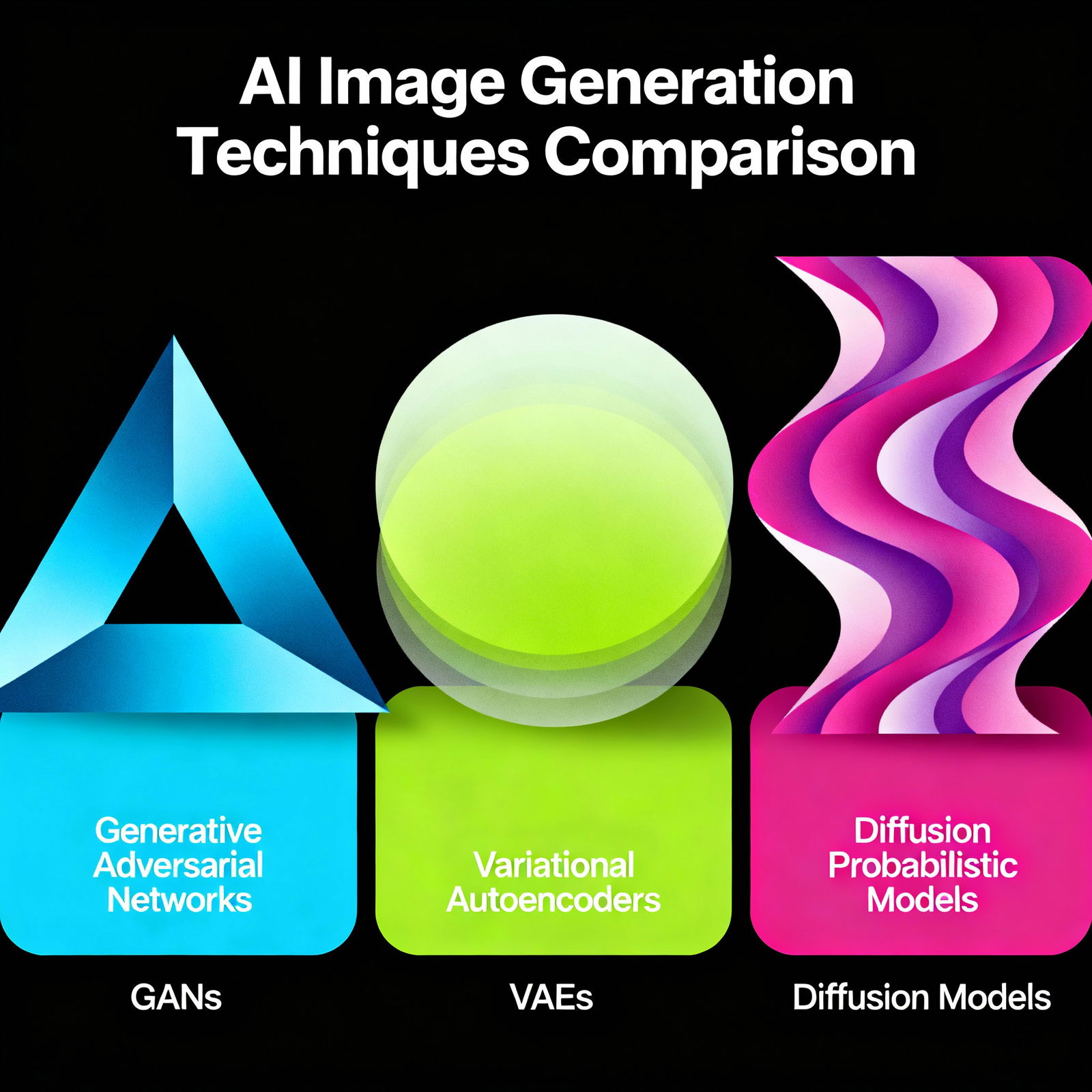
When it comes to AI image generation, three methods stand out: Generative Adversarial Networks (GANs), Variational Autoencoders (VAEs), and diffusion models. GANs work through competition between two neural networks: one generates an image, while the other judges whether it looks real. VAEs create new visuals by encoding input into a lower-dimensional space. Diffusion models, meanwhile, begin with pure noise and gradually refine it into a clear image—and in recent years, they’ve become the most talked-about approach in the field.
Each method is suited to different needs. All the user has to do is describe what they want, and the tool takes care of the rest. If you want to make your social media production process even more efficient, check out our article on AI Content Generation Methods for Social Media Post Preparation.
So what do you need to do to get great results? First, you need to get familiar with the tool you’re using. Every AI tool has its own strengths—some excel at photorealistic portraits, while others are better at abstract illustrations. If you define the purpose of the image and its audience from the start, your color palette and style choices will naturally begin to fall into place.
The clearer your prompt, the better the result. There’s a big difference between asking for “a beautiful landscape” and “a mountain lake at sunset in orange tones, cinematic lighting.” And don’t be afraid to refine the AI-generated image in tools like Photoshop or Canva; combining AI output with manual editing often produces the strongest final result. To sharpen your content planning, our article on How to Plan a Social Media Calendar with AI? may also help.
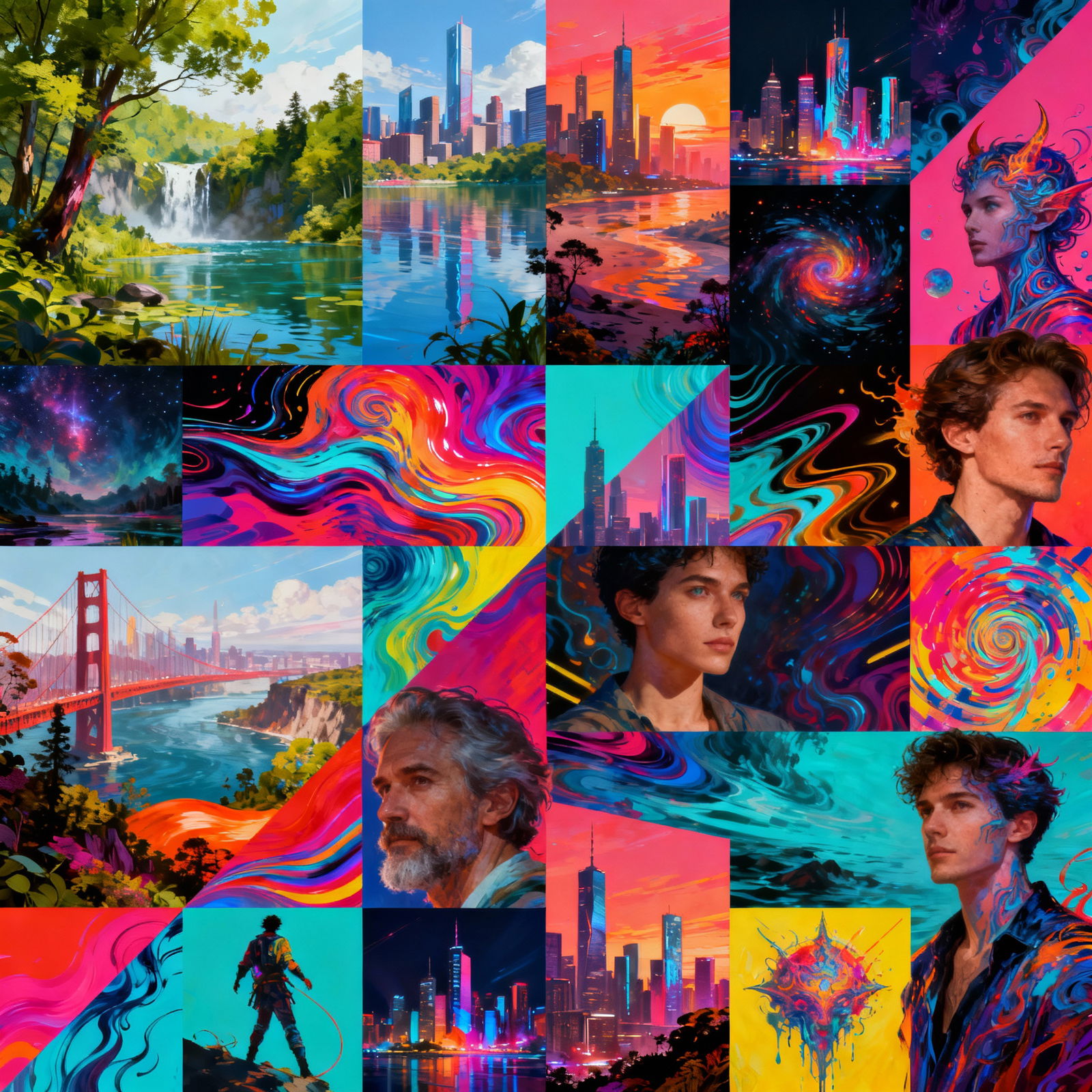
If you’d like to try AI visual tools, aibudur.com is a great place to start. The site offers free tools for a variety of use cases, and new members get 50 credits as part of the free AI tools offer. You can use those credits to test image generation tools in your own projects.
AI image generation will remain an important part of the design world in the years ahead. When creativity and the right tool come together, the results can be far more impressive than you might expect.