AI Meeting Assistants Compared: Otter vs. Fireflies vs. Granola
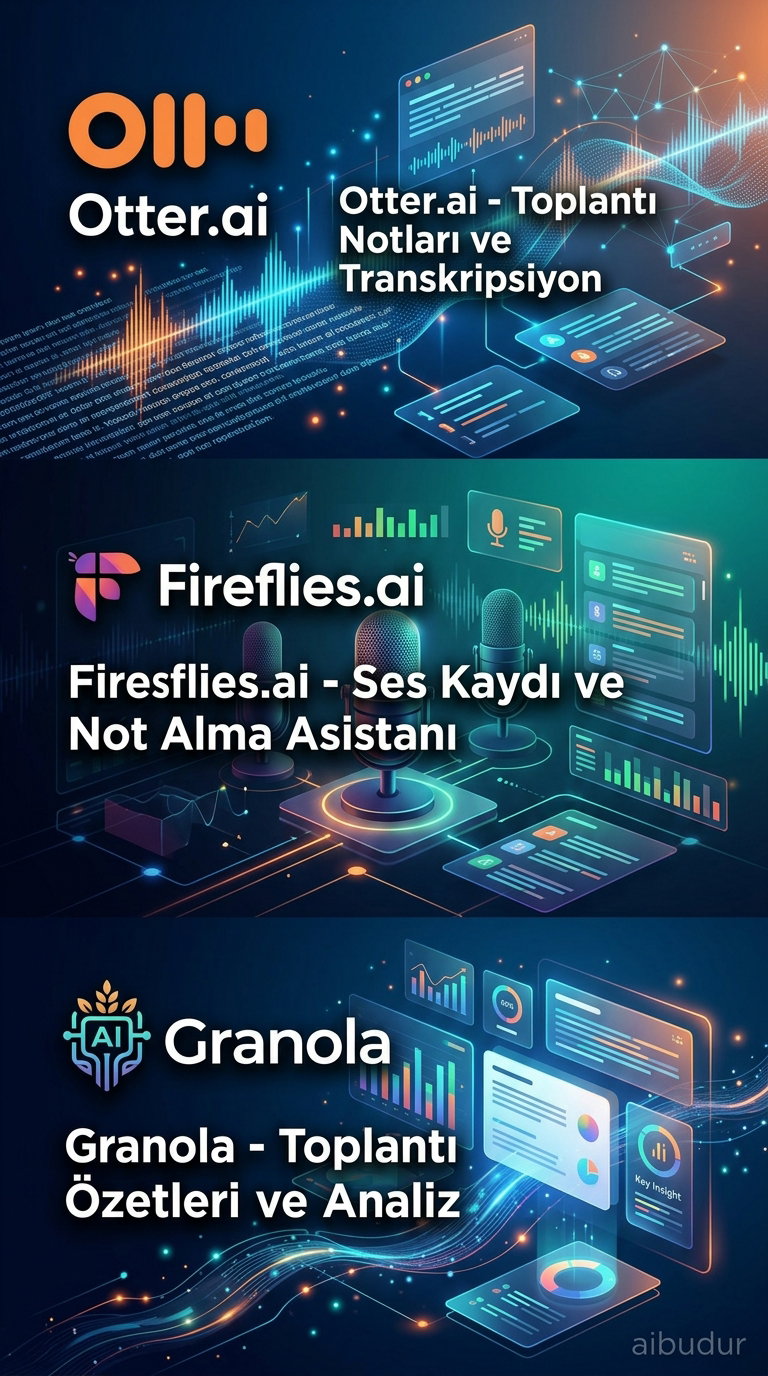
Managing a packed meeting calendar is a lot easier than it used to be. AI meeting assistants now handle the tedious but essential work of note-taking and transcription. Otter, Fireflies, and Granola are three of the best-known tools in this space—but the differences between them are bigger than you might expect.
Each one is built for a different kind of user. One focuses on live transcription, another is all about team analytics, and the third works without sending a bot into the meeting. So which one is right for you? Let’s take a closer look at all three.
Otter and Fireflies: Two Popular Rivals
Otter is a favorite among individual users and small teams. It transcribes conversations in real time, and participants can add comments or edit notes right on the same screen. Need to find a specific line from a 9 AM strategy meeting later in the day? Otter’s search feature gets you there in seconds.
Fireflies, by contrast, has a more corporate feel. It is built for sales teams, larger organizations, and anyone who needs CRM integration. It sends a visible bot into the meeting, so participants know the conversation is being recorded, which adds a layer of transparency. Its ability to connect directly with systems like Salesforce or HubSpot also saves sales reps from manual data entry after every meeting.

Granola: A Different Approach for Privacy-First Users
Imagine a consultant in a sensitive strategy meeting with a client. They may not want a bot joining the call, but they also can’t afford to miss important notes. That’s exactly where Granola stands out.
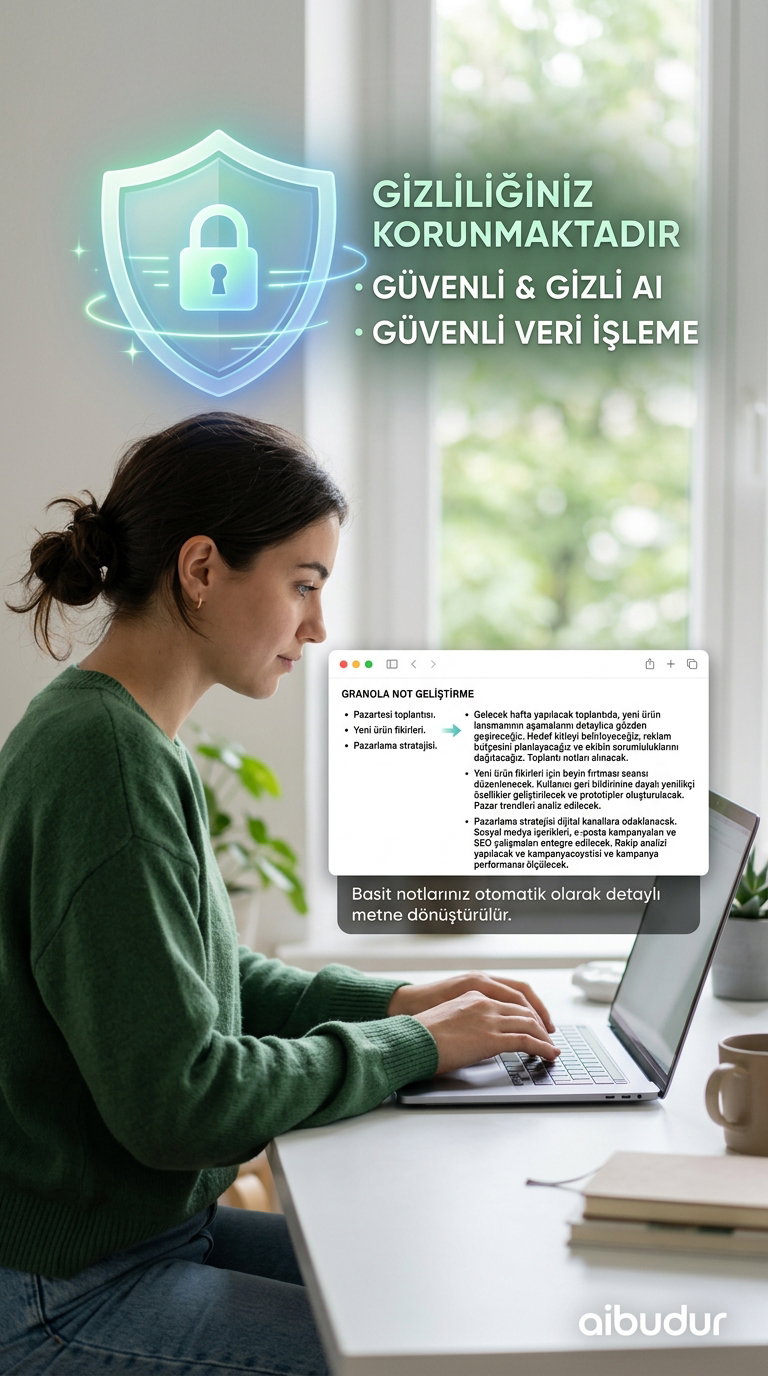
Instead of sending an external bot into the meeting, Granola processes your device’s microphone locally. The audio stays on your computer and isn’t uploaded to a server. That makes it a strong choice for privacy-conscious executives, legal consultants, and researchers.
Granola’s approach also sets it apart. Rather than simply generating an automated summary, it takes the short manual notes you jot down during the meeting and enriches them using the transcript. The result is a set of clear, cohesive notes that reflect both your perspective and everything that was said. In that sense, it could almost be described as an "AI notepad." If you’re curious about how to integrate personal AI assistants into your daily workflow, Granola is a great example.
Which Tool Is Right for You?
All three tools shine in different situations. If collaborative note editing and live transcription are your top priorities, Otter is a smart place to start. If you want to track team performance, sync data with CRM systems, and analyze sales workflows, Fireflies is the better fit. If you’d rather keep bots out of your meetings and use AI to supercharge your own notes, Granola fills that niche perfectly.
When choosing a tool, think about your team size, privacy needs, and existing integrations. Learning what to look for when choosing an AI virtual assistant in more detail can make the decision much easier.
For anyone who wants to explore hundreds of similar AI tools in one place, aibudur.com is a great resource. When you sign up, you can instantly earn 50 free credits and try the tools for yourself.