Practical Ways to Turn Text into Video
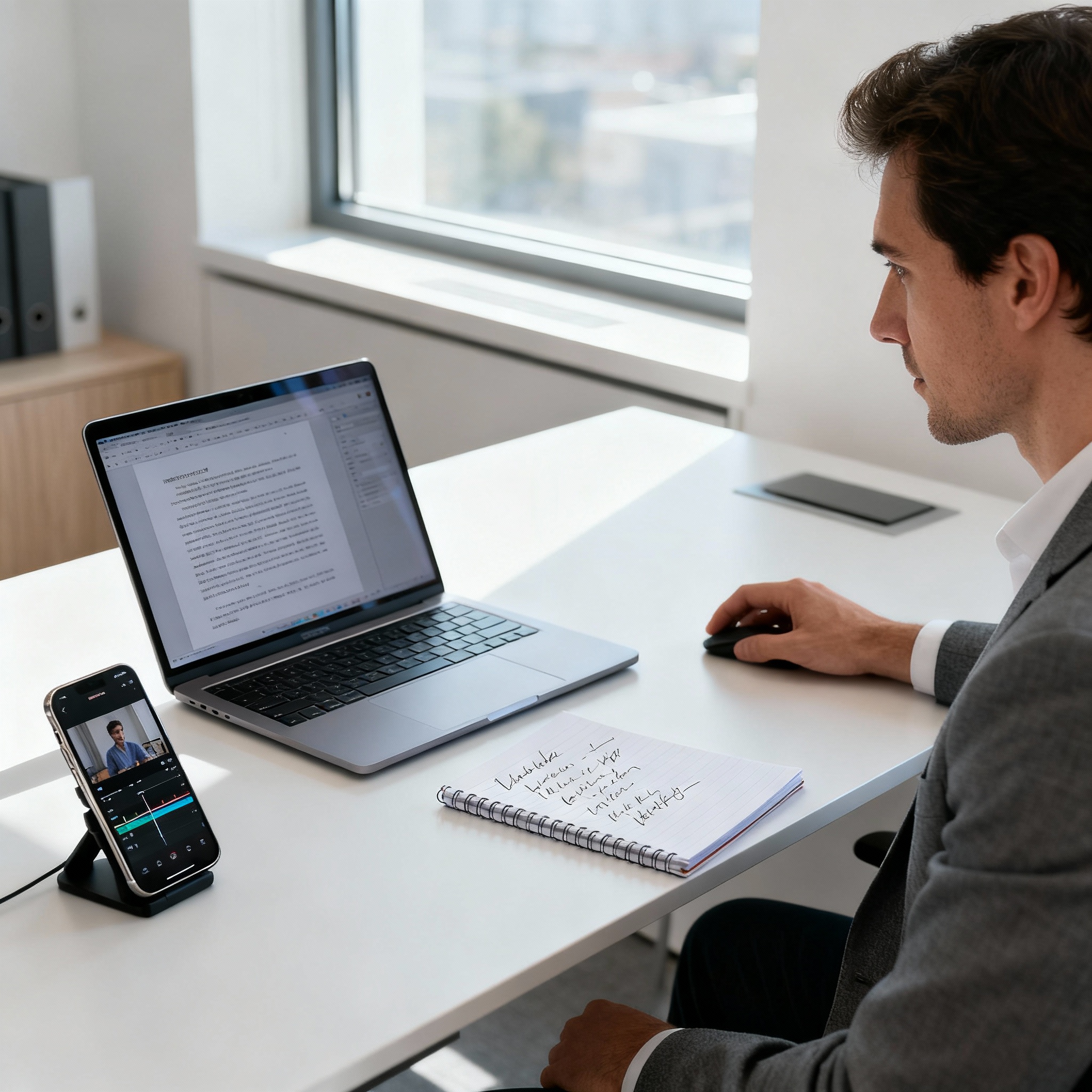
When a video pops up in your social feed, you’re far more likely to stop and watch it than you are to scroll past a plain text post. That simple reality can make life tricky for content creators trying to move from writing to video. Shooting a video from scratch takes time and money, and once you add equipment, editing, and voice recording, the process can quickly snowball.
That’s where text-to-video conversion comes in. If you already have a blog post, article, or even a simple block of text, you can now turn it into visual content in minutes instead of hours. You not only save time, but also reach a wider audience by repurposing the same content across formats.
So how do you make the switch? One of the most practical options is using automated video creation platforms. These tools scan your text, choose images and video clips that fit the topic, and then stitch everything together into a ready-to-share video. You can follow the process step by step in our article AI Text-to-Video: A Step-by-Step Guide.
Another approach is to use presentation tools. Break your text into slides, add a short title and an image to each one, then record a voiceover, and you’ve got a polished video in no time. If you want something a little more creative, video editing software can take things further with animations, transitions, and background music to turn plain text into a more dynamic presentation.
Before you pick your tools, it’s important to define who the video is for. If you’re targeting viewers aged 18–25, short videos with fast-paced editing and music usually perform better. If you’re speaking to a corporate audience and turning a report into a video, clean, easy-to-read slides are a much better fit.
Length is another key factor. If you turn a 10-minute blog post into a video word for word, chances are no one will watch to the end. Tighten the message, cut the extra explanation, and aim for somewhere between 90 seconds and 2 minutes. Visual quality matters just as much: low-resolution images or poor audio will make you lose viewers, no matter how strong the content is. For more advanced editing, the post AI Video Editing: 7 Tips for Professional Results is a great resource.

Turning text into video is one of the fastest ways to give your existing content a fresh life. It’s a smart move if you want to build brand awareness, earn more shares, or simply make your content last longer. Remember: you don’t need expensive gear to make a good video; a clear script, the right visuals, and clean audio are enough. You can start repurposing the text you already have today.